
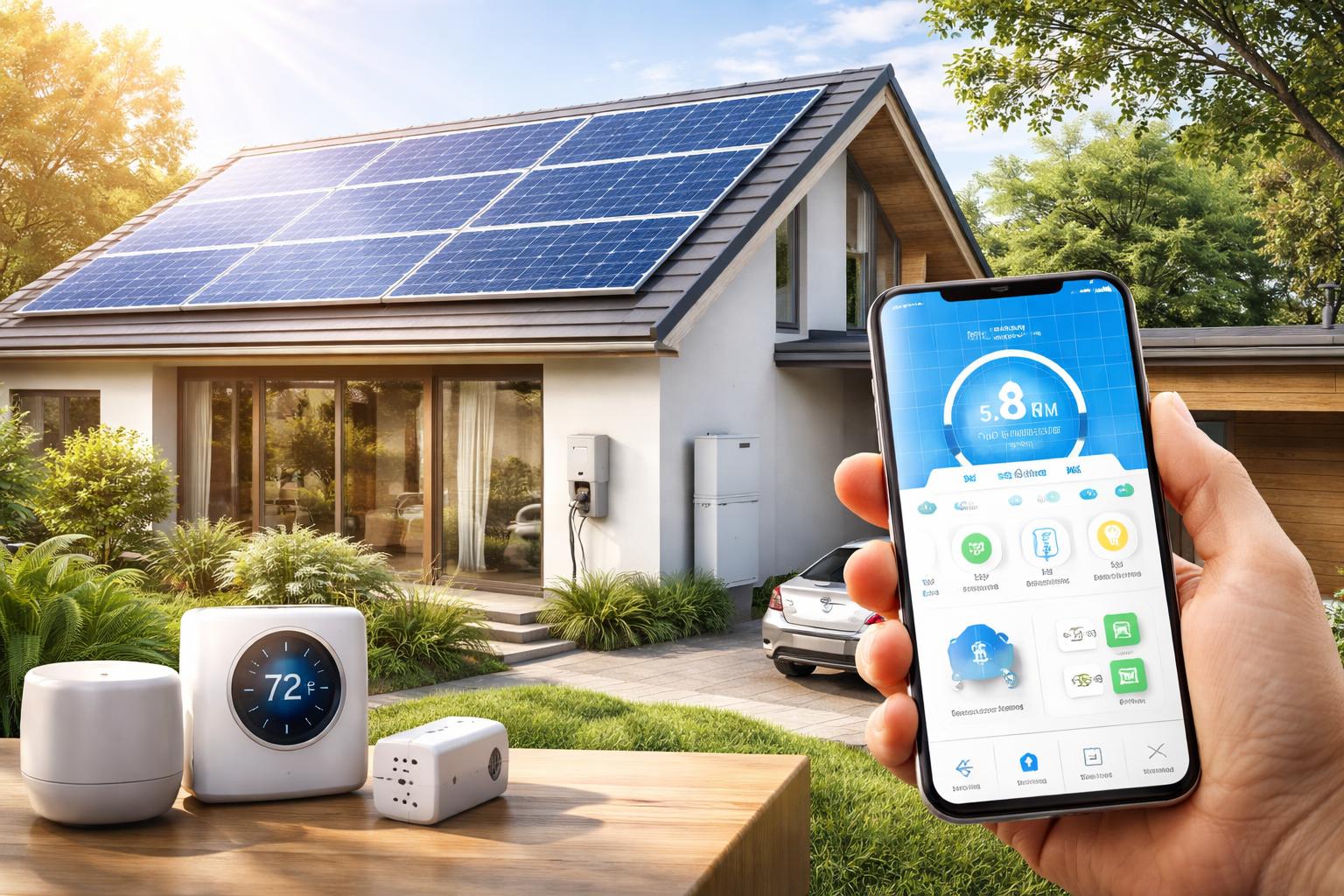
The Best Smart Home Devices to Optimize Energy Use with Solar Panels
If you’ve installed solar panels, you know the feeling of watching your meter spin backward. But what if your electricity bill isn’t shrinking as much as you hoped? The truth is, owning solar panels is only half the battle. To truly take control of your energy and maximize your investment, you need to use the power your panels generate when it’s most abundant.
This guide will show you how smart home devices can help you do just that. You can automatically shift energy-hungry tasks to daylight hours, reducing reliance on the grid and making your solar system work harder for you.
The Solar Advantage: Why Smart Devices Matter
Your solar panels produce electricity when the sun shines. When you use that electricity immediately in your home, it's called "self-consumption." This is often more beneficial than sending power back to the grid for a credit, as the credit might be less than what you pay for grid electricity later. Smart devices help you with "load shifting." This means automatically running appliances like your washing machine, charging your electric vehicle, or heating water during peak solar production hours.This strategy means you’re buying less power from your utility company. You’re making the most of your free, self-generated electricity. It’s a simple idea that can make a big difference to your energy bill.
Smart Thermostats: Your Home's Energy Brain
A smart thermostat is often the first step to a truly energy-efficient smart home, especially with solar. These devices learn your habits and adjust heating and cooling automatically. When paired with solar, they can pre-cool or pre-heat your home during sunny hours. This uses your own power, rather than running later from grid electricity.Ecobee SmartThermostat Enhanced
This device is best for homeowners who want detailed energy reporting and the ability to control temperatures in different rooms. Its remote sensors help balance temperatures throughout your home, avoiding hot or cold spots. You can easily see how much energy you're using.A common challenge with the Ecobee SmartThermostat Enhanced is its requirement for a C-wire. This wire provides continuous power to the thermostat. If your older home doesn’t have one, you might need to hire an electrician for installation. Alternatively, Ecobee usually includes a Power Extender Kit (PEK) in the box, which can adapt a four-wire system to work. It’s a bit more involved, but often DIY-friendly for those comfortable with basic wiring. To get started and find potential rebates, look for an Energy Star certified smart thermostat like this one.
Nest Learning Thermostat
The Nest Learning Thermostat is best for users who prefer a hands-off experience. It learns your preferences over time and builds a schedule on its own. It also has a sleek, minimalist design that blends into any home. You don't have to program it manually.One limitation of the Nest Learning Thermostat is that it offers less granular control over specific settings. Some users prefer to fine-tune every detail of their schedule and temperature preferences, which can be less intuitive with Nest’s learning-focused approach. While it learns well, you might not feel as much direct control over every heating and cooling cycle. You can find the Nest Learning Thermostat online.
Smart Plugs: Simple Control for Any Appliance
Smart plugs are small, affordable devices that plug into your existing wall outlets. Then, you plug your "dumb" appliances into the smart plug. This instantly makes them smart. You can turn them on or off from your phone, schedule them, or even link them to your solar production. Imagine turning on a window fan or a space heater only when your solar panels are generating peak power.TP-Link Kasa Smart Plugs
These are best for budget-conscious users looking for easy setup and reliable performance. Kasa plugs are known for their simple app and good integration with voice assistants. They are a great entry point into smart home energy management.A limitation of the TP-Link Kasa Smart Plugs is that their energy monitoring capabilities are fairly basic. While they can track power usage for the connected device, they don’t offer the detailed insights or historical data that some advanced energy monitors provide. This might be enough for many, but not for those wanting deep analysis.
Meross Smart Plug
The Meross Smart Plug is best for Apple HomeKit users or those prioritizing future Matter compatibility. Meross devices are generally known for their good value and broad ecosystem support. They offer a stable connection and are easy to integrate.One downside is that some Meross Smart Plugs have fewer advanced features compared to competitors. For example, while they offer basic scheduling and remote control, you might find fewer complex automation options directly within the Meross app. However, if you use a hub, these limitations are less of an issue. Get your Meross Smart Plug to add smart control to any outlet.
Real-world scenario: Imagine you have a window AC unit in a guest room. Instead of leaving it off or running it all day, you can plug it into a smart plug. Then, set an automation in your smart home app to turn the AC on between 1 PM and 4 PM on sunny days, only when your solar production is high. This cools the room using your own energy, making it comfortable without using expensive grid power. A common mistake people make is plugging high-draw appliances into standard smart plugs not rated for them. Always check the plug’s maximum wattage before connecting devices like space heaters or large blenders.
Smart EV Chargers: Powering Your Ride with Sunshine
If you own an electric vehicle, charging it at night means you're pulling power from the grid. By using a smart EV charger, you can schedule charging to align with your solar production. This ensures your car is powered by the sun. It's like filling your tank for free.ChargePoint Home Flex
This charger is best for EV owners who need flexible amperage settings and reliable smart features. It works with most EVs and can be adjusted to different charging speeds, depending on your home’s electrical panel. You can set schedules and track your charging history.A limitation of the ChargePoint Home Flex is its higher initial cost compared to some more basic Level 2 chargers. While its features justify the price for many, it’s a bigger upfront investment. However, its flexibility and robust app experience often make it worthwhile.
Enphase EV Charger
The Enphase EV Charger is best for homeowners who already have an Enphase solar system. It integrates directly with your existing Enphase monitoring, allowing for very precise solar-optimized charging. This means your car will truly charge from your solar panels whenever possible.The main limitation of the Enphase EV Charger is that it’s primarily designed for use within the Enphase ecosystem. If you don’t have Enphase solar, you won’t get the full benefit of its integrated energy management features. It’s less of a standalone solution for those with other solar brands.
Smart Water Heaters: Heat Water with Free Energy
Heating water is one of the most energy-intensive tasks in your home. A smart water heater, or a smart controller for an existing heater, can schedule heating cycles. You can program it to heat water during peak solar hours. This means you'll have a tank full of hot water heated by the sun, ready for showers and dishes later in the day.Rheem EcoNet Water Heater
The Rheem EcoNet Water Heater is best for homeowners needing a large, reliable hot water supply who want app-based control and scheduling. It allows you to monitor and adjust your water heater from anywhere. You can set specific times for heating.Installation of a Rheem EcoNet Water Heater can be complex, often requiring a professional plumber and electrician. It’s not a simple DIY project like plugging in a smart device. Ensuring your home has the correct wiring and sufficient panel space for a new water heater can also vary greatly, depending on your home’s age and existing setup. This is a crucial step to verify before purchase.
Smart Home Hubs: Bringing It All Together
While many smart devices work on their own, a smart home hub acts as the central brain for your entire system. It allows different devices from different brands to communicate and work together. This creates advanced automations, like telling your EV charger to start when your solar production reaches a certain level, or your thermostat to pre-cool only if the weather forecast is sunny.Home Assistant
Home Assistant is best for tech-savvy users who want ultimate control and customization over their smart home. It's an open-source platform that supports almost any smart device. You can create incredibly complex and personalized automations that directly react to your solar energy data. Get started with Home Assistant components to build your ideal setup.The main limitation of Home Assistant is its steeper learning curve. Setting it up and creating advanced automations requires some technical understanding and willingness to learn. It’s not a plug-and-play solution. However, for those who invest the time, the power is unmatched.
SmartThings Hub
The SmartThings Hub is best for users looking for broad device compatibility and an easier setup than DIY solutions like Home Assistant. It supports a wide range of Zigbee, Z-Wave, and Wi-Fi devices. This makes it a flexible choice for growing your smart home ecosystem. You can find the SmartThings Hub to connect your devices.A key limitation of SmartThings is its reliance on cloud services. While many automations can run locally, an internet outage can affect some of your more complex routines or remote control capabilities. This means your smart home might not be as “smart” during an internet interruption.
What to Look For Before You Buy
* **Compatibility with your existing smart home system or solar inverter:** Make sure new devices can talk to your current setup. Look for Matter, Zigbee, or Wi-Fi compatibility. * **Energy Monitoring Capabilities:** Does the device provide data on its energy consumption or generation? This helps you understand your savings. * **Automation and Scheduling Features:** Can you set precise schedules or create custom rules based on time, weather, or solar production? * **Installation Complexity:** Consider if you're comfortable with DIY installation or if you'll need professional help. Some devices are simpler than others. * **Connectivity (Wi-Fi, Zigbee, Z-Wave, Matter):** Understand which wireless protocols your devices use and if they need a hub. Matter is an exciting new standard that aims to simplify compatibility.Comparison Table: Smart Thermostats
| Device | Best For | Key Feature | Ecosystem | Limitation |
|---|---|---|---|---|
| Ecobee SmartThermostat Enhanced | Detailed energy reporting and multi-room control | Room sensors, clear energy data | Alexa, Google Home, Apple HomeKit | Requires C-wire or Power Extender Kit |
| Nest Learning Thermostat | Hands-off, adaptive learning, sleek design | Learns your schedule automatically | Google Home, Alexa | Less granular manual control |
Who Should Buy This
**The "Solar-First Saver":** If your main goal is to drastically reduce your utility bill by maximizing your solar investment, you need smart thermostats, smart plugs, and a smart water heater controller. These devices will ensure you're using every watt your panels generate.The “EV Owner on a Budget”: If you drive an electric vehicle and want to minimize charging costs, a smart EV charger is a must-have. Pair it with smart plugs for other high-draw appliances to really make your solar work for you.
The “Smart Home Enthusiast”: For those who love technology and want to build a truly integrated and automated home, a central hub like Home Assistant or SmartThings is key. This allows for complex, solar-aware routines that simplify your life and save energy.