
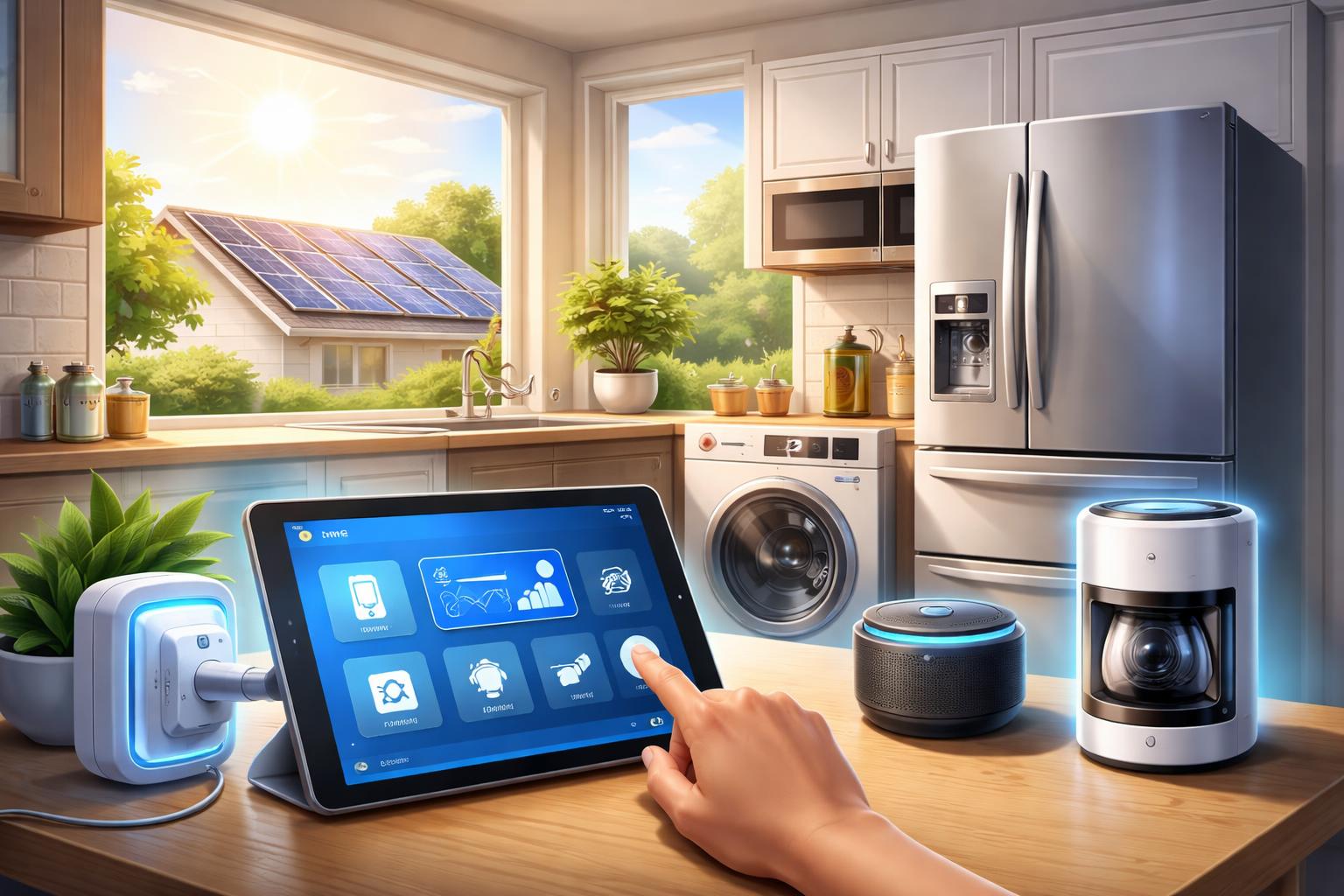
Automate Appliances with Home Assistant for Peak Solar Savings (Beginner's Guide)
You have solar panels, but your electricity bill still feels too high. It is frustrating to produce clean energy yet still pay for power you could be using yourself. The good news is you can take control and make your solar panels work harder for you.
What is Home Assistant, and Why Does it Matter for Solar?
Home Assistant is an open-source smart home platform. It lets you control almost any smart device from one central place. Think of it as your home’s universal translator and brain.
Unlike simpler smart home systems, Home Assistant runs locally on your own hardware. This means your data stays in your home, not in the cloud. It also works even if your internet goes down.
For solar homeowners, Home Assistant is a game-changer. It can connect directly to your solar inverter and energy meter. This gives you real-time data on how much power your panels are making and how much your home is using. With this information, you can tell your appliances to run only when you have excess solar power available. This helps you avoid pulling expensive electricity from the grid.
Essential Components for Your Home Assistant Solar Setup
To automate your appliances with Home Assistant, you need a few key pieces of hardware. These components form the backbone of your smart solar system.
The Home Assistant Hub: Your Smart Home's Brain
This is the central computer that runs Home Assistant. It manages all your devices and automations. It is best for anyone wanting deep control and privacy over their smart home.
Many people choose a small computer like a Raspberry Pi with Home Assistant OS. This is a compact and energy-efficient option. A limitation is that setting it up requires some basic technical comfort with following instructions. However, many guides are available online to walk you through it.
Smart Plugs and Relays: Connecting Your Appliances
These devices let Home Assistant turn your regular appliances on or off. They are best for controlling simple, plug-in appliances like coffee makers, washing machines, or electric kettles.
Smart plugs simply go between your appliance and the wall outlet. They typically communicate using Wi-Fi, Zigbee, or Z-Wave protocols. Zigbee and Z-Wave often require a small USB dongle connected to your Home Assistant hub. This creates a more reliable local network, separate from your Wi-Fi.
A limitation of Wi-Fi plugs is that too many can slow down your home network. Zigbee and Z-Wave plugs create their own mesh network, which can be more robust. Popular choices include Sonoff S31 Lite Smart Plugs for plug-in devices or Shelly 1PM Smart Relays for hardwired appliances like water heaters. Shelly relays require some basic electrical knowledge to install safely, so consider professional help if you’re unsure.
You can find a variety of Zigbee and Z-Wave smart plugs here.
Energy Monitoring Devices: Seeing Your Savings
To truly automate with solar, you need to know your home’s energy flow. These devices are best for homeowners serious about understanding their whole-home energy use and solar production.
These monitors attach to your electrical panel. They measure how much power is coming from your solar panels, how much your home is consuming, and how much you’re sending back to or drawing from the grid. This data feeds directly into Home Assistant.
A limitation is that installing these devices often involves working inside your electrical panel. If you are not comfortable with electrical work, it is best to hire a qualified electrician for installation. The Emporia Vue integration is a popular choice for whole-home energy monitoring.
Getting Started with Home Assistant and Solar Automation
Setting up Home Assistant for solar automation might seem complex, but it’s a series of manageable steps. Taking it one piece at a time makes the process much smoother.
Step 1: Install Home Assistant
First, you need to get Home Assistant up and running. The most common way for beginners is to install Home Assistant Operating System (HAOS) onto a dedicated device, such as a Raspberry Pi. You download the HAOS image, write it to an SD card, and then boot your Raspberry Pi from it.
When using a Raspberry Pi, always use a high-quality (A2 rated) SD card. Cheap or slow cards can cause performance issues or even data corruption. This specific installation tip comes from hands-on experience with countless Home Assistant setups failing due to poor quality storage.
Step 2: Connect Your Solar Inverter
Once Home Assistant is running, you’ll want it to talk to your solar system. Many popular solar inverters and battery systems have direct integrations with Home Assistant. You’ll find these listed in Home Assistant’s “Integrations” section. Search for your brand, like SolarEdge, Enphase, or Fronius.
A common mistake is assuming all inverters have direct Home Assistant support. Always check the Home Assistant Integrations documentation or community forums for your specific inverter model before you buy. Some inverters might require a separate energy monitor if they don’t offer a direct data connection.
Step 3: Add Smart Plugs and Energy Monitors
Next, add your smart plugs, relays, and any additional energy monitors. For Zigbee or Z-Wave devices, you’ll first need to plug a compatible USB stick into your Home Assistant hub. Then, put your smart device into “pairing mode” and tell Home Assistant to “add device.” Wi-Fi devices usually connect through their brand’s integration after you’ve set them up in their own app.
It is critical to make sure your chosen smart plug can handle the wattage of the appliance you want to control. A basic smart plug might handle 10 amps (around 1200 watts). A high-power appliance like a washing machine or portable heater often needs 15 amps or more. Always check the plug’s specifications and your appliance’s power requirements to avoid overloading the smart plug.
Step 4: Create Your First Automation
Now for the fun part: making your appliances act smart! Home Assistant uses “automations” which follow “if this, then that” logic. An automation has a trigger (what starts it), a condition (what must be true for it to run), and an action (what it does).
For solar, a common trigger might be “solar production is above 3000 watts for 5 minutes.” A condition could be “current battery charge is above 80%.” The action would be “turn on the smart plug connected to the washing machine.” You build these automations right within the Home Assistant interface, choosing your devices and setting your thresholds.
Real-World Solar Automation Scenarios
With Home Assistant, you can automate many aspects of your home to maximize solar usage. These specific scenarios show how you can start saving.
Washing Machine During Peak Solar
Imagine your washing machine automatically starting when your solar panels are producing their most power. You load the laundry whenever you like. Home Assistant then checks your solar output and the battery’s state of charge.
When there’s enough excess power, Home Assistant sends a signal to the smart plug connected to your washing machine. The cycle begins, using free solar electricity. If the sun goes behind a cloud, Home Assistant can pause the cycle and resume when production is high again. This is a perfect example of a smart home routine that actually saves you time and money.
Charging Your EV (Electric Vehicle) Smarter
If you own an electric vehicle, charging it can be a big draw on your home’s power. Home Assistant can talk to many smart EV chargers. It monitors your real-time solar production.
You can set up an automation to only charge your EV when your home is producing more solar power than it’s using. This ensures your car is powered by your own green energy. It also helps avoid drawing expensive electricity from the grid during peak times.
Pre-heating Your Water Heater
Your electric water heater uses a lot of energy. Instead of running constantly, you can set it to heat water during your solar peak hours. This ensures you have hot water for the evening without relying on grid power.
By connecting your water heater to a Shelly 1PM Smart Relay or a heavy-duty smart plug, Home Assistant can turn it on and off. You can create an automation that says: “If solar production is above 4000 watts, and the water heater tank is below a certain temperature, turn on the water heater.” This makes your hot water practically free.
What to Look For Before You Buy
Choosing the right smart devices for your Home Assistant solar setup can make a big difference in ease of use and long-term savings. Keep these points in mind.
- Appliance Compatibility: Check if your appliance simply plugs into an outlet or if it's hardwired into your electrical system. This dictates whether you need a smart plug or a smart relay. Also, verify the appliance's wattage to ensure your smart device can handle the load safely.
- Protocol Choice (Zigbee/Z-Wave/Wi-Fi): Consider your Home Assistant hub's capabilities. If you plan to add many devices, Zigbee or Z-Wave can create a more stable, less congested network than Wi-Fi. However, they require a separate USB dongle.
- Ease of Integration with Home Assistant: Before buying, visit the Home Assistant Integrations website. Search for the specific device or brand you're considering to confirm it has official or community support. This prevents frustration during setup.
- Energy Monitoring Features: Some smart plugs offer built-in energy monitoring, which is incredibly useful for fine-tuning your automations. These plugs can report power consumption back to Home Assistant, allowing for more precise control.
- Safety Certifications: Always look for safety certifications like UL or ETL marks on any electrical device, especially for high-power applications. This ensures the product meets recognized safety standards and reduces risks.
Who Should Buy This
Home Assistant solar automation isn’t for everyone, but it offers significant benefits for specific homeowners.
- Solar Homeowners Tired of High Bills: If you've invested in solar panels but still see substantial grid consumption, this system helps you truly maximize your self-sufficiency.
- Tech-Savvy Homeowners Seeking Deeper Control: For those who want to go beyond basic smart home apps and customize every aspect of their home's energy usage, Home Assistant offers unmatched flexibility.
- Privacy-Focused Individuals: If you value keeping your smart home data within your own network and prefer local control over cloud services, Home Assistant aligns perfectly with your priorities.
Frequently Asked Questions
Is Home Assistant difficult to set up for a beginner?
While Home Assistant has a learning curve, there are many beginner-friendly guides and a large, helpful community. Starting with a pre-installed Home Assistant OS on a Raspberry Pi simplifies the initial setup significantly. You can add devices one by one as you learn.Can Home Assistant really save me money on my electricity bill?
Yes, absolutely. By automatically shifting high-consumption tasks to when your solar panels are producing excess power, you reduce reliance on expensive grid electricity. Many users report significant savings, especially when combining it with time-of-use electricity plans.What if my internet goes down?
Home Assistant primarily runs locally on your home network. This means your automations, smart plugs, and energy monitoring continue to function even if your internet connection is lost. You just won't be able to access it from outside your home until the internet is restored.Do I need specific types of solar panels for this to work?
No, Home Assistant works with any type of solar panel system. The key is that your solar inverter or a separate energy monitor can report your real-time production data to Home Assistant. Most modern inverters and many third-party energy monitors are compatible.Final Verdict
Home Assistant is the ultimate tool for solar homeowners ready to take complete control of their energy use. It offers unparalleled customization, privacy, and the potential for real savings. Start with a basic Home Assistant setup and one smart plug to experiment with, and watch your solar savings grow.