
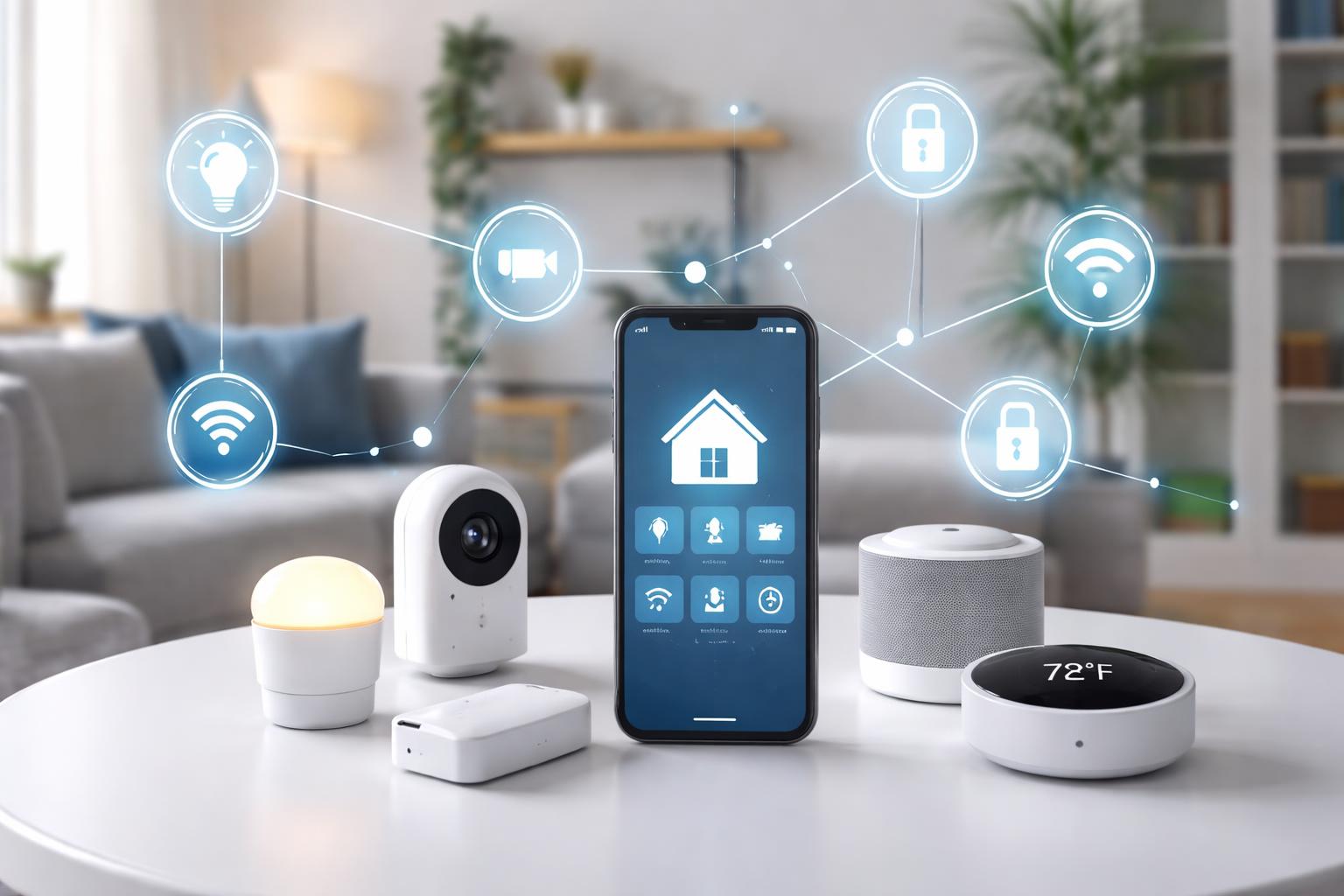
What Is Matter Protocol? The Beginner's Guide to a Unified Smart Home
For years, building a smart home has meant choosing sides. You picked an ecosystem—Apple, Google, Amazon—and hoped your devices would play nice. Then you bought a new light bulb, only to find it didn't talk to your thermostat, or your smart plug needed yet another app.
It's a common frustration, creating a patchwork of devices that don't always communicate. But there's a new solution on the horizon, one designed to bring harmony to your smart home. This solution is called Matter.
What is Matter Protocol?
Think of Matter as a universal translator for your smart home devices. Instead of each device speaking its own language, Matter gives them a common tongue. This means your smart lights, thermostats, and plugs can all understand each other, no matter who made them.
It's an open standard, meaning many different companies worked together to create it. This cooperation helps ensure that more devices will work together smoothly in your home. Matter aims to make your smart home simpler and more reliable.
How Matter Works
Matter doesn't replace your Wi-Fi network; it works alongside it. It uses familiar home networking technologies like Wi-Fi, Ethernet, and a new one called Thread. Thread is a special type of mesh network designed for low-power smart home devices.
If you have a Matter controller (often a smart speaker or hub), it acts as a "border router" for Thread devices. This lets Thread devices communicate with your Wi-Fi network and the wider internet. Devices connect directly to your home network, making them more responsive and reducing reliance on specific company servers.
What Matter Means for Your Home
For you, Matter offers more choice and less hassle. You're no longer locked into one brand for every device. Want a light bulb from one company and a thermostat from another? With Matter, they can still work together under a single app or voice assistant.
This also means devices are easier to set up. A simple scan of a QR code can often add a new Matter device to your home, regardless of which app you use. It reduces the headaches of compatibility.
Why Your Smart Home Needs Matter
The biggest benefit of Matter is solving the compatibility nightmare. Before Matter, you might need an Amazon-compatible plug, a Google-compatible bulb, and an Apple-compatible sensor. Matter lets them all coexist.
More Choices, Fewer Limits
Matter frees you from brand loyalty. You can choose the best device for your needs, not just the one that fits your current smart home ecosystem. This opens up a wider world of devices that will truly work together.
This means you can mix and match. If you love the features of a specific thermostat but prefer a different brand of smart speaker, Matter helps them connect. It puts you in control of your device choices.
Improved Reliability and Responsiveness
Because Matter devices often communicate directly on your local network (especially those using Thread), they can be more responsive. You might notice lights turning on faster or commands executing without delay. This also means some functions can continue to work even if your internet goes down, as long as the devices are on your local network.
This local control also means less reliance on cloud servers. If a company's servers go down, your Matter devices might still function within your home. It creates a more robust smart home experience.
Future-Proofing Your Setup
Technology moves fast, but Matter aims for longevity. By being an open standard, it's designed to be updated and supported by many companies over time. When you buy a Matter-enabled device, you can be more confident it will work with future smart home systems.
This protects your investment. You won't have to replace entire systems just because you switch your preferred voice assistant or a new technology emerges. Matter is built to adapt and grow.
Matter and Your Existing Smart Home
A common mistake homeowners make is thinking Matter will magically update all their old devices to work together. Matter won't instantly transform every gadget you own. Older devices that don't have the necessary hardware might not be able to update to Matter.
However, many existing smart hubs and devices from major brands like Amazon, Apple, and Google have received software updates to become Matter controllers or Matter bridges. This means they can help newer Matter devices integrate with your current setup.
Do You Need to Replace Everything?
No, you don't need to rip out your entire smart home. Many existing smart home hubs and popular devices can act as "bridges" to Matter. For example, if you have an older smart bulb that only works with a specific hub, that hub might update to Matter and then allow the bulb to be controlled through a Matter ecosystem.
Look for announcements from your device manufacturers. Many popular brands have been updating their existing products to support Matter. This allows you to slowly introduce Matter into your home without a complete overhaul.
How Hubs Play a Role
Your existing smart home hubs, like an Amazon Echo Hub, an Apple HomePod Mini, or a Google Nest Hub (2nd Gen), often serve as Matter controllers or Thread border routers. A Matter controller is the brain that manages your Matter devices. A Thread border router lets Thread-based devices connect to your Wi-Fi network and the internet.
These hubs are key to making Matter work with your current setup. They act as the central point where all your Matter-enabled devices communicate, allowing you to control them from your preferred app or voice assistant. This also means you don't necessarily need a separate, dedicated Matter hub if you already own one of these updated smart speakers or displays.
Setting Up Matter in Your Home
Getting started with Matter is surprisingly simple. The core idea is "simple setup," often involving a QR code. When you buy a new Matter-enabled device, it usually comes with a QR code or an 11-digit setup code.
The Importance of a Matter Controller
You'll need at least one Matter controller in your home. This is a device, often a smart speaker or display, that acts as the central brain for your Matter devices. It's what allows you to add and manage new Matter products. Ensure your chosen controller is connected to your home's Wi-Fi network.
Simple Pairing Process
Once you have your controller ready, open its associated app (like Apple Home, Google Home, or Amazon Alexa). Choose to add a new device, and when prompted, simply scan the QR code on your Matter product. The device should then connect and be available across all your Matter-compatible apps and assistants.
For devices using Thread, the strength of your Wi-Fi network and the distance of your Thread border router can affect performance. If you have a large home, consider placing your Matter controller or other Thread border routers strategically to ensure good coverage. This helps create a robust mesh network for your Thread-enabled devices.
Matter-Enabled Devices: What to Look For
When you're shopping for new smart home gadgets, keep an eye out for the Matter logo. This symbol confirms that the device speaks the universal Matter language. You'll find it on a growing number of products.
Common Matter Device Types
Matter currently supports a wide range of popular smart home devices. This includes smart light bulbs, wall plugs, thermostats, door locks, and various sensors (motion, contact, temperature). More device types are constantly being added to the Matter standard.
A real-world usage scenario: Imagine you have a Matter-enabled thermostat from Brand X and Matter-enabled smart bulbs from Brand Y. With a Matter controller like the Apple HomePod Mini, you can use the Home app to create a scene that turns down your thermostat and dims your lights. Then, if you decide you prefer Google Assistant, your Google Nest Hub (2nd Gen) can also control those same Brand X and Brand Y devices, because they both speak Matter.
Key Matter Controllers for Your Home
Choosing a Matter controller often comes down to which voice assistant and smart home ecosystem you already use or prefer. Each offers a slightly different experience. Remember, these devices aren't just Matter controllers; they are also smart speakers or smart displays with their own features.
Amazon Echo Hub
This device is best for those already invested in the Amazon Alexa ecosystem and who want a visual dashboard to manage their smart home. It brings together control for many devices, including Matter, Zigbee, and Thread.
Its biggest limitation is that it's deeply integrated with Alexa, meaning if you prefer other voice assistants, you might find its functionality constrained to the Amazon experience.
Apple HomePod Mini
The HomePod Mini is an excellent choice for anyone with an iPhone, iPad, or other Apple devices. It acts as a Matter controller and Thread border router, seamlessly integrating new Matter devices into your Apple Home app.
However, its tight integration with the Apple ecosystem means it's less flexible for users who primarily use Android phones or Windows computers.
Google Nest Hub (2nd Gen)
This smart display is ideal for Google Assistant users who want visual control over their smart home devices, along with photos, videos, and recipes. It functions as a Matter controller and a Thread border router.
A downside is that while it supports Matter, its primary interface and voice assistant are Google-centric, which might not appeal if you prefer other voice assistant options for specific tasks.
What to Look For Before You Buy
Before you commit to new smart home devices, keep these points in mind. They'll help you make confident decisions and ensure your purchases fit your home.
- Check for the Matter Logo: Always look for the official Matter certification logo on the product packaging or description. This confirms its compatibility.
- Ensure You Have a Matter Controller: You'll need an updated smart speaker or hub (like an Echo, HomePod Mini, or Nest Hub) that supports Matter. Without one, new Matter devices won't be able to join your smart home network.
- Consider Your Network Setup: Matter devices can use Wi-Fi, Ethernet, or Thread. For Thread devices, ensure your Matter controller also acts as a Thread border router to create a robust mesh network throughout your home.
- Device Compatibility: While Matter aims for universal compatibility, verify that the specific device type (e.g., smart lock, light switch) is supported by the Matter standard before buying.
Comparison Table
| Feature | Amazon Echo Hub | Apple HomePod Mini | Google Nest Hub (2nd Gen) |
|---|---|---|---|
| Primary Assistant | Alexa | Siri | Google Assistant |
| Matter Controller | Yes | Yes | Yes |
| Thread Border Router | Yes | Yes | Yes |
| Screen | Yes | No | Yes |
| Best For | Alexa users wanting a visual dashboard | Apple ecosystem users | Google Assistant users wanting a display |
| Limitation | Deeply tied to Alexa; less flexible for other assistants | Tightly integrated with Apple; less flexible for Android/Windows | Google-centric voice assistant experience |
Who Should Buy This
Matter isn't just for tech enthusiasts. It's for anyone who wants a more reliable and less complicated smart home.
- The Frustrated Homeowner: If you're tired of devices from different brands refusing to work together, Matter is your answer. It simplifies compatibility.
- The New Smart Home Builder: If you're just starting your smart home journey, Matter gives you the freedom to choose devices based on features, not just brand, building a system that will last.
- The Flexibility Seeker: If you want the option to switch voice assistants or integrate new device types without starting from scratch, Matter offers that future-proof flexibility.
Frequently Asked Questions
Do I need a special hub for Matter devices?
You will need a Matter controller, which is often an existing smart speaker or display like an Amazon Echo Hub, Apple HomePod Mini, or Google Nest Hub (2nd Gen) that has been updated to support Matter. These devices manage your Matter accessories.
Is Matter secure for my home?
Yes, security is a core principle of Matter. It uses strong encryption and authentication measures to protect your devices and data. All communications are secured locally within your home network.
Will all my old smart devices get Matter updates?
Many newer smart hubs and popular devices from major brands have received software updates to become Matter compatible. However, older devices might not have the hardware capabilities to support Matter, so they might not get an update.
What's the difference between Matter and Thread?
Matter is the application layer, the universal language devices speak. Thread is one of the underlying network technologies (like Wi-Fi or Ethernet) that Matter devices can use to communicate, creating a low-power, self-healing mesh network for reliable connections.
Final Verdict
Matter is undoubtedly the future of the smart home, simplifying connections and giving you more control. It's time to embrace this unifying protocol. Start by choosing a Matter controller that aligns with your preferred voice assistant and current devices. Then, when buying new smart home products, always look for the Matter logo.