
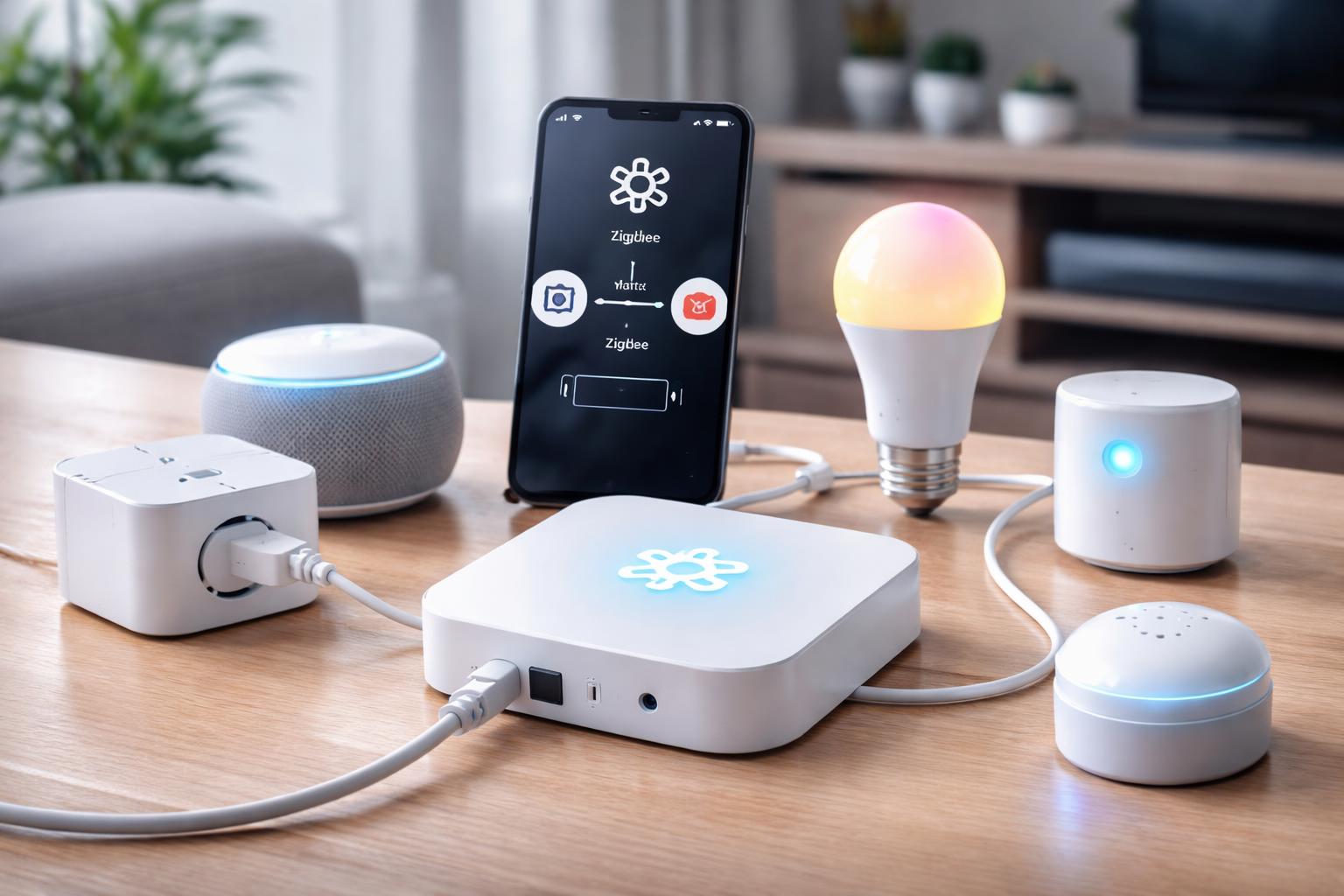
How to Connect Your Old Zigbee Devices to Matter Using a Bridge
You’ve invested time and money in your smart home, perhaps filling it with reliable Zigbee light bulbs, sensors, and switches. But now, you’re hearing about Matter, the new standard promising easier connections, and you’re worried your existing devices will be left behind. You don’t want to rip out everything and start over just to get the benefits of a future-proofed smart home.
Why Your Old Zigbee Devices Need a Helping Hand with Matter
Connecting all your smart home devices can feel like trying to get people speaking different languages to understand each other without a translator. Zigbee devices speak one language, and the new Matter standard speaks another. The good news is, you don’t need to replace all your devices; you just need a translator.Understanding Matter: The New Language of Smart Homes
Matter is designed to be a universal language for smart devices. Imagine one app or one voice assistant controlling everything, no matter who made it. This means less guessing if a new device will work with your existing setup. It brings together big names in smart home tech to create a simpler, more unified experience for you.Matter promises fewer compatibility headaches and more control from your favorite smart home system. It runs over Wi-Fi, Thread, and Ethernet, making it versatile. Your smartphone, smart speaker, or even your smart TV can act as a Matter controller, letting you manage all your compatible devices in one place.
The Zigbee Difference
Zigbee has been a popular choice for smart home devices for years, especially for things like lights, door sensors, and motion detectors. It’s known for being low-power, creating a mesh network that extends its own range. This means your Zigbee light bulb helps pass commands to other Zigbee devices, making your network stronger as you add more devices. However, Zigbee has always required a dedicated hub or bridge to connect to your home Wi-Fi network and speak to other smart home ecosystems.Many homeowners appreciate Zigbee for its reliability and efficiency. Devices like smart plugs and light switches can go years on a single battery because Zigbee uses so little power. The challenge has been getting these Zigbee-only devices to talk to newer standards like Matter, or even just to devices from other brands that use different protocols. This is where a bridge comes in.
The Bridge: Your Translator for a Smarter Home
A smart home bridge, also called a hub, acts as that essential translator. For your Zigbee devices, a bridge connects to your home network, usually via an Ethernet cable or Wi-Fi. It then creates a Zigbee network to communicate with your Zigbee devices. More importantly, certain bridges can now also speak Matter.This means the bridge takes the commands from your Matter controller (like your Apple Home app, Google Home, or Amazon Alexa app), translates them into Zigbee for your devices, and then translates your devices’ status back into Matter. You get to keep your favorite Zigbee lights and sensors while benefiting from the unified control and broader compatibility that Matter offers. The bridge effectively brings your older devices into the modern smart home conversation without you having to buy all new gear.
Connecting Your Existing Philips Hue Lights to Matter
If you own Philips Hue lights, you likely already have a Philips Hue Bridge. This is excellent news because Hue has been at the forefront of Matter adoption. The Hue Bridge acts as the central brain for your Hue lighting system, connecting all your Zigbee Hue bulbs and accessories. With a simple software update, your existing Hue Bridge can become a Matter bridge.This means you can continue to use your Hue app for advanced lighting scenes and features, while also controlling your Hue lights from any Matter-compatible app or voice assistant. You might want to turn on your Hue kitchen lights with a Matter-enabled motion sensor from a different brand. The Hue Bridge makes this connection possible.
How to Set Up Your Philips Hue Bridge for Matter
To get your Hue Bridge working with Matter, you'll need to make sure your Hue Bridge is updated to the latest firmware. This update usually happens automatically, but you can check in the Hue app under "Settings" > "Hue Bridges" > "i" icon next to your bridge name. Look for the "Software update" section. Once updated, you'll find a Matter setup option, usually under "Settings" > "Smart home setup" > "Matter."Follow the on-screen instructions to generate a Matter pairing code. Then, open your preferred Matter controller app (like Google Home, Apple Home, or Amazon Alexa) and choose to add a new device. You’ll scan the QR code or manually enter the pairing code from the Hue app. This process effectively exposes all your connected Hue lights and accessories to your Matter controller. One thing to keep in mind is that not all advanced features or accessory types (like Hue smart buttons) might be fully exposed to Matter initially, but basic control of lights like on/off, dimming, and color changing generally works well. This bridge is best for anyone who already has or plans to invest heavily in Philips Hue lighting. A common limitation is that the Hue Bridge only supports Hue devices; it won’t bridge other brands of Zigbee devices to Matter.
Bringing Other Zigbee Devices to Matter with the Aqara Hub M3
The Aqara Hub M3 is a powerful option for bridging a wider range of Zigbee devices to Matter. Unlike the Hue Bridge, which focuses solely on Philips Hue products, the Aqara Hub M3 is designed to work with many different Aqara Zigbee sensors, switches, and other accessories. What makes it particularly interesting is its built-in Matter support.The M3 acts as a multi-protocol hub, supporting Zigbee, Thread, and Wi-Fi. This versatility means it can not only bring your Aqara Zigbee devices into the Matter ecosystem but also act as a Thread border router for new Thread-based Matter devices. This hub is ideal if you have a variety of Aqara sensors (door/window, motion, temperature/humidity) and want them to interact with other Matter devices from different brands. You could, for instance, have an Aqara motion sensor trigger a Matter-compatible smart plug from another manufacturer.
Setting Up Your Aqara Hub M3 for Matter
Setting up the Aqara Hub M3 involves plugging it in, connecting it to your Wi-Fi network (or Ethernet for a more stable connection), and adding it to the Aqara Home app. Once in the app, you’ll pair your Aqara Zigbee devices to the M3. The Matter exposure is straightforward from there. In the Aqara app, usually under the hub settings or a dedicated "Matter" section, you'll find an option to "Export to Matter." This generates a QR code or pairing code.Then, just like with the Hue Bridge, you’ll use your preferred Matter controller app (Apple Home, Google Home, Alexa) to add a new device and scan the code. This will bring your connected Aqara Zigbee devices into your Matter setup. A useful tip for this hub is to place it centrally within your home, especially if you have many Aqara Zigbee devices or plan to use it as a Thread border router. Good placement improves Zigbee network stability and Thread reliability. A limitation, however, is that while it supports a wide range of Aqara Zigbee devices, it generally does not support Zigbee devices from other brands.
The DIY Approach: Home Assistant with SkyConnect
For those who enjoy more control and a do-it-yourself approach, integrating a SkyConnect USB Dongle with Home Assistant is a highly flexible option. Home Assistant is open-source smart home software that you run on your own hardware (like a Raspberry Pi or an old computer). It gives you deep control over almost every aspect of your smart home.The SkyConnect dongle plugs into your Home Assistant server and acts as a Zigbee and Thread radio. This means Home Assistant itself becomes your Zigbee coordinator, directly communicating with your Zigbee devices from various brands. With Home Assistant’s built-in Matter controller capabilities, you can then bridge those Zigbee devices into your broader Matter ecosystem. This is best for advanced users who want maximum flexibility and are comfortable with a more technical setup. A limitation is the learning curve; Home Assistant requires some technical know-how to set up and manage effectively.
Bridging Zigbee to Matter with Home Assistant and SkyConnect
First, you need a Home Assistant installation up and running. Once you have that, plug the SkyConnect USB dongle into your Home Assistant device. Home Assistant should automatically detect it. You'll then configure the dongle within Home Assistant to act as your Zigbee coordinator. From there, you can begin pairing your Zigbee devices (from various brands) directly to Home Assistant.Home Assistant also acts as a Matter controller and can expose its connected devices (including your Zigbee ones) to other Matter ecosystems. You can generate a Matter pairing code for Home Assistant itself or for individual devices within Home Assistant, allowing them to appear in Apple Home, Google Home, etc. This setup offers immense power, letting you create complex automations between Zigbee devices, Matter devices, and other smart home platforms, all through one central system. A common mistake people make is not realizing that proper placement of the SkyConnect dongle is critical. Using a USB extension cable to move the dongle away from the main computer can significantly improve Zigbee and Thread radio performance, preventing interference and ensuring better device communication.
What to Look For Before You Buy
Choosing the right bridge is crucial for a smooth smart home experience. Here’s what to consider:- Existing Devices: Check if the bridge specifically supports your brand of Zigbee devices. Some bridges are brand-specific (like Hue), while others support a wider range of Zigbee devices when combined with a flexible platform like Home Assistant.
- Matter Compatibility: Make sure the bridge explicitly states it can expose its connected Zigbee devices to Matter. Not all Zigbee hubs have received the necessary updates.
- Ease of Setup: Consider your comfort level with technology. Solutions like the Philips Hue Bridge or Aqara Hub M3 offer a more guided, app-based setup. Home Assistant with SkyConnect is powerful but requires more technical understanding.
- Future-Proofing: A bridge that also acts as a Thread border router (like the Aqara Hub M3 or SkyConnect) offers additional value, as Thread is another key technology for Matter devices.
- Ecosystem Integration: Think about which Matter controller you primarily use (Apple Home, Google Home, Amazon Alexa). Ensure the bridge integrates well with your chosen platform for the best experience.
Comparison Table: Zigbee to Matter Bridges
| Feature | Philips Hue Bridge | Aqara Hub M3 | Home Assistant (with SkyConnect) |
|---|---|---|---|
| Primary Zigbee Focus | Philips Hue Lights & Accessories | Aqara Zigbee Devices | Broad range of Zigbee devices from various brands |
| Matter Bridging | Yes, via firmware update | Yes, built-in | Yes, Home Assistant acts as Matter controller |
| Ease of Setup | Very Easy (app-guided) | Easy (app-guided) | Advanced (requires technical knowledge) |
| Other Protocols Supported | None (Zigbee only) | Thread Border Router, Wi-Fi, Bluetooth | Thread Border Router (via SkyConnect), Wi-Fi, Z-Wave (with separate dongle) |
| Learning Curve | Low | Low to Moderate | High |
Who Should Buy This
Connecting your Zigbee devices to Matter through a bridge is a smart move, but the best bridge depends on your personal smart home journey.- The Dedicated Hue User: If your home is already brightened by Philips Hue lights, or you plan to make them your primary lighting choice, the Philips Hue Bridge is your clear path. You likely already own one, and its Matter update brings your existing investment into the new era with minimal effort.
- The Sensor & Security Minded User: For those who rely on Aqara’s comprehensive range of affordable Zigbee sensors for security, presence detection, or environmental monitoring, the Aqara Hub M3 is an excellent choice. It bridges your sensors and also offers Thread and Wi-Fi, making it a versatile central point.
- The Smart Home Enthusiast & DIYer: If you enjoy tinkering, want ultimate control, and don't mind a bit of a learning curve, pairing a SkyConnect USB Dongle with Home Assistant offers unmatched flexibility. You can unify devices from countless brands and build highly customized automations, making your smart home truly unique to you. You can even combine a smart home system with energy monitoring for solar savings or automate appliances. For more on creating custom setups, consider exploring resources on automating appliances with Home Assistant for peak solar savings.