
Does Your Smart Hub Support Matter? Complete Compatibility Guide 2026
You’ve invested in smart lights, a smart thermostat, and maybe even a smart lock. But when you try to get them all working together, it feels like they’re speaking different languages. That frustration you feel when one device won’t connect to another is a common problem for many homeowners trying to build a connected home.
Why Your Smart Hub's Compatibility Truly Matters
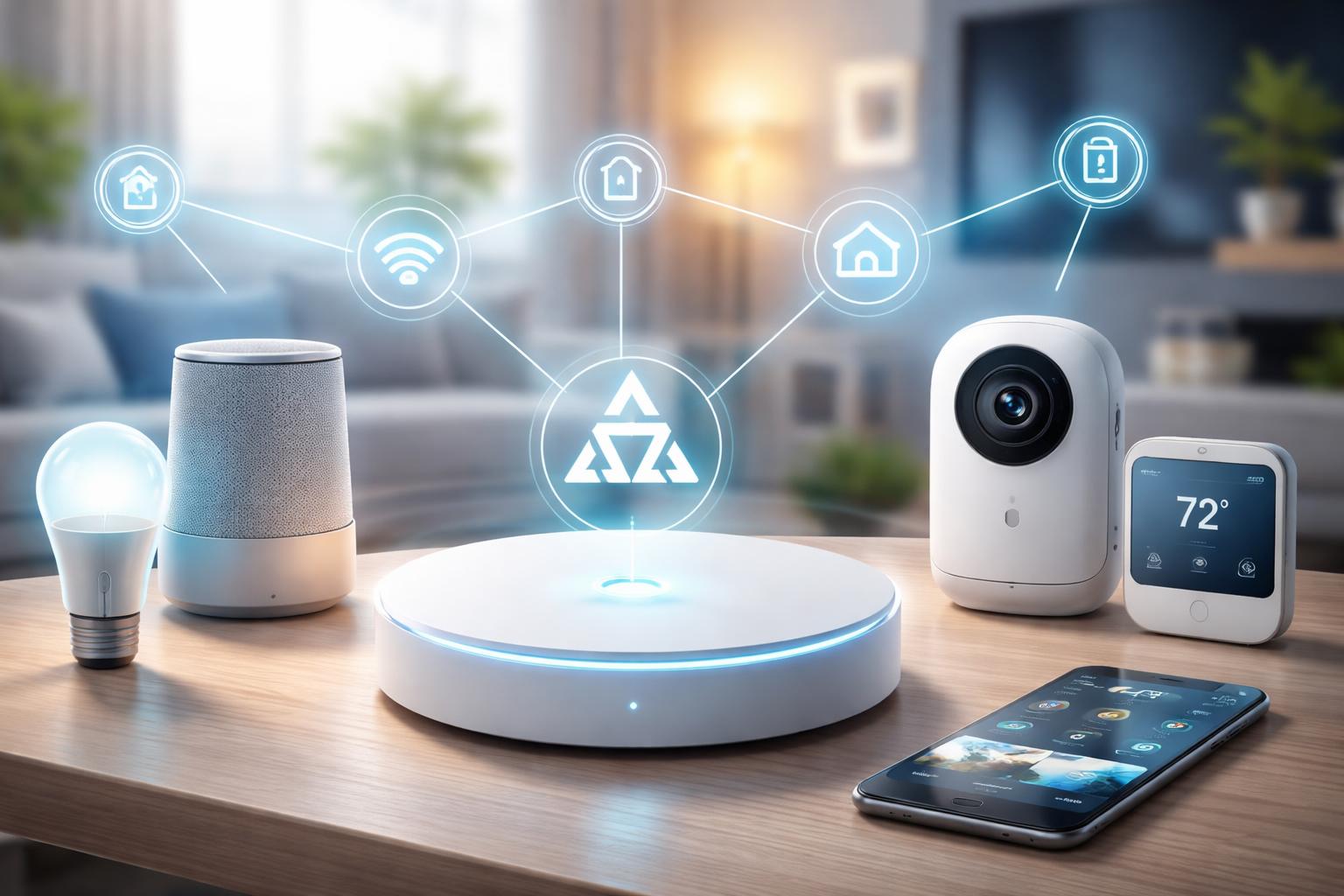
Your smart hub is the central brain of your connected home. Think of it as a translator that helps all your smart devices understand each other. Without a good translator, your smart light might not "hear" the command from your smart switch, or your thermostat might not communicate with your window sensors.The core of this “language barrier” lies in communication protocols. Devices use different wireless standards to talk, like Wi-Fi, Bluetooth, Zigbee, Z-Wave, and the newer Matter and Thread. If your hub only understands Wi-Fi, it won’t be able to control a Zigbee light bulb directly. This is a common mistake: many people buy devices based on features alone, not realizing they need to check the underlying communication technology. This can lead to a home full of unconnected gadgets and real headaches.
A capable hub bridges these different protocols. It takes a command, like “turn off the living room lights,” translates it into the correct language (Zigbee, for instance), and sends it to the right device. This ensures everything works together smoothly, creating the truly “smart” experience you’re looking for. Without proper compatibility, you’re left juggling multiple apps and disconnected devices, which defeats the entire purpose of a smart home.
Understanding these protocols is key to building a reliable system. For instance, Zigbee and Z-Wave create a mesh network, meaning each device can pass signals to others, extending the range throughout your home. Wi-Fi devices connect directly to your router, which can sometimes strain your network if you have too many. Matter aims to unify many of these, making it easier for devices from different brands to communicate. For those just starting out, or dealing with existing issues, understanding common smart home problems can save a lot of frustration.
Apple HomePod Mini: For the Apple Ecosystem Enthusiast
If your home is already filled with iPhones, iPads, and MacBooks, the Apple HomePod Mini is a natural fit for your smart home hub. It’s designed to extend your Apple ecosystem into your home automation, offering voice control through Siri and integration with Apple HomeKit.This compact speaker acts as a Thread Border Router and supports Matter, allowing it to connect with a growing number of compatible devices. It’s best for users who prioritize privacy and want a simple, intuitive setup within the Apple environment. A specific setup tip: if you also have an Apple TV 4K (2nd generation or later), it can also act as a HomeKit hub and Thread Border Router, often creating a more robust and responsive mesh network in larger homes by distributing the workload.
However, its main limitation is its deep integration into the Apple ecosystem. If you have many non-Apple users in your home, or prefer Android devices, you might find its functionality somewhat restrictive. It truly shines when paired with other Apple products.
Amazon Echo (4th Gen): The Broad Compatibility Powerhouse
The Amazon Echo (4th Gen) is an excellent choice for those who are already using Alexa or want a hub that supports a wide array of devices. This spherical smart speaker includes a built-in Zigbee hub, a Thread Border Router, and supports Matter, making it highly versatile.It’s best for users who want broad device compatibility across many brands and prefer voice control via Alexa. You can use it to control everything from lights and locks to thermostats and sensors, often regardless of their brand, as long as they support compatible protocols. A real-world usage scenario: Imagine walking into your house and saying, “Alexa, I’m home.” Your Echo (4th Gen) then triggers your Philips Hue lights (Zigbee) to turn on, adjusts your Ecobee SmartThermostat Enhanced (Wi-Fi) to a comfortable temperature, and unlocks your Schlage Encode Plus (Wi-Fi/Thread) front door, all because the Echo is acting as the central translator.
One potential downside for some users is Amazon’s data collection practices. If privacy is your top concern, you might want to review Amazon’s policies or consider other options that offer more local processing.
Google Nest Hub Max: A Visual Command Center for Your Home
The Google Nest Hub Max goes beyond just a speaker, offering a visual interface to your smart home. With its built-in screen, you can see camera feeds, video doorbells, and manage your devices with a tap. It also serves as a Thread Border Router and supports Matter, making it a capable hub for your connected home.This device is best for Google Assistant users who want a visual dashboard for their smart home, in addition to voice control. You can quickly view your schedule, stream videos, and even make video calls, all while keeping an eye on your smart devices. It offers a rich, interactive experience that goes beyond simple voice commands.
A common concern with screen-based hubs like the Nest Hub Max is placement. The always-on screen and built-in camera can feel intrusive if placed in very private areas of your home, like a bedroom. Consider where you’d use its visual features most without sacrificing comfort.
Samsung SmartThings Hub (v3): The Protocol King
The Samsung SmartThings Hub (v3) is renowned for its wide protocol support. It includes Zigbee, Z-Wave, and Wi-Fi, and is compatible with Matter. This makes it a fantastic option for homes with a mix of older and newer smart devices from various manufacturers.It’s best for users who have a diverse collection of smart devices, particularly those using Z-Wave or Zigbee, and want a single point of control for them all. SmartThings offers a powerful platform for creating complex automations and routines, allowing your devices to work together in sophisticated ways.
However, getting started with SmartThings can be a bit more involved than with voice assistant-centric hubs. The initial setup and creation of custom routines might require a bit more patience and technical understanding compared to the plug-and-play simplicity of an Echo or HomePod Mini.
Homey Pro: For the Ultimate Smart Home Architect
The Homey Pro is a powerful, enthusiast-grade smart home controller that prides itself on vast compatibility. It supports an impressive array of protocols including Wi-Fi, Bluetooth, Zigbee, Z-Wave, Thread, Matter, 433MHz, and Infrared (IR). This device truly aims to connect everything.It’s best for power users and DIY smart home enthusiasts who want maximum control, local processing for speed and reliability, and the ability to integrate nearly any smart device, old or new. Homey Pro allows for intricate automation flows and provides a highly customizable experience.
The primary limitation is its complexity and cost. It has a steeper learning curve than consumer-grade hubs, and the initial investment is higher. It’s designed for users who are comfortable diving deep into settings and creating advanced logic for their home automation.
What to Look For Before You Buy
- Your Existing Devices: List all the smart devices you already own. Note down their brands and, if possible, their communication protocols (e.g., Wi-Fi, Zigbee, Z-Wave, Thread). Your new hub needs to support these to avoid compatibility headaches.
- Your Preferred Voice Assistant: Do you mainly use Alexa, Google Assistant, or Siri? Choose a hub that integrates well with your preferred voice assistant for the smoothest experience.
- Future Expansion Plans: Think about what smart devices you might want to add in the next few years. Will you stick to one brand, or do you anticipate mixing and matching? A hub with broad protocol support will offer more flexibility.
- Required Communication Protocols: Beyond Wi-Fi, consider if you need Zigbee or Z-Wave for specific sensors or lighting. The newer Matter and Thread protocols are important for future-proofing your home.
- Ease of Setup and Use: Are you comfortable with a more technical setup to gain greater control, or do you prefer a hub that’s nearly plug-and-play right out of the box? Your comfort level should guide your choice.
Comparison Table
| Hub | Best For | Key Protocols Supported | Visual Interface | Unique Feature |
|---|---|---|---|---|
| Apple HomePod Mini | Apple ecosystem users | Wi-Fi, Bluetooth, Thread, Matter | No (voice only) | Deep Siri/HomeKit integration |
| Amazon Echo (4th Gen) | Alexa users, broad device compatibility | Wi-Fi, Bluetooth, Zigbee, Thread, Matter | No (voice only) | Built-in Zigbee hub |
| Google Nest Hub Max | Google Assistant users, visual control | Wi-Fi, Bluetooth, Thread, Matter | Yes (7-inch screen) | Integrated camera for video calls/monitoring |
| Samsung SmartThings Hub (v3) | Diverse device collection, advanced automation | Wi-Fi, Zigbee, Z-Wave, Matter | No (app-based) | Extensive Z-Wave/Zigbee support |
| Homey Pro | Power users, maximum compatibility | Wi-Fi, Bluetooth, Zigbee, Z-Wave, Thread, Matter, 433MHz, IR | No (app-based) | Local control, vast protocol support |
Who Should Buy This
The Apple Loyalist: If your digital life is already centered around Apple products and you value privacy and a streamlined experience, the Apple HomePod Mini is your ideal choice. You want your smart home to feel like a natural extension of your iPhone.The Smart Home Starter: For those just beginning their smart home journey or with a mix of Wi-Fi and a few Zigbee devices, the Amazon Echo (4th Gen) offers a forgiving entry point with wide compatibility and a familiar voice assistant.
The Visual Organizer: If you enjoy seeing your smart home at a glance, crave a central screen to manage devices, and use Google Assistant regularly, the Google Nest Hub Max will fit perfectly into your daily routine.
The Protocol Pro: If you already have a collection of Zigbee and Z-Wave devices, or plan to build a complex system with different brands, the Samsung SmartThings Hub (v3) provides the robust framework you need for comprehensive control.
The Ultimate Integrator: For the tech-savvy homeowner who demands the absolute broadest compatibility, local control, and the ability to customize every detail, the Homey Pro is designed to meet your advanced smart home ambitions.
Frequently Asked Questions
Can I have more than one smart hub in my home? Yes, many homes use multiple hubs, especially if you have devices from different ecosystems (like an Echo for Alexa and a HomePod Mini for HomeKit). Just be mindful of potential interference if they use the same wireless channels.What is Matter, and why is it important for my smart home? Matter is a new universal standard designed to make smart home devices work together more reliably, regardless of brand or protocol. It simplifies setup and improves compatibility, meaning less frustration for you in the long run.
Do I really need a hub if I only have Wi-Fi devices? While many Wi-Fi devices can connect directly to your router, a hub can still offer benefits. It can centralize control, allow for more complex automations, and reduce strain on your Wi-Fi network by managing some device traffic.
Will my old smart devices work with a new Matter-enabled hub? It depends on the device. Many existing devices may receive software updates to support Matter, or they might be able to connect through a compatible hub that acts as a bridge. Always check the manufacturer’s compatibility list.
How do I know what communication protocols my devices use? Check the product packaging, the manufacturer’s website, or the device’s manual. Look for symbols or mentions of Wi-Fi, Bluetooth, Zigbee, Z-Wave, Thread, or Matter in the specifications.