
Disclosure: This article contains affiliate links. As an Amazon Associate, we earn from qualifying purchases at no extra cost to you.
You’ve probably felt that twinge of frustration when a new smart device won’t talk to your existing setup. Maybe you bought a smart bulb that only works with one app, or a thermostat that ignores your voice assistant. You want your smart home to simply *work*, not add another layer of tech headaches to your life.
The Rise of Matter: Finally, True Compatibility
Forget the days of buying smart gadgets only to find they don’t speak the same language as your existing ones. Matter is here to change that, and by 2026, it will be the default expectation for most new devices. Think of Matter as a universal translator for your smart home. Instead of manufacturers creating their own exclusive language, they all agree on one common way to communicate.
This means you can buy a smart light from one brand and know it will connect and work with a Matter-compatible smart hub from another. No more guessing, no more compatibility charts, just simpler setup and smoother operation. Matter runs over existing Wi-Fi and Ethernet, and importantly, it uses Thread. Thread is a separate, low-power mesh network that allows devices to talk to each other directly, even if your Wi-Fi is patchy in certain areas of your home. This creates a stronger, more reliable network for your smart devices without bogging down your main Wi-Fi.
One common mistake many people make is thinking they need to replace everything. You likely won’t. Many existing smart hubs and some devices are getting software updates to become Matter-compatible. For your new purchases, look for the Matter logo. It ensures your device will integrate easily. However, keep in mind that even with Matter, the performance of your devices still depends on your home’s Wi-Fi signal strength and the overall layout. A crowded network or devices placed too far from your hub or other Thread devices can still lead to connection issues.
AI Takes Center Stage: Beyond Simple Voice Commands
You’re already used to asking your smart speaker to play music or tell you the weather. By 2026, artificial intelligence in your home will move far beyond these simple commands. Your smart home won’t just react to you; it will anticipate your needs and learn your routines. Imagine waking up and your bedroom lights gently brighten, your coffee maker starts brewing, and the news brief plays, all without you saying a word. Your home learned this is your usual morning routine.
AI will make your home more proactive and personalized. Your thermostat might learn when you typically leave for work and adjust the temperature to save energy, then warm up just before you return home. A smart security camera could learn the difference between your pet and a person, reducing false alerts. Your AI-powered smart speaker might even suggest new routines based on your habits, like turning off all the lights and locking the doors when you say “Goodnight.”
However, this increased intelligence comes with a need for careful attention. A common mistake users make is accepting AI-suggested routines without reviewing them. If your home suddenly starts doing things you don’t expect, take a moment to check your app. The AI might have learned a temporary habit as a permanent one. You might have had a few late nights, and the system now thinks you go to bed later. Always review and tweak the automated suggestions to ensure they truly fit your lifestyle. Your control over these settings is key to a comfortable, personalized experience, not an annoying one.
Smart Displays as Your Home’s Command Center
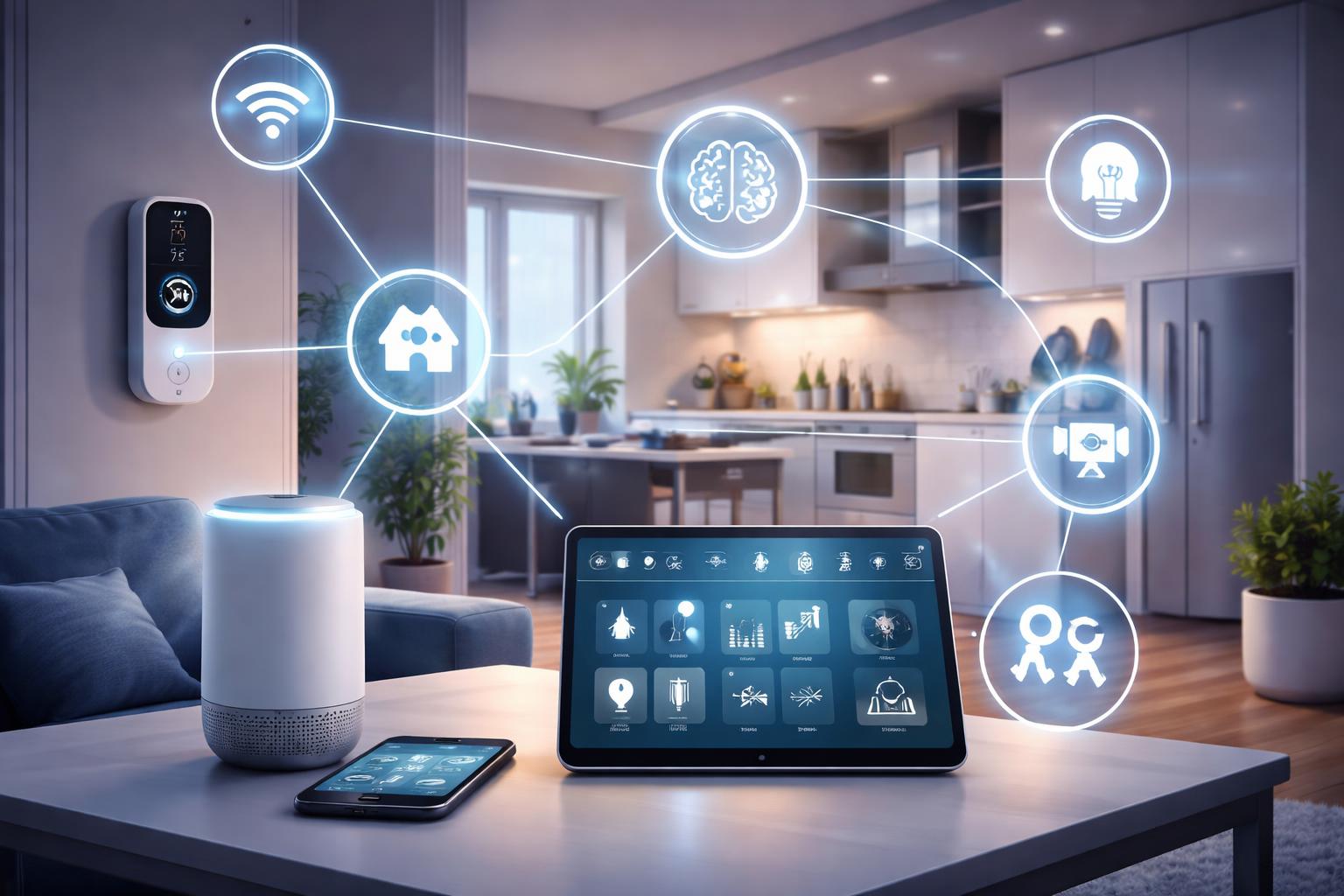
Smart displays are no longer just glorified photo frames or basic voice assistants with a screen. By 2026, they will truly become the visual nerve center of your smart home. Imagine seeing your entire home at a glance: who’s at the front door, the temperature in the baby’s room, or how much energy your dryer is using. You can simply tap on an icon to control any connected device, check your calendar, or even follow a recipe with step-by-step video instructions.
These devices, like a smart display with voice assistant, offer a blend of touch, voice, and visual interaction that makes managing your home intuitive. They can act as video intercoms between rooms, allowing you to call the kids for dinner or chat with a family member in another part of the house. As AI advances, your smart display will also offer more contextual information. If you’re running low on milk, it might pop up a reminder. If a package is delivered, it could show you a live feed from your porch camera.
When setting up a smart display, a practical installation tip is to consider its primary purpose and placement. If you plan to use it heavily for video calls with family, place it where you’ll have good lighting and a clear background. If it’s mainly for recipes and quick controls, the kitchen counter is ideal. But if you want it to be a central hub for monitoring cameras or managing your schedule, a more central location like a living room or entry table might be better. Always ensure it’s within a good Wi-Fi range for optimal performance, especially for video streaming.
Enhanced Security and Privacy: Your Home, Your Rules
Your home’s security and privacy are paramount, and smart home trends for 2026 reflect this with significant improvements. We’re moving towards devices that offer stronger encryption, local data processing, and clearer controls over your personal information. Smart security cameras, for instance, are becoming smarter about what they record and how that footage is stored. Many newer models offer on-device AI to detect motion, distinguish people from pets, and even recognize familiar faces without sending all the raw video data to the cloud.
This “edge computing” approach means more of your data stays within your home network, reducing the risk of external breaches and giving you more peace of mind. Expect to see more smart security camera options that come with local storage capabilities, like an SD card slot or a small home hub that stores footage securely on-site, removing the need for monthly cloud subscriptions. Two-factor authentication and stronger encryption will also become standard across all smart home devices, making it much harder for unauthorized access.
Consider a real-world scenario: you have a child who comes home from school at a specific time each day. A smart security camera with advanced AI could be set up to send you an alert only when your child arrives, perhaps even showing a snapshot of them. It wouldn’t bother you with alerts for the mail carrier or a squirrel in the yard. The ability to customize who can access your camera feeds, when they can access them, and how footage is stored will be a key feature. Always check a device’s privacy policy and data handling practices before you buy, especially for security products.
Smart Home Automation for Beginners: A Complete Checklist for 2026
What to Look For Before You Buy
When you’re ready to upgrade or add new devices to your smart home, keep these points in mind. They will help you make confident decisions that last.
- Matter Compatibility: This is the biggest change coming. Look for the Matter logo to ensure your new device will work with almost any other Matter-certified hub or gadget, making future expansion much easier.
- Privacy Features: Check what data the device collects, how it’s stored, and who has access. Look for options like local storage, on-device processing, and clear privacy policies that put you in control.
- Ease of Setup: A good smart device should be simple to install and connect to your network. Read reviews about the setup process to avoid unnecessary headaches.
- Your Existing Ecosystem: While Matter helps, consider if the new device fits your current preferred ecosystem (e.g., Apple HomeKit, Google Home, Amazon Alexa). Some specific features might still be better integrated within their native systems.
- Reliable Connectivity: Ensure the device supports Wi-Fi, Thread, or both, depending on what works best for your home setup. A strong, stable connection is crucial for consistent performance.
Frequently Asked Questions
Do I need to replace all my smart devices for Matter to work?
No, you likely won’t need to replace everything. Many existing smart hubs are receiving software updates to become Matter controllers. Some older devices might also get updates to become Matter-compatible, allowing them to join the new system.
How does AI in my smart home improve my daily life?
AI moves your smart home beyond simple commands to proactive assistance. It learns your routines, anticipates your needs (like adjusting temperature before you arrive), and offers personalized automation without you having to constantly tell it what to do.
Are smart displays just fancy tablets?
While they share some features, smart displays are specifically designed for smart home control and communication. They offer dedicated smart home dashboards, always-on voice assistants, and often have better speakers and microphones for home use than a typical tablet.
Can I really trust smart security devices with my privacy?
Security and privacy are improving significantly. Look for devices offering local processing and storage, strong encryption, and clear privacy policies. Always use unique, strong passwords and enable two-factor authentication for added protection.
Final Verdict
The future of the smart home in 2026 is brighter and less complicated, thanks to Matter and smarter AI. Your best move is to start looking for Matter-compatible devices, even if you’re just dipping your toe in. This ensures anything new you buy will work well with future upgrades and current systems alike. Take the step to check out the Matter logo on your next smart home purchase and simplify your connected life.