
Disclosure: This article contains affiliate links. As an Amazon Associate, we earn from qualifying purchases at no extra cost to you.
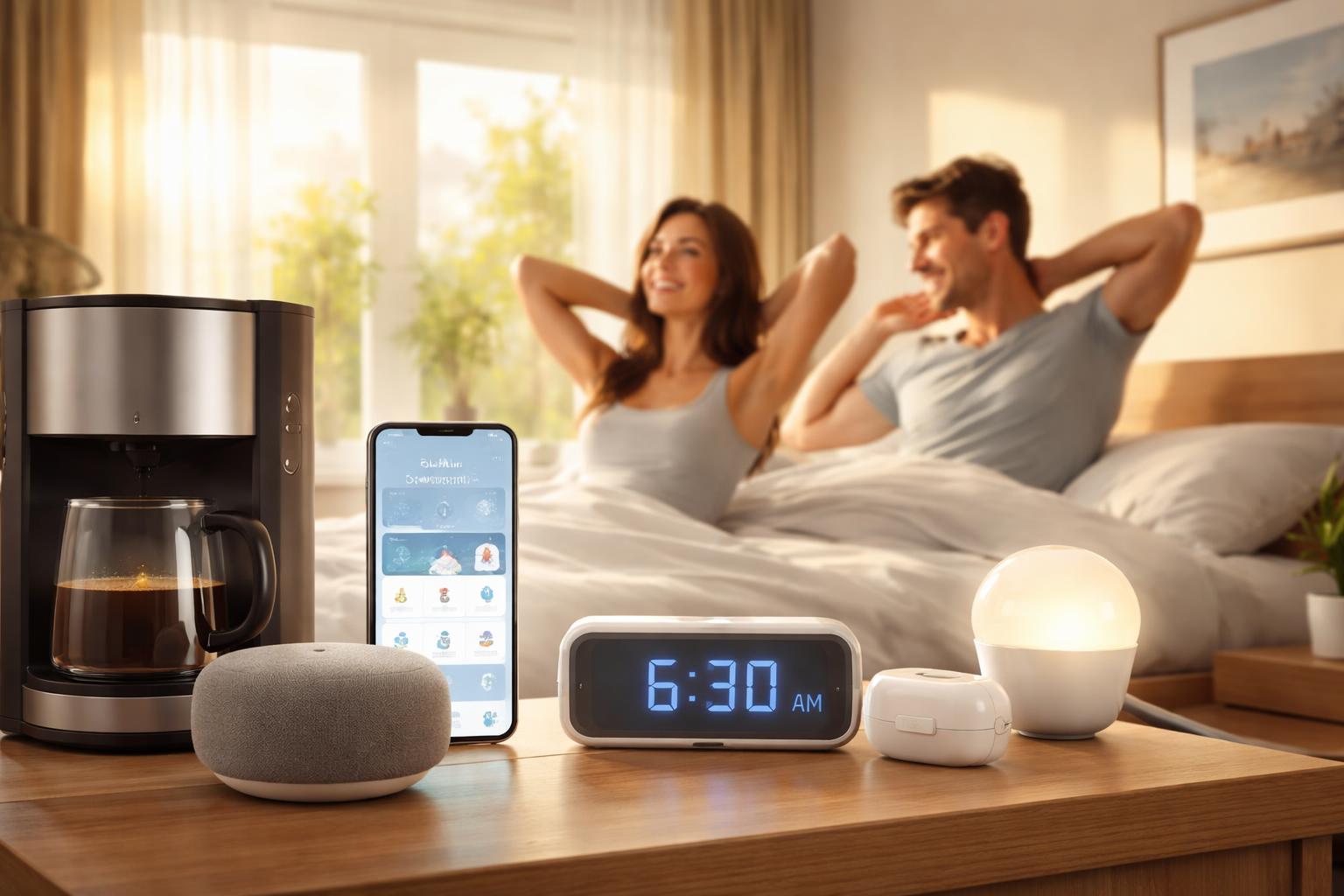
Automating your morning routine with smart devices is a powerful tool for anyone looking to start their day feeling refreshed, organized, and stress-free. By linking various smart home gadgets, you can orchestrate a sequence of events that gently nudges you awake, prepares your environment, and even gets your coffee brewing, all without lifting a finger.
Quick Answer: Connect a smart display (Google Nest Hub or Echo Show) as your hub, add smart lights on a sunrise schedule, and use smart plugs for your coffee maker. You can have a basic automated morning routine running in under an hour with just 3 devices.
Why Automate Your Morning Routine?
The morning often sets the tone for the entire day. A chaotic, rushed start can leave you feeling frazzled before you even step out the door. Automating your morning routine with smart devices transforms this experience, offering numerous benefits:
- Reduced Stress: Instead of scrambling to remember everything, your home takes care of the small details, allowing you to ease into your day.
- Increased Consistency: A smart routine ensures you wake up and follow the same pattern daily, promoting better sleep hygiene and a more predictable schedule.
- More Time: Precious minutes usually spent on repetitive tasks can be reallocated to meditation, exercise, or simply enjoying a quiet moment.
- Enhanced Comfort: Wake up to a perfectly lit room, your ideal temperature, and the aroma of freshly brewed coffee, creating a welcoming environment.
- Boosted Productivity: With less mental load managing the start of your day, you can dedicate more energy to important tasks.
- Personalization: Tailor your wake-up experience to your exact preferences, from the type of music to the timing of your blinds.
Essential Smart Devices for Your Morning Routine
Building an automated morning routine doesn’t require overhauling your entire home. A few key smart devices can make a significant impact. Here’s a look at the most effective tools to get you started:
Smart Lighting
Imagine waking up not to a jarring alarm, but to a gradual sunrise simulation. Smart light bulbs, like those from Philips Hue smart bulbs, are incredibly effective for this. You can program them to slowly increase their brightness and change color temperature over 30 minutes, mimicking a natural sunrise. This gentle illumination helps regulate your circadian rhythm, making it easier to wake up feeling less groggy. Beyond the wake-up call, smart lights can also turn on automatically in other parts of your home, guiding your path to the kitchen or bathroom without fumbling for switches.
Smart Displays and Voice Assistants
These devices are the brain of many smart morning routines. A Google Nest Hub smart display or an Amazon Echo Show can serve as your alarm clock, morning news broadcaster, and control center. You can program routines through them that, upon dismissal of your alarm, can trigger a series of actions:
- Play your favorite morning playlist or a personalized news briefing.
- Display your calendar appointments for the day.
- Show weather updates and traffic conditions for your commute.
- Control other connected devices like lights, blinds, and coffee makers with simple voice commands or pre-set schedules.
Their visual interface also makes it easy to glance at information or control devices without needing to pull out your phone.
Smart Plugs
Don’t want to replace all your existing appliances? Smart plugs are your best friend. A TP-Link Kasa smart plug can turn almost any “dumb” appliance into a smart one. Simply plug your standard coffee maker, a bedside lamp, or even a hair straightener (with caution!) into a smart plug, and you can control it remotely or integrate it into your morning routine. Schedule your coffee maker to start brewing 15 minutes before your alarm, or ensure your bedroom lamp turns off automatically when you leave for work.
Smart Coffee Makers
For the coffee connoisseur, a dedicated smart coffee maker offers advanced control and integration. These devices can be scheduled to brew at specific times, often allow you to start a brew remotely via an app, and can even be linked directly to your voice assistant. Waking up to the aroma of fresh coffee is one of life’s simple pleasures, and a smart coffee maker ensures it’s ready exactly when you are.
Smart Blinds and Shades
Natural light is a powerful wake-up tool. Smart blinds can be programmed to open automatically at a specific time or in conjunction with your smart lighting. This allows natural sunlight to filter into your room, gently helping you transition from sleep to wakefulness. It’s a much more pleasant experience than being jolted awake by a blaring alarm in a dark room. We have this in our bedroom and supper effective, specially in the summer and on sunny days.
Smart Thermostats
Nobody likes getting out of a warm bed into a chilly room. A smart thermostat can be programmed to adjust the temperature in your bedroom or throughout your home a little while before your alarm goes off. By the time you’re ready to get up, your home will be at your ideal comfortable temperature, making the transition much more pleasant.
Building Your Automated Morning Routine: Step-by-Step
Creating your perfect smart morning routine might seem daunting, but it’s a simple process that becomes intuitive once you understand the basics.
Choose Your Ecosystem
The first step is often deciding on your preferred smart home ecosystem, as this influences device compatibility and control methods. The two dominant players are Google Home and Amazon Alexa. Both offer similar core functionalities for routine automation, but their specific devices, app interfaces, and voice commands differ. If you already own devices from one brand, it’s often easiest to stick with that ecosystem for seamless integration. For a deeper dive into which might be right for you, check out our comparison of Google Home vs. Amazon Alexa in 2026.
Define Your Ideal Morning
Before buying any devices or setting up routines, visualize your perfect morning. What time do you want to wake up? How do you want to be awakened? What do you do first? What needs to happen before you leave the house? List out every step you’d like automated, for example:
- Alarm at 7:00 AM.
- Lights gradually brighten from 6:30 AM to 7:00 AM.
- Blinds open at 7:00 AM.
- Thermostat adjusts to 72°F at 6:45 AM.
- Coffee starts brewing at 6:50 AM.
- Morning news briefing plays at 7:05 AM.
Connect Your Devices
Once you have your devices, follow their respective instructions to set them up and connect them to your chosen smart home app (Google Home app or Amazon Alexa app). This typically involves downloading the device’s specific app, pairing it with your Wi-Fi, and then linking it to your main smart home hub or voice assistant.
Create Routines/Scenes
This is where the magic happens. Both Google Home and Amazon Alexa allow you to create “Routines” (Google) or “Routines” (Alexa) that trigger multiple actions based on a specific event, such as a time, a voice command, or an alarm dismissal.
Example Routine (using a Google Nest Hub or Amazon Echo Show):
- Trigger: Set for 7:00 AM, or when you say “Good Morning”.
- Action 1: gradually turn on bedroom lights (e.g., Philips Hue smart bulbs) from 0% to 70% brightness over 30 minutes, starting at 6:30 AM.
- Action 2: Open smart blinds at 7:00 AM.
- Action 3: Turn on smart coffee maker (or a standard one connected to a TP-Link Kasa smart plug) at 6:50 AM.
- Action 4: Adjust thermostat to your preferred morning temperature at 6:45 AM.
- Action 5: After alarm dismissal, play a morning news brief and weather update on your Google Nest Hub smart display or Amazon Echo Show.
- Action 6: Play your favorite morning playlist or podcast.
Test your routine thoroughly to ensure all devices respond as expected and adjust timings as needed. You might find you need your coffee brewing a little earlier or your lights to come on more slowly.
Sample Morning Routine Scenarios
Automated routines can be incredibly versatile. Here are a few scenarios to inspire your own:
The Gentle Wake-Up
This routine focuses on a smooth transition from sleep. Thirty minutes before your alarm, your smart lights begin to brighten slowly, mimicking a sunrise. As your alarm goes off on your smart display, soft, ambient music starts playing, and your smart blinds gently open to let in natural light. Meanwhile, your smart thermostat ensures the bathroom is warm and inviting.
The On-the-Go Morning
For those with a tight schedule, this routine prioritizes efficiency. An hour before you need to leave, your smart coffee maker kicks on, and the smart thermostat warms your home. Upon dismissal of your alarm, your Amazon Echo Show provides a concise news brief, weather update, and traffic report for your commute. Smart plugs can ensure your bathroom light and a gentle morning lamp are ready for you.
The Productive Start
This routine is designed for focus. Your smart lights gradually bring up the intensity, shifting to a cooler, more invigorating white light. Your smart display reads out your top three calendar events or tasks for the day, and then switches to playing focus-enhancing ambient sounds. The goal is to minimize distractions and mentally prepare you for a productive workday.
Smart Home Hubs vs. Voice Assistants: A Comparison
While voice assistants like Google Assistant and Amazon Alexa often act as the primary interface for routines, understanding the role of dedicated smart home hubs versus voice assistant devices with integrated hub functionalities can help you decide on the right setup for your home automation journey.
| Feature | Voice Assistant with Hub Function (e.g., Google Nest Hub, Amazon Echo Show) | Dedicated Smart Home Hub (e.g., SmartThings, Hubitat) |
|---|---|---|
| Primary Function | Voice control, media playback, information display, basic device control, routine automation. | Centralized control and automation for a wide range of smart devices, often across different protocols. |
| Ease of Setup & Use | Generally very easy to set up and use, voice commands are intuitive. App-based routine creation is simple. | Setup can be more involved, often requiring a deeper understanding of smart home protocols and automation logic. |
| Device Compatibility | Good compatibility with popular Wi-Fi devices and often supports Zigbee/Thread for some models. Primarily cloud-based. | Excellent compatibility across multiple protocols (Zigbee, Z-Wave, Wi-Fi), offering a wider choice of devices. |
| Advanced Automation | Good for sequential, time-based, or voice-triggered routines. Limited conditional logic (e.g., “if X, then Y”). | Highly advanced automation with complex conditional logic, custom scripts, and local execution for faster, more reliable routines. |
| Local Control | Routines typically rely on internet connection and cloud processing. Some basic functions might work offline. | Many routines can run locally, meaning they function even without an internet connection, providing greater reliability. |
| Expandability | Expands primarily through adding more compatible Wi-Fi or ecosystem-specific devices. | Designed for extensive expansion, allowing integration of many different device types and brands. |
For most people starting out with morning routine automation, a voice assistant with hub functionality like a Google Nest Hub smart display or an Amazon Echo Show is more than sufficient. They offer a user-friendly entry point into smart home automation and can manage the typical morning routine with ease. Dedicated hubs are generally for users who want maximum control, extensive device compatibility beyond common Wi-Fi options, and advanced, complex automations that might involve more specific scenarios and local processing for enhanced reliability.
Tips for a Seamless Smart Morning
To ensure your automated morning routine is a source of calm, not frustration, keep these tips in mind:
- Start Small: Don’t try to automate everything at once. Begin with one or two devices, like smart lights and a coffee maker, and expand as you get comfortable.
- Test Thoroughly: Before relying on your routine, test it multiple times at different hours to catch any glitches or unexpected behaviors.
- Consider Redundancy: Always have a backup. What if your Wi-Fi goes down? Keep a traditional alarm clock or a simple manual switch for essential devices to avoid being left in the dark (literally!).
- Personalize and Iterate: Your ideal morning routine will evolve. Don’t be afraid to adjust timings, add new devices, or remove actions that aren’t working for you.
- Prioritize Privacy: Be mindful of the data collected by smart devices. Use strong passwords and understand the privacy settings of your chosen ecosystem.
- Regularly Update: Keep your smart devices and apps updated to ensure optimal performance, security, and compatibility.
Frequently Asked Questions (FAQ)
Q1: Is it hard to set up an automated morning routine?
A: Not at all! Most smart home ecosystems, like Google Home and Amazon Alexa, have very user-friendly apps that guide you through connecting devices and creating routines step-by-step. Starting with just a few devices makes the process even simpler.
Q2: What if my internet goes down? Will my routine still work?
A: Most smart routines rely on an active internet connection and cloud services to function. If your internet goes down, devices might not communicate, and scheduled routines may fail. Some dedicated smart home hubs offer local control for certain devices, providing more resilience, but for common voice assistant routines, a stable internet connection is key. It’s wise to have a traditional backup alarm.
Q3: Can I customize my routine for different days of the week?
A: Yes! Both Google Home and Amazon Alexa allow you to set different routines for weekdays versus weekends, or even specific days. You can have a more relaxed wake-up routine for Saturday and a more structured one for Monday.
Q4: What’s the best smart device to start with for morning automation?
A: A smart display like a Google Nest Hub smart display or an Amazon Echo Show is an excellent starting point, as they can serve as the central control for routines and provide alarms, news, and weather. Pairing it with smart lights or a TP-Link Kasa smart plug for your coffee maker offers immediate and noticeable benefits.
Q5: Is automating my morning routine really worth the investment?
A: Many users find the investment in smart devices well worth it for the enhanced comfort, reduced stress, and added convenience they bring to the start of their day. The ability to wake up gently, have your environment ready for you, and streamline repetitive tasks can significantly improve your daily quality of life.
Final Verdict
Embrace the power of smart home automation to transform your mornings from rushed and chaotic into smooth, stress-free starts. By thoughtfully selecting and integrating smart devices, you can create a personalized routine that caters to your unique needs, helping you wake up smarter and seize the day with renewed energy and focus.