
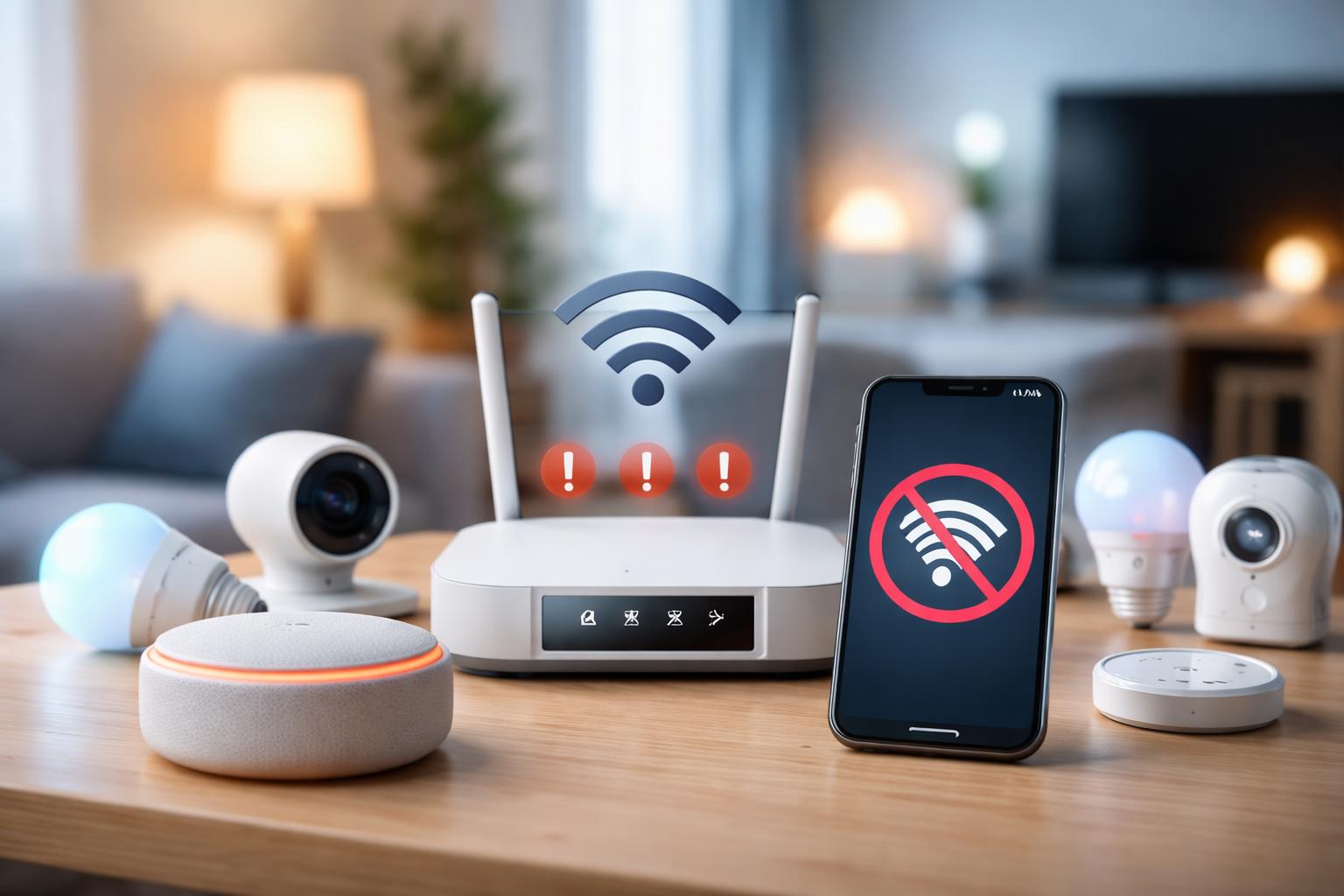
Why Your Smart Home Devices Keep Disconnecting (And How to Fix It)
The Frustrating Reality of Dropped Connections
If you have ever come home to a dark house because your smart bulbs decided to stop talking to your voice assistant, you know how quickly modern convenience turns into a major headache. Devices losing their connection isn't just annoying; it makes you lose trust in the very technology meant to simplify your life.
Isolate the Culprit
Before you blame your smart plug or doorbell, check where the fault actually lies. Most smart home connection issues stem from one of three things: your Wi-Fi network’s capacity, signal interference, or the device firmware itself.
Check Your Network Capacity
Your standard internet router often struggles when you have 20 or more smart devices connected to it. Most home routers are designed for laptops and phones, not a dozen light bulbs competing for airtime. If your devices constantly drop off, your router likely reached its limit for simultaneous connections.
Physical Obstructions and Interference
Smart devices don't like walls, cabinets, or heavy appliances between them and the router. If your smart lock is on the other side of a brick wall or behind a metal screen, the signal will suffer. Try moving your router to a more central location or closer to your most stubborn devices.
Upgrade Your Networking Hardware
If your single router is the bottleneck, moving to a mesh system is the most effective fix. Mesh routers spread the signal across your home using multiple "nodes" so every room gets a strong connection.
The Best Mesh Upgrades
- TP-Link Deco Mesh Router: Best for homeowners who want an affordable, set-it-and-forget-it system that covers large floor plans. The main limitation is that it lacks some of the advanced power-user settings found in more expensive business-grade equipment.
- Amazon Eero 6: Best for users already invested in the Amazon ecosystem due to its built-in Zigbee hub. A real downside is the lack of a dedicated web interface, meaning you must manage everything through the mobile app.
- Google Nest Wifi Pro: Best for people who use Google Home for their primary automations. The notable drawback is the limited number of physical Ethernet ports on the back, which might force you to buy a separate network switch.
What to Look For Before You Buy
- Ensure the system supports Wi-Fi 6 or 6E to handle the increased traffic of a modern smart home.
- Look for a system that features a "dedicated backhaul," which means the nodes have a private lane to talk to each other without stealing speed from your devices.
- Check if the hardware supports the Matter protocol, which helps devices stay connected even if your primary internet goes down temporarily.
- Confirm the number of physical Ethernet ports; you will want at least one port per node to hardwire your most critical devices like a hub or desktop computer.
Comparison of Recommended Mesh Systems
| Product | Best For | Main Limitation |
|---|---|---|
| TP-Link Deco | Value and Range | Lacks advanced settings |
| Amazon Eero 6 | Alexa Integration | App-only management |
| Google Nest Wifi Pro | Google Home Users | Few physical ports |
Hands-On Tips for Stability
One common mistake is placing your router inside an entertainment center or on the floor. Always place your router at least three feet off the ground and in an open space to allow the signal to spread horizontally. If you are still seeing drops, try assigning a "static IP" to your smart devices within your router's app; this prevents the router from constantly "re-negotiating" addresses with your bulbs and plugs.
Frequently Asked Questions
Do I really need to restart my router every week?
No, you should not have to. If your network requires constant reboots, your current router hardware is failing or is simply undersized for the number of devices you have attached.
Can I just use a Wi-Fi range extender instead of a mesh system?
Range extenders often cut your internet speed in half and create a separate network name, which causes more confusion for your smart home devices. Mesh systems are significantly more stable because they create one large, unified network.
Does the number of devices I own affect my internet speed?
While most smart devices use very little data, they consume "connection slots" on your router. A high volume of devices can slow down your entire network if the router’s processor cannot manage the overhead.
Final Verdict
If you want the most reliable, high-performance experience, the Google Nest Wifi Pro is our top choice for its excellent signal handling and ease of use. Replace your aging, single-router setup with a mesh system this weekend to stop the frustration of disconnected devices for good.