
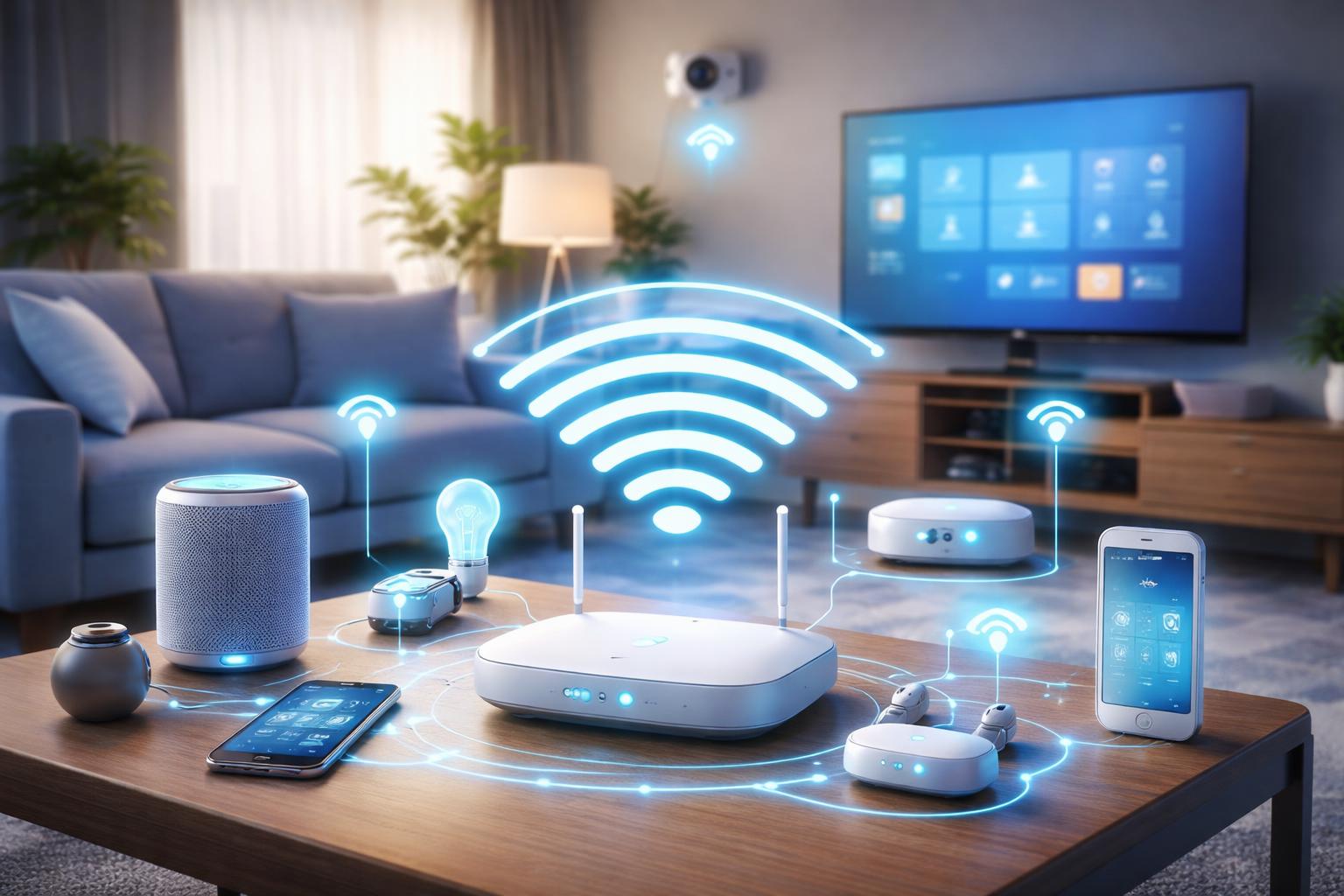
How Many Smart Devices Can Your WiFi Actually Handle? (And How to Add More)
Why Your Internet Slows Down When You Add Too Many Smart Devices
If you have ever noticed your video calls freezing or Netflix buffering the moment you turn on a new smart light, you are likely hitting your router's device limit. Most standard internet service provider routers struggle once you connect more than 20 to 30 devices, even if your actual internet speed is fast.
The Hidden Bottleneck: Device Count vs. Internet Speed
Many homeowners confuse bandwidth with capacity. You might have a high-speed fiber plan that supports 4K streaming, but your router’s internal processor is the real limitation. Each smart light, plug, and camera constantly talks to your router, claiming a small piece of the router's internal memory.
When you exceed your router's "client limit," it starts dropping connections. You will see devices go "offline" in your app, or notice a long delay between flipping a switch and the light turning on. This is not a problem with your devices, but a sign your router is overwhelmed.
How to Upgrade Your Home Network
The most effective way to handle a crowded network is to switch to a mesh Wi-Fi system. Unlike a traditional single router, mesh systems distribute the load across multiple nodes, effectively doubling or tripling the number of devices your home can manage simultaneously.
If you want a solid, affordable starting point for a larger smart home, the Amazon Eero 6 is excellent for homeowners who want a system that works out of the box with minimal configuration. Its main downside is that the interface is quite basic, so power users who want deep control over network traffic might find it too simplistic.
For homes with massive device counts, such as those with dozens of smart cameras and sensors, the TP-Link Deco XE75 offers a significant performance boost. It uses a dedicated "backhaul" band to keep your smart home traffic separate from your high-speed internet activities. The only catch is that it is physically bulkier than most competitors, making it harder to hide on a bookshelf.
If your smart home relies heavily on the Google ecosystem, the Google Nest Wifi Pro integrates directly with your Google Home setup. It is specifically designed to prioritize high-traffic video devices, but it lacks the advanced per-device parental controls that some other brands include in their software.
What to Look For Before You Buy
- Device Capacity: Look for routers that explicitly claim support for 100+ devices, as these have more capable processors.
- Tri-Band Support: Choose a system with three bands to ensure your smart devices have a dedicated lane that doesn't interfere with your laptop or TV.
- Ethernet Ports: Ensure the main nodes have enough physical ports if you prefer to hardwire your most critical devices, like a desktop or a hub.
- Compatibility: If you use a smart home starter kit, verify that your new router supports the same protocols your devices use.
Comparison Table
| System | Best For | Major Limitation |
|---|---|---|
| Amazon Eero 6 | Budget-conscious beginners | Basic feature set |
| TP-Link Deco XE75 | Heavy-duty, high-device homes | Bulky design |
| Google Nest Wifi Pro | Google Home power users | Limited parental controls |
Who Should Buy This
The "Light" User: You have a voice speaker, a few plugs, and a smart thermostat. You likely do not need a new router unless you face constant dropouts.
The Serious Automator: You have dozens of smart sensors, automated blinds, and multiple security cameras. A mesh system is essentially mandatory for your stability.
The Busy Family: Your home has multiple gamers, remote workers, and a dozen smart devices. You need a robust mesh system to stop the constant "my Wi-Fi is down" complaints.
Frequently Asked Questions
Do smart plugs slow down my internet speed?
No, a smart plug uses very little bandwidth. However, if you have too many, they can hit your router's device limit, which causes network instability for everything else.
Will a Wi-Fi extender solve my device issues?
Extenders are generally a poor choice for smart homes because they halve your connection speed and often fail to hand off devices smoothly between the router and the extender. A mesh system is a much better solution.
How can I tell how many devices are connected?
Open your current router's app or log into its web interface. There is usually a "Connected Devices" or "Client List" section that shows exactly what is currently pulling from your network.
Does it matter if my devices are on 2.4GHz or 5GHz?
Yes, your smart devices almost always use 2.4GHz, which has a longer range but lower speed. Keeping these devices on a separate network or a mesh system helps ensure they don't clog up the 5GHz band used for your important work and entertainment.
Final Verdict
If you are struggling with offline devices, the TP-Link Deco XE75 is the clear winner for most homes. Its tri-band technology keeps your high-bandwidth streaming separate from your low-bandwidth smart home gadgets, providing the best stability for a house filled with technology.
Check your current router's client list today to see if you are approaching its maximum capacity before you add another device to your collection.