
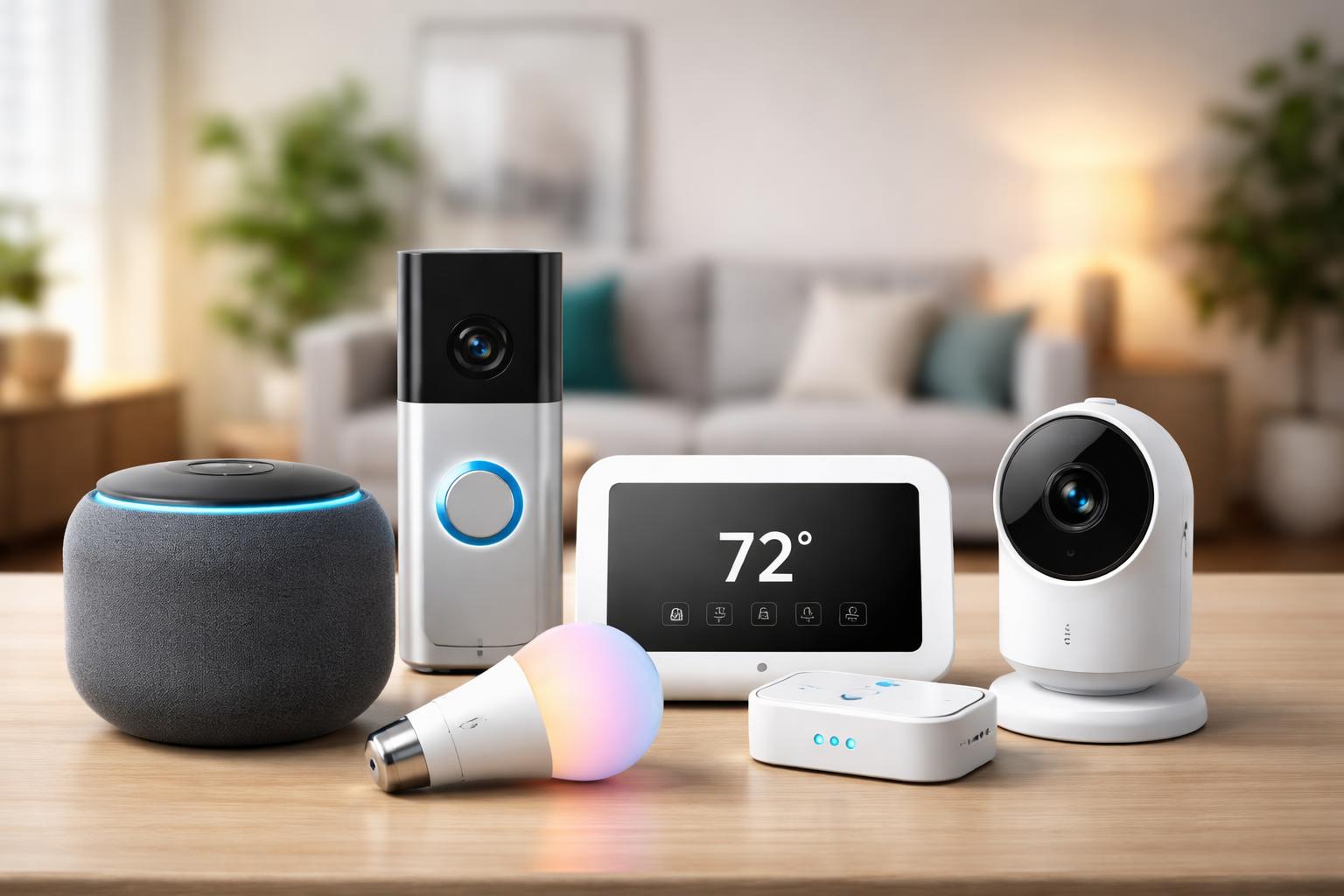
Smart Home Starter Kit: The Exact 5 Devices to Buy First
You often come home to a dark house, fumble for light switches, or wonder if you remembered to turn off that fan. Maybe you’re tired of checking if the back door is locked or adjusting your thermostat by hand multiple times a day. You know smart home technology can help, but with so many gadgets out there, it’s hard to know where to begin without buying the wrong things first.
Why You Need a Smart Home Starter Kit
Building a smart home doesn't mean replacing everything all at once. It means picking a few key devices that solve common problems and make your daily life a little easier. When you start with the right foundation, you create a system that works together and can grow with your needs. You'll gain convenience, peace of mind, and even save a bit on your energy bill without feeling overwhelmed.
1. The Smart Speaker: Your Home’s New Brain
The smart speaker is best for anyone who wants a central, voice-controlled hub for their smart home. Think of it as your home's central command center and personal assistant. It lets you control other devices with simple voice commands, play music, set timers, and get answers to questions without lifting a finger.
The main limitation is privacy concerns. Having a microphone always listening can feel a bit unsettling, even if the companies promise your conversations aren't being recorded or shared. You can always mute the microphone when you want complete silence.
You might be tempted to place your smart speaker in a corner, but for the best voice recognition, put it somewhere open. A central table or kitchen counter works well. This helps it hear your commands clearly from different parts of the room. A great option for beginners is the Amazon Echo Dot Smart Speaker.
What to Look For Before You Buy
- Voice Assistant: Decide if you prefer Amazon Alexa or Google Assistant. Most smart devices work with both, but sticking to one ecosystem can simplify your experience.
- Sound Quality: If you plan to use it as a primary music speaker, consider models with better audio. For just voice control, a basic model is fine.
- Privacy Controls: Look for easy-to-access mute buttons for the microphone and clear privacy policies.
- Connectivity: Ensure it connects reliably to your home Wi-Fi network.
2. The Smart Plug: Instantly Smarter Appliances
The smart plug is best for making your existing "dumb" appliances smart, quickly and affordably. If you have a lamp, coffee maker, fan, or hair straightener that you wish you could control with your phone or voice, a smart plug is the answer.
A common limitation is that smart plugs only turn devices on and off. They can’t change settings like fan speed, coffee brew strength, or lamp brightness, unless the device itself remembers its last setting. For example, if your coffee maker needs a button pressed after being plugged in, a smart plug won't start it automatically.
Many people make the mistake of plugging too many smart plugs into one power strip, thinking they’ll control everything. While technically possible, remember that smart plugs are often bulky. You might find they block adjacent outlets on a standard power strip or wall socket. Plan your placement to avoid this frustration, or look for compact models. A good starter pack is the Kasa Smart Plug 4-pack.
What to Look For Before You Buy
- Compatibility: Check if it works with your chosen smart speaker (Alexa, Google Assistant).
- Size: Some smart plugs are quite bulky and can block neighboring outlets. Look for slim designs if space is tight.
- Energy Monitoring: Some plugs offer energy usage tracking, which can help you identify power-hungry devices.
- Scheduling & Timers: Ensure it supports custom schedules for automatic on/off times.
3. The Indoor Smart Camera: Eyes on Your Home
The indoor smart camera is best for keeping an eye on pets, checking on kids, or simply monitoring your home when you're away. It offers peace of mind by letting you see what's happening inside your house, right from your phone.
One limitation is that most affordable indoor cameras rely heavily on a strong Wi-Fi signal. If you place it in a Wi-Fi dead zone, it might struggle to connect or stream video reliably. Walls, large appliances, and distance from your router can all impact performance.
When setting up your camera, consider how your Wi-Fi signal reaches different rooms. Test the signal strength in the intended camera location using your phone before mounting. If the signal is weak, consider a Wi-Fi extender or moving your router. The Wyze Cam v4 is a popular choice for beginners.
What to Look For Before You Buy
- Video Quality: Look for at least 1080p HD for clear images.
- Night Vision: Essential for monitoring in low light or darkness.
- Two-Way Audio: Lets you speak and listen through the camera, useful for pets or family.
- Storage Options: Check if it offers local storage (SD card) or cloud storage subscriptions. Local storage means no monthly fees.
- Motion Detection: Customization for motion zones and sensitivity can reduce false alerts.
4. The Smart Light Bulb: Set the Mood, Save Energy
The smart light bulb is best for adding instant ambiance, scheduling lights, and saving energy in specific rooms or fixtures. You can change colors, dim the brightness, and turn lights on or off with your voice or phone, often without needing a separate hub.
A common limitation is that smart bulbs can sometimes be tricky to pair initially, especially if you have an older Wi-Fi router or a busy network. They might require a specific sequence of turning them on and off to enter pairing mode.
A useful setup tip: when installing a smart bulb, ensure the light switch it’s connected to is always in the "on" position. If you turn off the switch, the bulb loses power and can't be controlled by your smart home system. It also won’t respond to voice commands. If you have dimmer switches, these can also cause problems, as smart bulbs have their own dimming capabilities. Replace traditional dimmers with standard switches for best results with smart bulbs. A simple and effective choice is the IKEA TRÅDFRI Bulb.
What to Look For Before You Buy
- Connectivity: Some bulbs connect directly to Wi-Fi, while others require a separate hub (like Philips Hue). Wi-Fi bulbs are simpler for beginners.
- Color vs. White: Decide if you want full color-changing bulbs or just adjustable shades of white light.
- Brightness: Check the lumen output to ensure it’s bright enough for your space.
- Fixture Type: Make sure the bulb base (E26, GU10, etc.) matches your existing light fixtures.
5. The Smart Thermostat: Comfort and Savings
The smart thermostat is best for homeowners who want to effortlessly manage their home’s temperature, save on energy bills, and enjoy consistent comfort. It learns your habits, adjusts to local weather, and lets you control your heating and cooling from anywhere.
The primary limitation for many smart thermostats is that they often require a "C-wire" (common wire) for continuous power. Older homes or simpler HVAC systems might not have one, making installation more complex or requiring an adapter kit. This isn't a problem for everyone, but it’s crucial to check your existing wiring before buying.
Before buying, take a picture of your current thermostat's wiring. This allows you to check online compatibility tools and see if a C-wire is present or if an adapter is needed. Skipping this step can lead to frustration during installation. The installation can vary significantly based on your home's HVAC system, so professional installation might be a good idea if you're uncomfortable with wiring. Smart thermostats can significantly reduce energy consumption, making them a great addition, and you can learn more about how much these systems can save you on energy bills here.
What to Look For Before You Buy
- HVAC Compatibility: Crucially, check if it works with your specific heating and cooling system (e.g., conventional, heat pump, boiler).
- C-Wire Requirement: Determine if your current system has a C-wire or if the smart thermostat offers a C-wire adapter.
- Learning Capabilities: Some thermostats learn your schedule and preferences automatically.
- Geofencing: This feature uses your phone’s location to adjust temperature when you leave or arrive home.
- App and Voice Control: Ensure it connects to your preferred smart home ecosystem and is easy to control.
Bringing It All Together: Your Smart Home Ecosystem
The true power of these devices comes when they work together. Your smart speaker becomes the voice control for your smart plugs and lights. "Alexa, turn on the living room lamp" or "Hey Google, dim the kitchen lights to 50%" become common phrases. Your smart thermostat can even interact with your smart lights, perhaps turning on a specific lamp when you arrive home and the temperature adjusts.
Starting with these five devices creates a practical and helpful smart home foundation. You’ll learn how they integrate, what you like, and what you might want to add next, like other renter-friendly devices if you don't own your home.
Frequently Asked Questions
Do I need a smart home hub for these devices?
No, not for most of these beginner devices. Many smart plugs, bulbs, cameras, and speakers connect directly to your home Wi-Fi and can be controlled through their own apps or via a smart speaker. You only need a dedicated hub for specific brands or more complex setups.
How difficult is it to set up these devices?
Most of these devices are designed for easy, DIY installation. You typically download an app, plug in the device, and follow on-screen instructions to connect it to your Wi-Fi. The smart thermostat is usually the most involved, sometimes requiring basic wiring knowledge.
Are these smart devices secure?
Security is a valid concern. Always choose reputable brands, use strong, unique passwords for all your smart home accounts, and enable two-factor authentication where available. Keep your devices updated with the latest firmware to patch any security vulnerabilities.
Can I control these devices when I’m not home?
Yes, that’s one of the biggest benefits! As long as your devices are connected to Wi-Fi and your phone has an internet connection, you can typically control them from anywhere using their respective apps or your smart speaker's companion app.
Final Verdict
For the absolute best smart home starter experience that provides immediate benefits and a clear path for growth, begin with a smart speaker and a few smart plugs. These two device types offer the most flexibility, quick wins, and the foundation for voice control across your home. Once you master those, consider adding smart bulbs and an indoor camera, with a smart thermostat as a high-value addition for long-term savings and comfort. Your next step should be to choose a smart speaker that fits your preferences, then grab a pack of smart plugs to instantly upgrade your favorite lamps and appliances.