
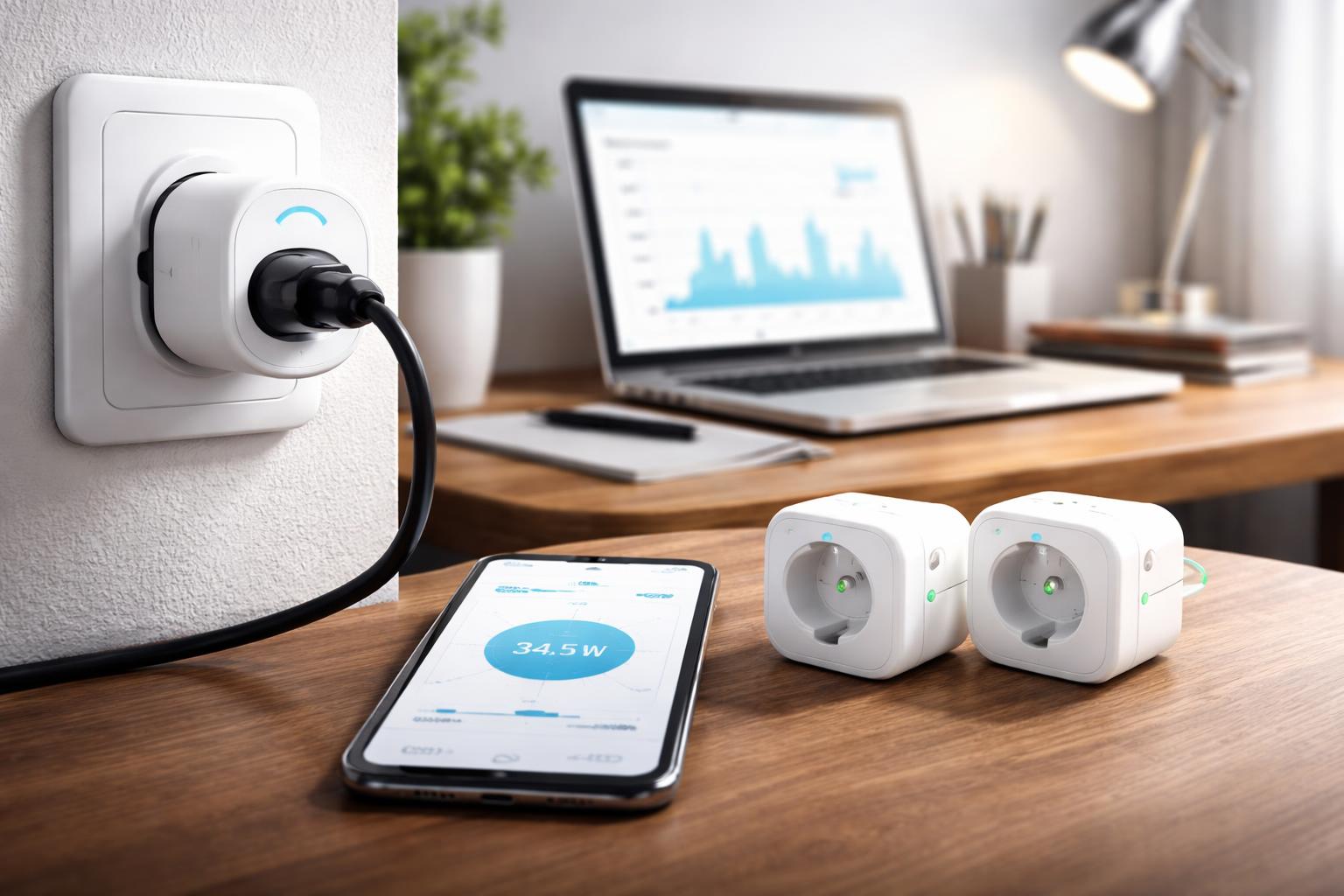
Best Smart Plugs With Energy Monitoring for Home Office in 2026
Is your home office quietly draining your wallet through "vampire" energy use?
Many office devices like monitors, printers, and chargers continue to draw power even when they appear to be off, leading to unnecessary spikes in your monthly electricity bill. A smart plug with energy monitoring turns these invisible energy sinks into visible data, giving you the power to identify and eliminate wasteful consumption.
Top Smart Plugs for Your Home Office
Monitoring your energy usage doesn't require a degree in electrical engineering or an expensive central hub. These three options provide excellent reliability for tracking your office equipment.
Kasa EP25: The Best All-Rounder
The Kasa EP25 smart plug is the gold standard for most home offices because of its consistent connection and highly intuitive app. It tracks your power usage in real-time and provides easy-to-read weekly and monthly reports.
Pro Tip: When setting this up, ensure you place it on a dedicated wall outlet rather than a power strip if you want to monitor the total load of your desk setup. One limitation is that the physical size can occasionally block the second outlet on a standard wall plate.
TP-Link Tapo P115: Best Compact Design
If you have tight spaces behind your desk or limited outlet access, the TP-Link Tapo P115 is an excellent choice. It offers the same reliable energy tracking as its counterparts but in a much smaller physical footprint.
A common mistake users make is placing these plugs near high-interference areas, like right next to a metal desk frame or a router, which can cause minor connectivity drops. While it is compact, it lacks the broader ecosystem integrations found in more expensive, premium-tier plugs.
Eve Energy Smart Plug: Best for Apple Home Users
The Eve Energy smart plug is the premium pick for those deeply invested in the Apple Home ecosystem. It supports the Matter standard and provides exceptionally granular energy monitoring data directly within the Apple Home app.
The primary downside is that it is primarily optimized for Apple users; Android enthusiasts will find the experience limited. It also demands a slightly higher price point, though the build quality is noticeably sturdier than budget alternatives.
What to Look For Before You Buy
- Energy Reporting Accuracy: Ensure the plug offers both real-time wattage tracking and historical logging so you can spot trends over time.
- Size and Form Factor: Check the plug's dimensions to ensure it won't prevent you from using the adjacent outlet on your wall.
- Ecosystem Compatibility: Confirm the plug works with your preferred assistant, whether you use Amazon Alexa, Google Home, or Apple Home.
- Maximum Amperage: Verify the plug can handle the wattage of your heaviest office equipment, such as a high-performance laser printer or large multi-monitor workstation.
Comparison Table
| Model | Primary Benefit | Best For |
|---|---|---|
| Kasa EP25 | Balanced Features | Most Home Offices |
| Tapo P115 | Space-Saving | Tight Outlets |
| Eve Energy | Apple Integration | Apple Enthusiasts |
Who Should Buy This
The Remote Professional: You spend eight hours a day at your desk and want to ensure your high-draw monitors and docking stations aren't running when you walk away for the evening.
The Eco-Conscious Homeowner: You are actively looking to lower your home's total carbon footprint and want hard data on which appliances are costing you the most in standby power.
Frequently Asked Questions
Can a smart plug help lower my electricity bill?
Yes, by identifying "vampire" devices that draw power while off, you can create automated schedules to cut their power entirely when they aren't in use. This can lead to noticeable savings, especially if you have several high-draw peripherals in your office.
Do I need a separate hub to use these plugs?
Most modern smart plugs, including those mentioned above, connect directly to your home’s 2.4GHz Wi-Fi network and do not require a separate hub. Always check the packaging to confirm if your specific model uses a specialized protocol like Zigbee or Thread.
What happens to my energy data if the Wi-Fi drops?
The plug will continue to function as a manual switch, but it will generally stop logging energy data until the Wi-Fi connection is restored. Most reputable brands keep the scheduling logic saved locally on the device, so your automation routines will typically continue to run.
Final Verdict
For the vast majority of home offices, the Kasa EP25 is the top recommendation. It balances reliable energy tracking, a user-friendly app, and broad compatibility at a price point that makes sense for multiple devices. If you are ready to stop wasting power, purchase one Kasa EP25 today to test it on your primary workstation equipment.
If you are also interested in optimizing other parts of your home, check out our guide on how to automate your home without buying new devices.