
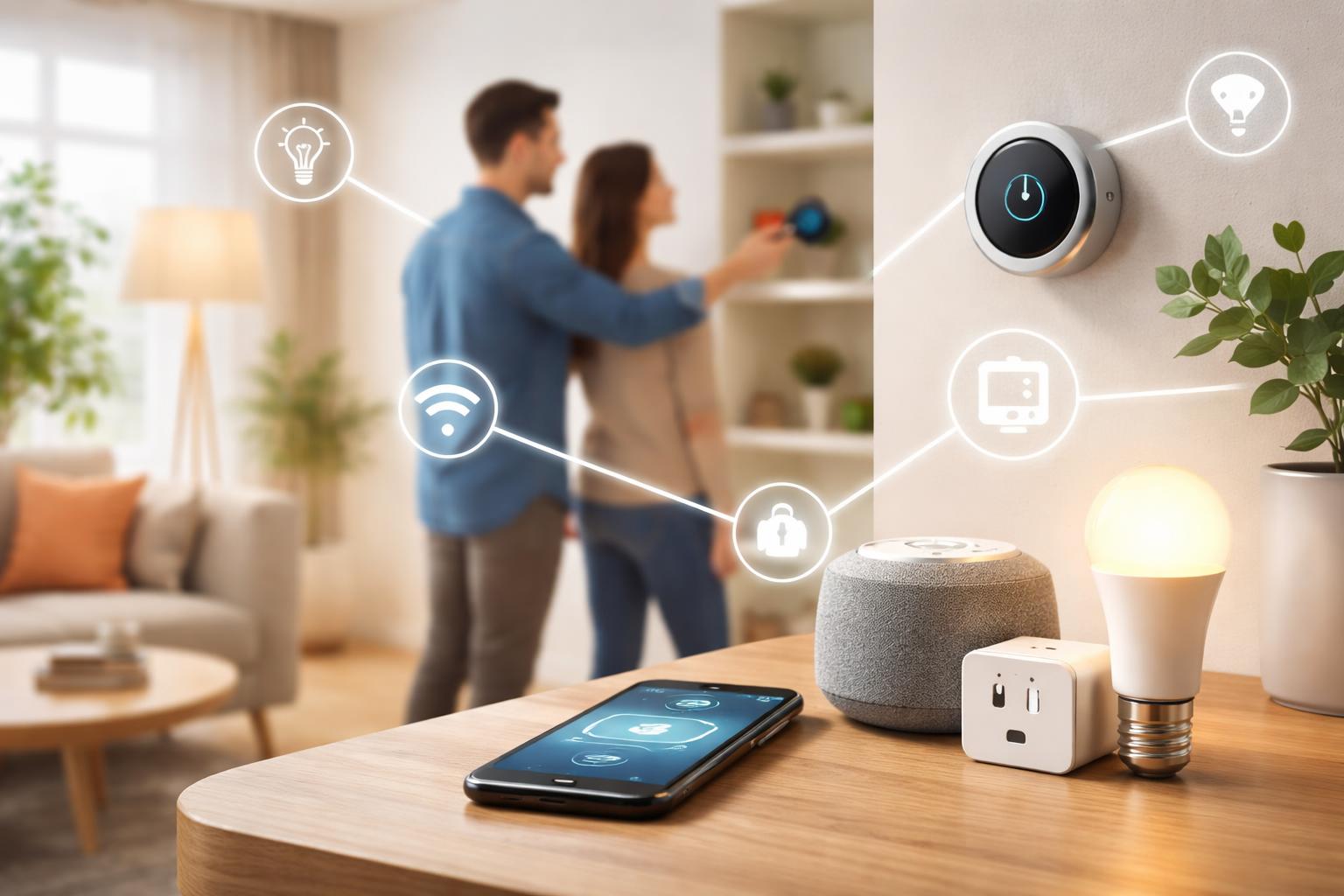
How to Automate Your Home Without Buying New Devices (Use What You Have)
If you’ve ever come home to a dark house and wished the lights would just turn on, or left for work wondering if you remembered to turn off the coffee maker, you’ve already felt the pull of a smarter home. Many homeowners believe creating a smart home requires expensive new gadgets, but you might be surprised by how much you can do with what you already have. You can often add convenience and control to your daily life without buying a single new device.
Unlock Your Smart Home's Hidden Potential
You don't need to completely overhaul your home to make it smarter. The truth is, many of the tools you need are probably sitting in your pocket or already connected to your Wi-Fi. It's about rethinking how your current devices work together and discovering the hidden features they offer. Small adjustments to how you interact with your home can make a big difference in comfort and efficiency.Your Phone: The Control Center You Already Own
Your smartphone is the most powerful smart home tool you possess. It’s not just for calls and texts; it’s a universal remote, a scheduling assistant, and a voice commander all in one. Most smart devices, from TVs to thermostats, come with their own dedicated apps. These apps let you control devices from anywhere, set schedules, and customize settings without needing an expensive central hub. Take a moment to explore the apps you already have for existing devices – you might find more control than you expected.Using What You Have: The Power of Apps
Think about the devices you already own that connect to Wi-Fi. Do you have a smart TV, a streaming stick, or even a newer washing machine? Chances are, they have an app that offers more control than just using the remote or buttons on the device itself. These apps often allow you to schedule tasks, monitor usage, or even troubleshoot problems directly from your phone. Learning to navigate these apps is your first step to a more automated home without additional purchases.Give Your "Dumb" Devices a Smart Upgrade with Smart Plugs
While this article focuses on using what you have, Kasa Smart Plugs are a low-cost way to make many non-smart devices instantly controllable. These small adapters plug into a wall outlet, and then you plug your regular lamp, fan, or coffee maker into the smart plug. Suddenly, you can turn that device on or off with an app on your phone, set schedules, or even link it to a voice assistant. This is a perfect solution for adding smart capabilities to simple appliances without buying new smart versions of those appliances.A common mistake people make with smart plugs is trying to automate devices that require a physical button press to turn on after receiving power. For example, a simple floor lamp with an on/off switch works perfectly with a smart plug. However, a fan that needs you to press an “on” button after it gets power won’t turn on automatically, even if the smart plug powers up. Always pick devices with mechanical on/off switches or “always on” settings for the best smart plug experience. This little trick ensures your automation works every time.
Boost Your Control with Voice Assistants You Might Already Have
If you own a smartphone, you already have access to a voice assistant like Google Assistant or Siri. These can control many smart devices through their respective apps. If you're ready for a small addition that makes a big impact, a dedicated smart speaker is an excellent next step. These devices act as a central voice control point for all your compatible smart gadgets, making automation feel natural and simple.Amazon Echo Dot: Your Everyday Helper
The Amazon Echo Dot smart speaker is best for those who want a simple, budget-friendly way to add voice control to their smart home devices and enjoy Amazon's Alexa ecosystem. It's great for playing music, answering questions, setting alarms, and controlling lights or thermostats with your voice. The main limitation is that it's tied to Amazon's services, which might not be ideal if you prefer Google's ecosystem for search and calendar integration. Setting up your Echo Dot is generally quick, but a practical tip is to ensure your home Wi-Fi network uses a 2.4 GHz band for setup, as many smart home devices prefer this frequency for better compatibility and range, even if your router also offers 5 GHz.Google Nest Mini: Your Go-To Google Assistant
The Google Nest Mini smart speaker is best for users deeply integrated into the Google ecosystem (Gmail, Calendar, Android phones) who want seamless voice control. It excels at answering complex questions, managing your schedule, and controlling compatible smart devices using the Google Assistant. One real limitation is that it doesn't offer as many third-party smart home integrations as Alexa, though its compatibility is constantly growing. Imagine asking your Nest Mini, "Hey Google, what's the weather like today?" and then immediately following up with, "Hey Google, turn on the living room lights and set the thermostat to 72 degrees." That's the power of these small devices.Make Your Devices Talk to Each Other with IFTTT
IFTTT, which stands for "If This, Then That," is a free web service that links different apps and devices that normally wouldn't communicate. It's like a translator for your smart home. You create "applets" – simple rules that say, "If this happens (trigger), then do that (action)." For instance, you could create an applet that says: "If the weather forecast predicts rain tomorrow, then send me a notification." Or, more smartly, "If my smart doorbell detects motion, then flash my smart lights in the living room."The beauty of IFTTT is that it often works with existing devices and apps you already use, extending their capabilities without needing new hardware. A common mistake with IFTTT is over-complicating your applets, leading to unexpected behaviors. Start with simple, clear rules. For example, if your smart lights don’t have a “flash when doorbell rings” feature, IFTTT can bridge that gap. This service is especially helpful for mixing and matching different brands of smart devices.
Maximizing Your Smart Thermostat's Potential
Many homes today have smart or programmable thermostats, even if you don't think of them as "smart home devices." Your existing thermostat likely has more features than you realize, accessible through its own app. You can schedule temperature changes throughout the day, set "away" modes to save energy, and even get reports on your energy usage. Some advanced thermostats, like the Ecobee SmartThermostat Enhanced, even come with remote sensors that help ensure consistent temperatures across different rooms.The specific features and app interfaces vary greatly depending on your thermostat’s brand and model. Some older programmable thermostats might only offer basic scheduling, while newer ones provide complex geofencing (automatically adjusting when you leave or arrive home) and learning capabilities. A common mistake is setting your “away” temperature too late, meaning your system runs unnecessarily after you’ve left. Always take time to explore your thermostat’s app to understand its full range of settings.
Advanced Routines: The Brains Behind the Scenes
Once you have devices connected through their apps or a voice assistant, the next step is to create routines. These are sequences of actions that happen automatically based on a schedule, your location, or a voice command. Most smart device apps and voice assistants include robust routine builders. For example, you can set a "Good Morning" routine that turns on your kitchen lights, starts your smart coffee maker (connected to a smart plug), and reads you the news when your alarm goes off.You don’t need a central smart home hub to create routines. Many smart light brands, smart plugs, and smart thermostats allow you to build routines directly within their own apps. For instance, you could set your smart lights to dim to 50% brightness and a warm color every evening at sunset, without needing any other device. Experimenting with different triggers and actions in your device apps can transform your daily schedule.
What to Look For Before You Buy (or When Using Existing Apps)
Even when you’re focusing on what you already have, you might consider small additions like smart plugs or speakers. Here’s what to keep in mind:- Compatibility: Does the device or app work with your existing Wi-Fi network? Most smart devices connect to your home's Wi-Fi. Check if they require a 2.4 GHz or 5 GHz connection.
- Ease of Use: How simple is the app to navigate? Can you easily create schedules and routines without a steep learning curve? A good app makes automation easy, not frustrating.
- App Features: What specific automations can you create within the app? Look for options like scheduling, away modes, or integrations with other services like IFTTT.
- Privacy: Understand what data the device or app collects. Review the privacy settings to ensure you're comfortable with how your information is being handled.
Smart Speaker Comparison: Echo Dot vs. Nest Mini
| Feature | Amazon Echo Dot | Google Nest Mini |
|---|---|---|
| Voice Assistant | Alexa | Google Assistant |
| Best For | Amazon ecosystem users, broad smart home device compatibility, extensive third-party skills. | Google ecosystem users (Gmail, Calendar, Android), powerful search capabilities, context-aware answers. |
| Ecosystem Tie-in | Amazon services (Prime Music, Kindle, Shopping) | Google services (Search, Calendar, Maps, YouTube Music) |
| Key Limitation | Can sometimes feel less natural with complex questions or follow-up queries. | Fewer third-party smart home integrations compared to Alexa, though compatibility is growing. |
Who Should "Buy" This Automation Approach?
This approach of automating your home with existing devices or minimal additions is perfect for several types of homeowners:- The Budget-Conscious Homeowner: If you want the benefits of a smart home without a big investment, this method lets you start small and expand only when you see a clear need.
- The Tech-Curious Beginner: For those new to smart home technology, this is a low-risk way to experiment with automation and understand how devices connect without being overwhelmed.
- The Renter: If you can't make permanent changes to your property, using smart plugs and existing smart devices offers significant control without any installation or damage. Many renter-friendly smart home devices focus on exactly this kind of portable and non-invasive automation.