
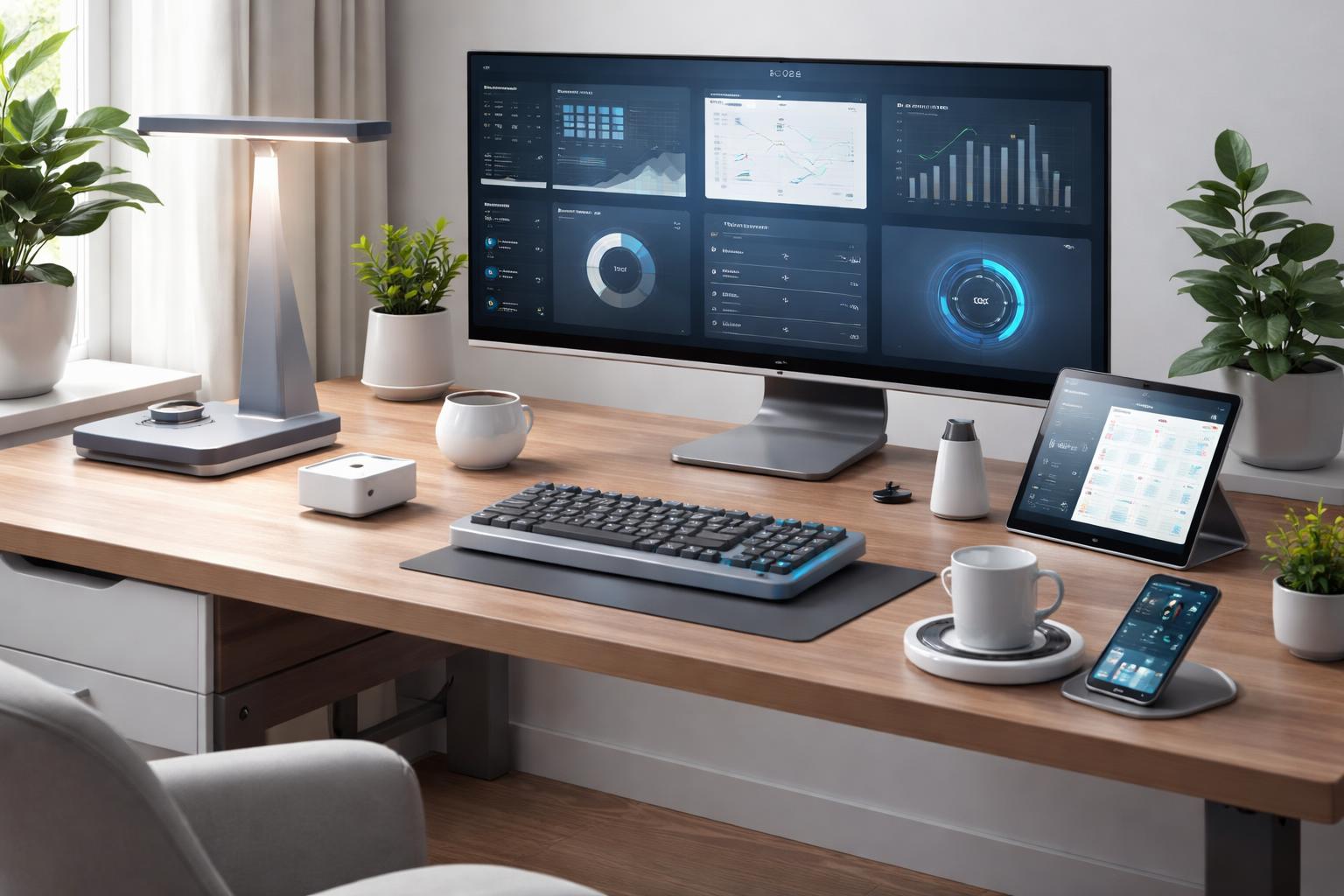
Best Smart Desk Gadgets for a More Productive Home Office in 2026
The Secret to Reclaiming Your Workspace
If you find yourself constantly losing focus or struggling with eye strain by 3:00 PM, your desk environment is likely working against you. Many professionals overlook the physical clutter and lighting conditions that dictate how much they accomplish before the workday ends.
Govee Desk Lamp
Lighting is the most overlooked element of a productive workspace. The Govee desk lamp provides adjustable color temperatures that help keep you alert in the morning and wind down your eyes in the evening. It is perfect for those who work in rooms with poor natural light and need precise control over their environment.
The Downside: The base takes up a considerable amount of desk space, which might be an issue if you are already using a compact workstation.
Installation Tip
Position the lamp head behind your monitor rather than in front of it. This prevents light from reflecting off your screen and causing the glare that often leads to end-of-day headaches.
Amazon Echo Show 5
Sometimes you need a dedicated hub to keep your schedule organized without picking up your phone. The Amazon Echo Show 5 is ideal for people who want quick access to their calendar, timers, and intercom features to communicate with others in the house without leaving their seat.
The Downside: The screen size is relatively small, making it difficult to read long to-do lists or detailed weather reports from across the desk.
Real-World Usage
Use the "Drop In" feature to communicate with your partner in the kitchen when you need to let them know you are entering a meeting and cannot be disturbed. It beats shouting across the house.
Logitech MX Master 3S
An ergonomic mouse is not just about comfort; it is about reducing the repetitive strain that forces you to take unplanned breaks. The Logitech MX Master 3S features quiet clicks and a thumb scroll wheel that makes navigating large spreadsheets or long documents feel nearly effortless.
The Downside: The mouse is designed specifically for right-handed users, making it a poor choice for lefties looking for an ergonomic upgrade.
Common Mistake
Many users fail to customize the side buttons in the Logi Options+ software. You should map these buttons to your most frequently used keyboard shortcuts, such as copy/paste or switching between windows, to save seconds on every task.
What to Look For Before You Buy
- Device Compatibility: Ensure any gadget you choose integrates with your existing smart assistant, like Alexa or Google Home, to avoid creating separate, disconnected systems.
- Physical Footprint: Measure your available desk space before purchasing; high-tech gadgets are counterproductive if they crowd out your actual workspace.
- Power Management: Look for devices with USB-C charging or internal batteries to reduce the number of power cables snaking across your desk.
- Utility vs. Novelty: Before adding a new gadget, ask if it solves a specific problem, like reducing eye strain or improving organization, rather than just being a cool addition.
Comparison Table
| Device | Primary Benefit | Best For |
|---|---|---|
| Govee Desk Lamp | Eye strain reduction | Early risers and night owls |
| Amazon Echo Show 5 | Task management | Staying organized without a phone |
| Logitech MX Master 3S | Ergonomic efficiency | High-volume computer users |
Who Should Buy This
The Remote Professional: If you spend more than six hours a day at your computer, ergonomic and lighting upgrades are essential for maintaining your long-term health.
The Multitasker: If you juggle home responsibilities with office work, a smart display helps you track household tasks like automating your home routines while staying on top of your work schedule.
Frequently Asked Questions
Do these devices require a central hub to work?
Most modern smart devices connect directly to your Wi-Fi or Bluetooth, so a separate hub is usually unnecessary. However, check individual product manuals to confirm if your specific home network setup can handle the additional load.
Will these gadgets distract me during work hours?
These devices are designed to minimize friction by automating repetitive tasks or improving comfort. You can always use "Do Not Disturb" modes on screens to ensure your notifications remain silent while you focus.
Are these products difficult to set up for non-technical users?
Most devices feature a "plug-and-play" setup that only requires downloading an app and following simple on-screen prompts. You generally do not need any special tools or technical skills to get them running.
Final Verdict
If you only invest in one item to improve your daily output, buy the Logitech MX Master 3S. Its impact on physical comfort and navigation speed is immediate and will serve you better than any decorative gadget. Start by checking your current mouse for signs of wear and upgrade today to save your wrists tomorrow.