
Disclosure: This article contains affiliate links. As an Amazon Associate, we earn from qualifying purchases at no extra cost to you.
You want to ensure your elderly loved ones are safe, connected, and have immediate help if they need it, even when you can’t be there in person. It’s a constant worry for many families, especially if your loved one lives alone or has health concerns. You want peace of mind, and they deserve to maintain their independence with confidence.
Why Two-Way Communication Monitors are Essential for Peace of Mind
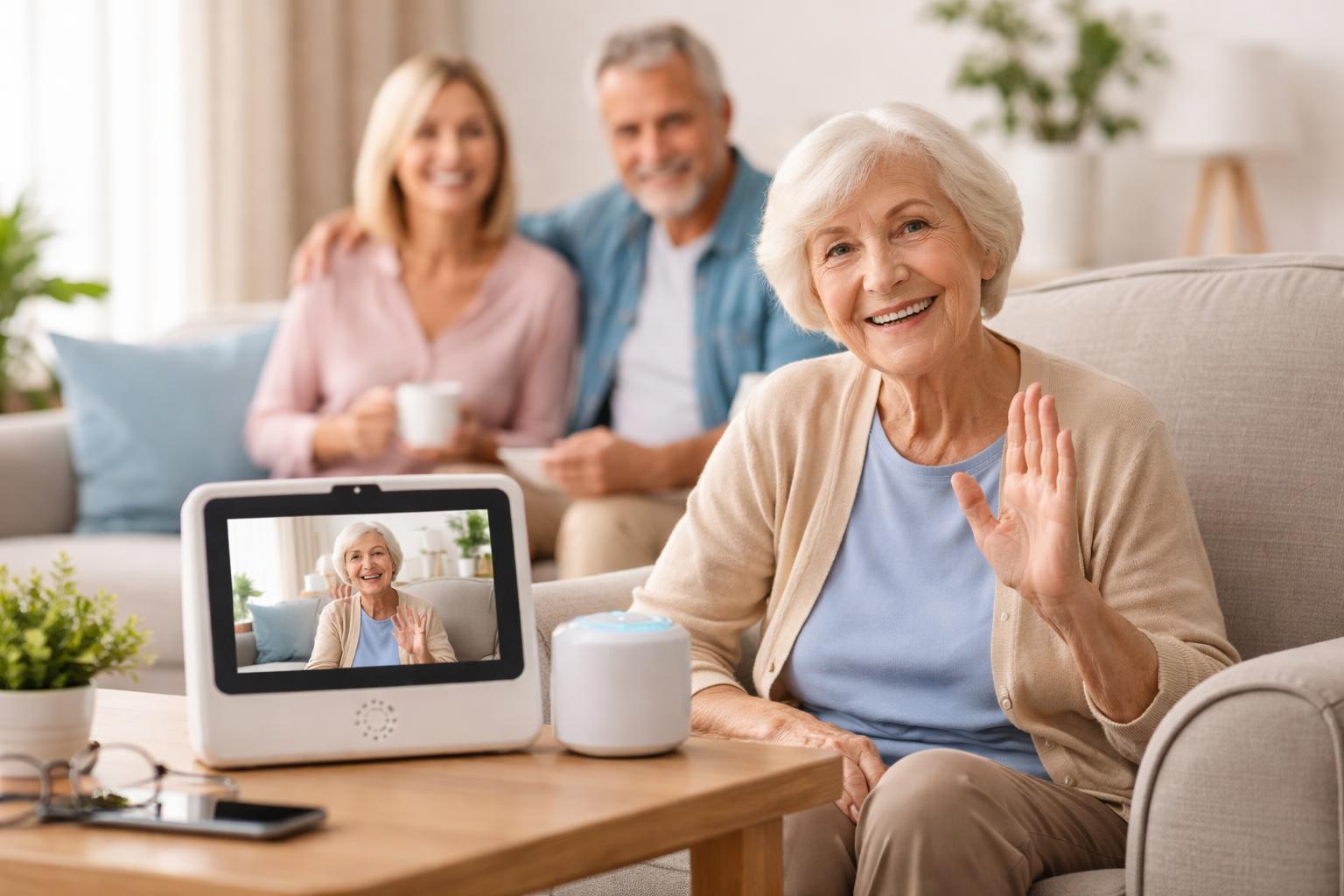
Life gets busy, and you can’t always be physically present with your senior family members. Two-way communication monitors bridge this gap, offering a lifeline that keeps everyone connected. These devices go beyond simple phone calls, providing quick ways to check in, chat face-to-face, and even get help during an emergency.
They can help your loved ones feel less isolated. Loneliness can be a serious issue for seniors, and a device that makes video calls or quick voice messages easy can make a world of difference. It means more frequent, spontaneous interactions with family and friends.
For you, it means less stress. Knowing you can drop in with a voice message, see their face, or that they have a way to call for help instantly, brings a huge sense of relief. It’s about building a safety net that supports independence without sacrificing connection.
Smart Displays: The Modern Family Hub
Smart displays combine video calling, voice assistance, and often smart home control into one visual device. They are great for seniors who are comfortable with some technology and want more than just emergency features. They connect families through simple video calls and can also play music, show photos, or provide weather updates.
Amazon Echo Show 10
The Amazon Echo Show 10 is best for seniors who enjoy video calls and might already use Alexa for other tasks. Its screen can rotate to keep your loved one in frame during video chats, which is a clever feature. Family members can “drop in” for a quick audio-only check-in, or make video calls using Alexa contacts. It also doubles as a digital photo frame or a way to watch cooking videos.
A real limitation of the Echo Show 10 is its complexity for someone entirely new to technology. The rotating screen, while useful, might also be disorienting for some users. You’ll need to set up contacts and explain voice commands carefully.
Google Nest Hub (2nd Gen)
The Google Nest Hub (2nd Gen) is best for seniors who prefer a more visual, touch-friendly interface, especially if family members already use Google products. It’s known for its bright, clear display and simple controls. It works well for video calls using Google Duo and can display shared photo albums. You can also use it to manage smart home devices with voice commands.
The main downside of the Nest Hub is its video calling capabilities are more limited compared to the Echo Show. It doesn’t have a camera for video calls built-in; you’d need to add a separate camera accessory for that feature, or rely on family members initiating video calls *to* the device if they have a camera. It functions primarily as a smart display and speaker.
Dedicated Medical Alert Systems: Focus on Safety
These systems prioritize emergency response, offering a direct link to help with the press of a button. While their primary function is emergencies, many now include two-way voice communication directly through the device, letting operators speak to your loved one immediately.
Philips Lifeline Medical Alert System
The Philips Lifeline Medical Alert System is best for seniors who prioritize immediate, professional emergency help at the touch of a button. It’s a well-known name in medical alerts. The system typically includes a wearable button that connects to a base unit, which then contacts a response center. Two-way communication happens through the base unit or the mobile device, allowing operators to assess the situation quickly.
A limitation is that these systems are built primarily for emergencies. They aren’t designed for casual video chats or playing music, so they won’t help with social connection in the same way smart displays do. The monthly fees can also add up.
Medical Guardian System
The Medical Guardian System is best for seniors who need comprehensive emergency protection, whether at home or on the go. They offer various systems, including ones with fall detection and GPS tracking for mobile independence. Like Lifeline, pressing a button connects your loved one directly to a monitoring center, where operators can speak to them through the device.
A drawback of Medical Guardian is that choosing the right system can be a bit overwhelming due to the many options and feature sets. It requires careful consideration to match the specific needs of your loved one.
Lively Mobile Plus
The Lively Mobile Plus medical alert is best for active seniors who are often out and about and need emergency assistance that travels with them. This small, portable device has a large, easy-to-press button for emergencies and provides two-way communication with a monitoring agent. It also has GPS tracking, so help can find them anywhere.
Its main limitation is that it focuses on mobility and emergency response. It doesn’t offer the rich features of a smart display, like video calling or playing media. It’s truly a mobile alert and communication device first and foremost.
Senior-Friendly Tablets: Simplified Connection
Some tablets are designed specifically for older adults, simplifying the interface and focusing on easy communication and basic internet access.
GrandPad Tablet
The GrandPad tablet is best for seniors who find traditional tablets or smartphones too complicated but want to video chat, share photos, and browse a simplified internet. It features large, colorful buttons for core functions like “Call,” “Email,” “Photos,” and “Games.” Its interface is designed to reduce confusion and frustration.
A limitation of the GrandPad is that it operates on its own closed ecosystem. This means your loved one can only connect with approved contacts, which offers security but limits who they can interact with online. It also comes with a monthly service fee.
What to Look For Before You Buy
When choosing a two-way communication monitor, consider these key aspects:
- Ease of Use for Your Loved One: This is the most important factor. If the device is too complex, they won’t use it. Look for large buttons, clear screens, and simple voice commands if they prefer that.
- Emergency Features: Does it have a dedicated emergency button? Does it connect to a professional monitoring service? Fall detection and GPS are valuable additions for mobile devices.
- Connectivity and Wi-Fi Reliability: Ensure the device works well with your home’s internet setup. A common mistake is assuming Wi-Fi will reach every corner; sometimes, a mesh Wi-Fi system is needed for consistent connections.
- Privacy and Security: Understand how the device handles personal data and who can access it. Look for options that allow you to manage contact lists and permissions carefully.
- Family Integration: Can other family members easily connect and communicate through the device? Features like shared photo albums or family messaging can strengthen bonds.
Comparison Table
| Feature | Amazon Echo Show 10 | Google Nest Hub (2nd Gen) | Philips Lifeline | Medical Guardian | Lively Mobile Plus | GrandPad Tablet |
|---|---|---|---|---|---|---|
| Primary Function | Video calls, smart home, entertainment | Visual display, smart home, voice assistant | Emergency response | Emergency response | Mobile emergency response | Simplified communication & browsing |
| Two-Way Voice | Yes (Alexa calls, Drop In) | Yes (Google Assistant, Duo) | Yes (operator communication) | Yes (operator communication) | Yes (operator communication) | Yes (simplified calling) |
| Video Calling | Yes (built-in camera, auto-framing) | Yes (via Google Duo to device, no camera) | No | No | No | Yes (simplified video calls) |
| Emergency Button | No (can call specific contacts) | No (can call specific contacts) | Yes (wearable & base unit) | Yes (wearable & base unit/mobile) | Yes (mobile device) | No (can call specific contacts) |
| Portability | No (fixed location) | No (fixed location) | Base unit fixed, pendant portable | Some systems are mobile | Yes (fully mobile) | Yes (tablet) |
| Ease of Use (for seniors) | Medium (voice commands, some menu navigation) | Medium (touchscreen, voice commands) | Very High (single button) | Very High (single button) | Very High (single button) | High (simplified interface) |
Who Should Buy This
The Independent but Cautious Senior
If your loved one is generally independent but wants the reassurance of quick help and easy family connection, a dedicated medical alert system like the Philips Lifeline or Medical Guardian offers immediate emergency response. They can carry a pendant and know help is always a button press away, without feeling overwhelmed by complex technology. This provides a safety net without hindering their daily activities.
The Tech-Friendly Grandparent Who Loves Video Chat
For seniors who enjoy staying connected visually and might already be comfortable with voice assistants, a smart display like the Amazon Echo Show 10 is a great fit. It lets them easily video chat with family, see photos, and even ask for recipes or news. It integrates into their daily life as a helpful companion, fostering more frequent, spontaneous connections.
The Senior Who Struggles with Tech but Wants to Connect
If traditional smartphones or tablets are too confusing, but your loved one wants to make video calls and feel connected to the digital world, the GrandPad tablet is an excellent choice. Its simplified interface with large, clear buttons removes the frustration often associated with technology, making communication with family straightforward and enjoyable. It empowers them to engage online without feeling lost. You might also find other smart home devices helpful in simplifying their routines; explore options like those discussed in “Beyond Basic: Smart Home Routines That Actually Save You Time & Money (Beginner’s Guide)” to further enhance their comfort.
Frequently Asked Questions
Can these monitors replace regular phone calls?
They can supplement them beautifully, especially for video calls or quick check-ins. For seniors who struggle with small phone buttons, a large-screen smart display or a simplified tablet can actually make calling easier and more engaging than a traditional phone.
Are these devices secure and private?
Most reputable devices have privacy settings. You can often manage who can contact your loved one or what information is shared. Always review the privacy policies and adjust settings to your comfort level to ensure peace of mind.
What if my loved one doesn’t have Wi-Fi?
Some medical alert systems, like the Lively Mobile Plus, use cellular networks and don’t require home Wi-Fi. For smart displays or tablets, a reliable internet connection is necessary, so that’s a key consideration before buying.
How do I know which device is easiest for my loved one to use?
Consider their current tech comfort level. If they use a smartphone, a smart display might work. If they find phones difficult, a simplified tablet or a single-button medical alert system is likely a better fit. The best approach is often to observe how they interact with existing technology.
Can I integrate these devices with other smart home products?
Smart displays like the Echo Show or Nest Hub are often central to a smart home, allowing control of lights, thermostats, and more with voice commands. Medical alert systems and simplified tablets typically operate independently but focus on their core function of communication and safety.
Final Verdict
For most families looking to balance everyday connection with essential emergency backup, the Amazon Echo Show 10 offers the best blend of features. Its excellent video calling capabilities and “Drop In” feature make it easy for families to connect frequently, while its versatility as a smart home device makes it a genuinely helpful addition to a senior’s home. Paired with a simple, personal medical alert button from a provider like Philips Lifeline or Medical Guardian for critical emergencies, you’ll create a truly comprehensive safety and communication network.
Consider your loved one’s comfort with technology and their specific needs, then choose the system that will bring the most peace of mind to everyone involved.