
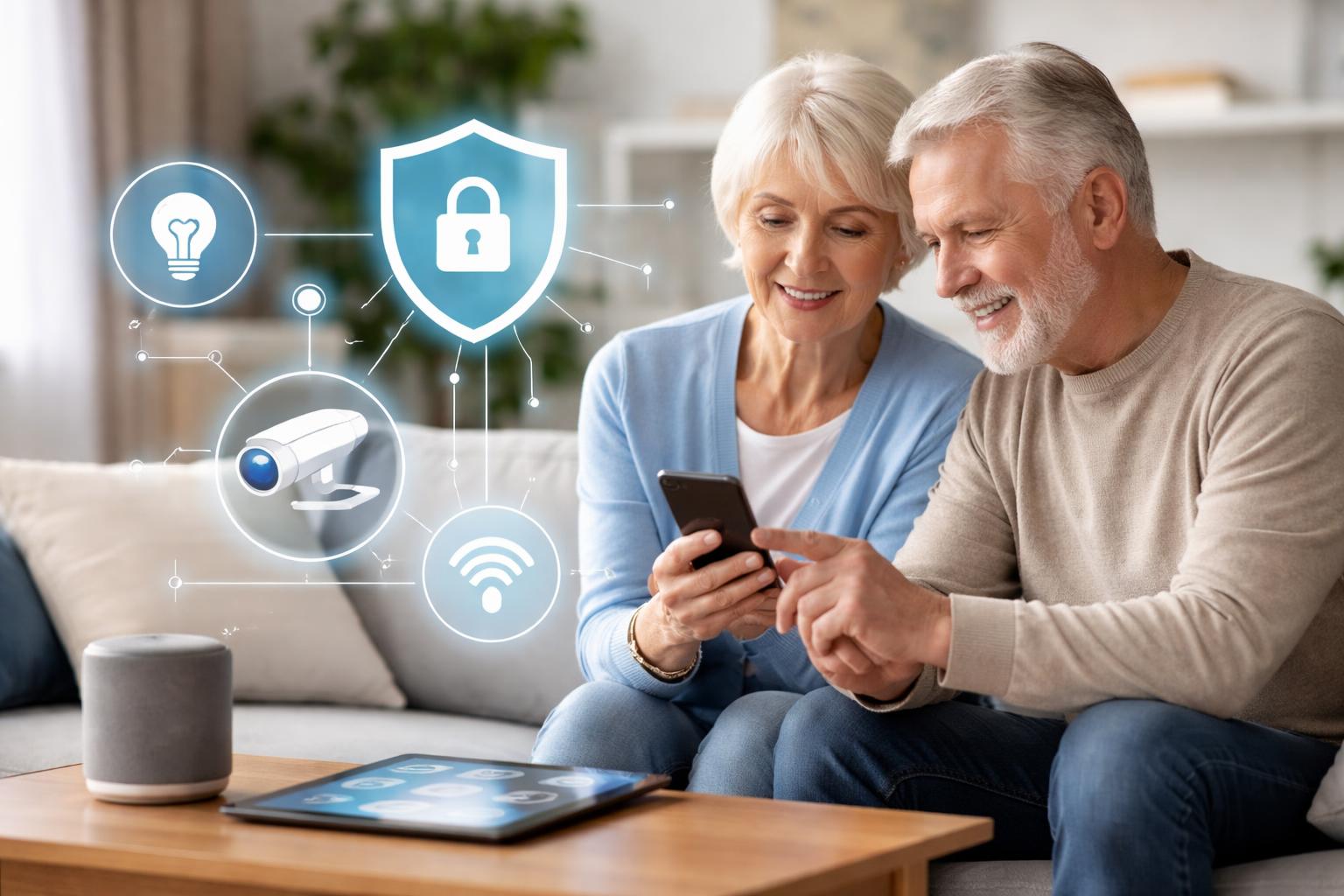
Are Smart Homes Safe and Private for Seniors? Addressing Common Concerns
You worry about your parents or grandparents living alone. Maybe you’ve had a scare, or you just want peace of mind knowing they’re safe and comfortable in their own home, even when you can’t be there. It’s natural to wonder if smart home technology can help without compromising their privacy or being too complicated.
Smart Homes and Senior Well-being: Beyond Basic Safety
You want your loved ones to live independently for as long as possible. Smart home devices offer practical ways to support this, providing both safety and comfort. Think about tasks that become harder with age, like remembering to lock the door or navigating a dark hallway at night. Smart tech can help with these daily challenges.Beyond emergency alerts, smart homes can create a more pleasant and less stressful living environment. This means less worry for you and more confidence for them.
Addressing the Fear of Falls
Falls are a major concern for seniors. Smart lighting and motion sensors can make a real difference. Imagine lights automatically turning on when someone gets out of bed at night, lighting the path to the bathroom. This simple step greatly reduces the risk of tripping in the dark.Motion sensors placed in key areas can also alert you to unusual activity. If there’s no movement detected in the living room by mid-morning, for example, you can check in. This acts as a gentle, non-intrusive safety net.
Medication Reminders and Daily Routines
Forgetting medication or daily tasks is common. Smart speakers can be programmed to give verbal reminders at specific times. "Time to take your morning pills," or "It's 10 AM, remember your walking exercise."You can also set up reminders for hydration, meal times, or even to close the garage door. These small prompts support healthy habits and independence without constant oversight.
Understanding Smart Home Privacy Concerns
You might be thinking about cameras watching every move or data being shared without permission. These are valid concerns, especially when it comes to personal spaces. It's important to understand how these devices work and how to control them.Smart home privacy often boils down to transparency and user control. You choose what data is collected and how it’s used.
Data Collection: What's Being Tracked?
Most smart devices collect data to perform their functions. A smart thermostat tracks temperature preferences. A motion sensor detects presence. Voice assistants record commands to respond accurately.This data usually stays within your device’s ecosystem. Companies typically anonymize and aggregate data for service improvement, not to identify individuals. Always read the privacy policy for any device you bring into the home.
Securing Your Home Network
The biggest privacy risk isn't usually the device itself, but how securely your home network is set up. Think of your Wi-Fi router as the front door to your digital home. A strong, unique password for your Wi-Fi is crucial.Regularly updating your router’s software helps protect against known vulnerabilities. Many routers offer a “guest network” option, which you can use for smart devices to separate them from personal computers and phones.
Choosing Devices with Local Storage Options
For video devices like security cameras, consider models that offer local storage. This means recordings are saved to a memory card on the device itself, rather than constantly uploaded to the cloud. This gives you more control over who can access the footage.While cloud storage offers convenience and remote access, local storage reduces reliance on internet connections and third-party servers for sensitive recordings. You might miss out on some remote viewing features, but gain greater privacy.
Enhancing Security with Smart Devices
Beyond daily assistance, smart homes significantly boost security. From preventing package theft to deterring intruders, these systems offer a new layer of protection.You can monitor what’s happening at home from anywhere, knowing that your loved ones are safe.
Smart Doorbells and Security Cameras
A smart doorbell lets you see and speak to visitors without opening the door. This is especially helpful for seniors who might struggle to get to the door quickly or want to screen callers. Products like Ring Video Doorbells offer clear video and two-way audio.Outdoor Arlo security cameras add another layer, providing alerts for motion detection. Place cameras strategically at common entry points, ensuring they cover the approach without infringing on neighbor’s property. A common mistake is mounting them too high, making faces hard to identify, or too low, making them easy to tamper with. Aim for about 7-9 feet high for optimal coverage and security.
Who it’s best for: Seniors who want to screen visitors and monitor property without physically going to the door or fumbling with peepholes. Limitation: Requires a reliable Wi-Fi connection and can have a slight delay in notifications if the internet is slow.
Smart Locks for Easy Access and Control
Fumbling with keys can be a hassle. Smart locks allow keyless entry using a keypad code, a smartphone app, or even a fingerprint. You can also grant temporary access to caregivers or family members remotely.August smart locks install over your existing deadbolt, keeping your original keys. This is great for renters or if you want to maintain the exterior look of your door. Yale smart locks replace the entire deadbolt and often come with built-in keypads.
Installation Tip: When installing a smart lock, always test the door’s alignment and ensure the deadbolt slides smoothly. A door that sticks or isn’t perfectly aligned will cause the smart lock to struggle, drain batteries faster, and potentially fail to lock or unlock reliably. You might need to adjust the strike plate or door hinges slightly for optimal performance.
Comprehensive Home Security Systems
For complete peace of mind, a full home security system offers professional monitoring. Systems like the SimpliSafe home security system include sensors for doors and windows, motion detectors, and panic buttons. If an alarm triggers, a monitoring center is alerted and can dispatch emergency services.Some systems also include environmental sensors for smoke, carbon monoxide, and water leaks. This comprehensive approach ensures help is always available, even if your loved one is unable to respond.
Who it’s best for: Seniors and their families who want 24/7 professional monitoring for intrusions, fires, and other emergencies. Limitation: Often requires a monthly subscription fee for professional monitoring services.
Smart Lighting for Comfort and Safety
Good lighting prevents falls and makes a home feel more welcoming. Smart lighting allows you to control brightness, color, and even schedule lights to turn on and off automatically.You can adjust lights from a smartphone app, with voice commands, or set them to respond to motion. This is especially useful for seniors who might have difficulty reaching light switches or navigating in low light.
Consider setting up routines like a smart home nighttime routine where bedroom lights dim gradually before bed and pathway lights brighten softly if someone gets up in the middle of the night.
Voice Assistants for Hands-Free Help
Smart speakers with voice assistants like Amazon Echo or Google Nest provide hands-free control. You can use them to make calls, get weather updates, play music, or control other smart devices just by speaking.For seniors, this means not needing to pick up a phone or physically interact with a device. “Hey Google, call Mary” or “Alexa, turn on the living room lights.” This simplicity is invaluable.
What to Look For Before You Buy
- Ease of Use: Choose devices with simple interfaces or voice control options. If an app is required, make sure it’s intuitive and easy to navigate for anyone who will use it.
- Reliability: Look for products from reputable brands with good reviews, known for consistent performance. A device that constantly disconnects or fails is more frustrating than helpful.
- Privacy Settings: Understand what data a device collects and how to adjust privacy settings. Opt for products that prioritize user control over their personal information.
- Emergency Features: Prioritize devices with clear emergency call functions, panic buttons, or integration with medical alert services. These features can be life-saving.
- Internet and Power Backup: Consider what happens if the internet goes out or power fails. Some devices have battery backups or can function locally without internet, which is critical for security systems.
Smart Lock Comparison
| Feature | August Smart Lock Pro / Wi-Fi | Yale Assure Lock 2 |
|---|---|---|
| Installation Type | Replaces thumbturn on existing deadbolt, keeping exterior hardware | Replaces entire deadbolt (interior and exterior) |
| Key Access | Uses original physical keys, plus app/keypad options | Keypad for codes, plus app. Some models offer traditional key backup. |
| Connectivity | Bluetooth; Wi-Fi bridge (Connect) or Wi-Fi built-in for remote access | Bluetooth; Wi-Fi or Matter modules for remote access |
| Best For | Seniors who want to keep their existing keys and exterior lock appearance, or renters. | Seniors who prefer a modern, keypad-centric entry with strong security. |
| Limitation | Requires a separate Connect bridge (or Wi-Fi model) for remote control, which can be an extra cost. | Replaces entire deadbolt, changing the exterior look of the door. |
| Key Feature for Seniors | Auto-unlock on arrival, auto-lock on exit, easy guest access management for caregivers. | Simple keypad entry, robust build quality, easily integrates with popular smart home platforms. |
Who Should Buy This
- The Concerned Adult Child: If you're managing care for an aging parent and want tools to provide independence and peace of mind without constant visits, smart home devices offer invaluable support.
- The Independent Senior: If you're comfortable with basic technology and want to maintain your lifestyle while adding convenience and security, smart devices can make daily living easier and safer.
- The Family Needing Peace of Mind: For families where members live far apart, smart home technology offers a way to stay connected to your loved one's well-being and home security remotely, ensuring they're always supported.