
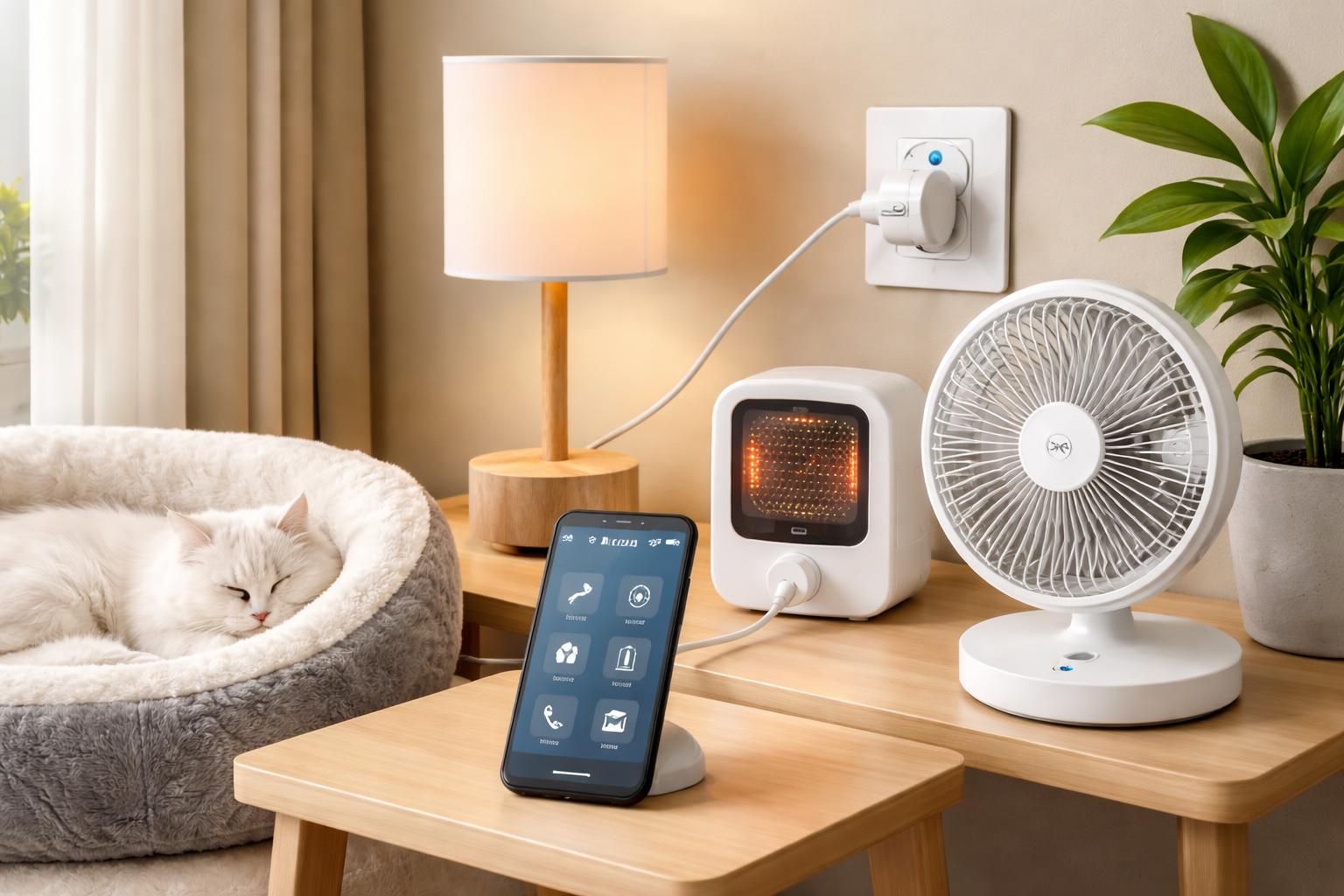
How to Use Smart Plugs to Automate Your Pet's Lamp, Fan and Heater
Ever worried if your pet’s terrarium light stayed on too long, or if their fan was still running after the room cooled down? Constantly checking on pet lamps, heaters, or fans when you’re not home can be a real source of stress. Smart plugs offer a simple, budget-friendly way to manage your pet’s environment without needing a complex smart home setup.
The Smart Plug: Your Pet's New Best Friend
Smart plugs are small devices that plug into your wall outlet. You then plug your appliance into the smart plug. Think of them as a remote control for your regular electronics. You can turn them on or off from your phone, even when you're away from home.These plugs connect to your home’s Wi-Fi. This lets you set schedules, timers, and even control them with your voice if you have a smart speaker like the Amazon Echo Dot smart speaker. They work with lamps, fans, heaters, and anything else that plugs into a standard wall socket.
One common mistake people make is buying a smart plug that isn’t rated for the appliance they want to control. Always check the wattage or amperage of your pet’s heater or lamp against the smart plug’s specifications. Most smart plugs handle up to 15 amps, which is fine for most household items, but powerful heaters can sometimes draw more. Double-checking prevents overheating and potential fire hazards.
Automating Your Pet's Lamp with a Smart Plug
Giving your pet a consistent light cycle is crucial for their health and well-being, especially for reptiles, fish, or birds. A smart plug makes this effortless. You can set precise times for lights to turn on and off every day.Imagine setting your bearded dragon’s UV lamp to turn on at 7 AM and turn off at 7 PM automatically. No more rushing home or worrying if you forgot to switch it on or off. This provides a stable environment and mimics natural daylight cycles.
Setting Up Your Pet's Lamp Schedule
First, plug your smart plug into the wall. Then, plug your pet's lamp into the smart plug. Open the smart plug's app on your phone. You'll find options to add a schedule or timer. Choose the days and times you want the lamp to turn on and off.Most apps let you set multiple schedules, so you could have a dim evening light come on after the main light goes off, if your pet needs it. Make sure your smart plug is placed where it gets a strong Wi-Fi signal, especially if it’s tucked away behind a large terrarium. A weak signal could lead to missed schedules.
Keeping Your Pet Cool with a Smart Plug and Fan
When the weather heats up, a fan can provide much-needed airflow for your pets. But leaving a fan running all day can waste energy. A smart plug lets you control the fan remotely or schedule it to run only when needed.For instance, if you know the afternoon sun hits your living room, you could schedule a fan to turn on from 1 PM to 5 PM. If you’re out and the temperature suddenly drops, you can turn the fan off from your phone. This gives you peace of mind and keeps your pets comfortable.
Creating a Fan Schedule
Plug your fan into the smart plug, then plug the smart plug into the wall. Make sure the fan itself is set to the "on" position so that the smart plug can control its power. Use the smart plug app to set a daily schedule.Some smart plugs even offer an “away mode” that randomly turns devices on and off, which can be useful for making it seem like someone is home, though less critical for pet fans. The ability to switch it off remotely if a storm rolls in and cools things down is a true convenience.
Warmth When They Need It: Smart Plugs and Pet Heaters
Pet heaters, heat lamps, or heated pads are essential for many cold-blooded pets and even some small mammals. Consistent warmth is vital, but constant running can be inefficient or even unsafe if the room temperature unexpectedly rises. A smart plug provides precise control.You can ensure your pet’s heat lamp comes on before you wake up and switches off after you’ve gone to bed, maintaining a stable temperature range. This is particularly useful for exotic pets that require specific temperature gradients.
Setting Up Your Pet's Heater
Similar to a fan, plug your pet's heater into the smart plug, then into the wall. Ensure the heater itself is set to the "on" position or its desired temperature setting if it has one. Use the smart plug's app to create a daily schedule.For instance, you might set a heat lamp to run for 12 hours during the day, then switch to a lower-wattage ceramic heat emitter controlled by a second smart plug during the night. This allows for a diurnal temperature drop without a complete loss of warmth. Just remember, smart plugs should only control the power on/off; they don’t replace a proper thermostat for precise temperature regulation, especially for delicate animals.
Popular Smart Plugs for Pet Automation
Two excellent choices for smart plugs that work well for pet automation are the Kasa Smart Plug Mini with Energy Monitoring (EP25) and the TP-Link Tapo Smart Plug (P115). Both are reliable, easy to use, and don't require a separate smart home hub.Kasa Smart Plug Mini with Energy Monitoring (EP25)
This smart plug is best for homeowners who want to monitor how much energy their pet's devices are consuming. The Kasa EP25 tracks real-time and historical energy usage directly in the Kasa app. This feature helps you understand the running costs of your pet's heating or lighting, allowing you to make smarter choices for your energy bill. For those looking to save energy, this monitoring capability can be invaluable. The Kasa Smart Plug Mini with Energy Monitoring (EP25) is a great choice for this.Its main limitation is that the energy monitoring feature can sometimes make the plug slightly larger than other “mini” plugs, potentially blocking a second outlet if your wall plate is tight. However, its compact design still generally allows access to the second outlet in most standard setups.
TP-Link Tapo Smart Plug (P115)
The Tapo Smart Plug (P115) is an excellent option for users who want a simple, reliable, and very compact smart plug. It’s ideal for those who prioritize a small footprint and straightforward scheduling without needing detailed energy tracking. The Tapo app is user-friendly and connects quickly.A potential downside is that the Tapo P115 does not offer energy monitoring. If understanding your energy consumption is important to you, you’d miss this feature. However, its reliability and small size make it a favorite for basic automation tasks. The TP-Link Tapo Smart Plug (P115) is a solid pick for simple control.
What to Look For Before You Buy
- Energy Monitoring: Some smart plugs track power usage. This is helpful if you want to know how much your pet's lamp or heater costs to run and identify opportunities to save.
- Compact Size: A mini plug won't block the second outlet on your wall, which is a small but important detail for convenience.
- Reliable App: Look for a plug with a well-rated app that is easy to use for scheduling and remote control. Bugs or slow loading can be frustrating.
- Voice Assistant Compatibility: If you use Alexa or Google Assistant, ensure the smart plug works with your preferred voice assistant for easy control.
- Wi-Fi Reliability: A good smart plug needs a stable Wi-Fi connection. Check reviews for reports of frequent disconnections, especially if your pet's setup is in a Wi-Fi "dead zone."
Smart Plug Comparison
| Feature | Kasa Smart Plug Mini with Energy Monitoring (EP25) | TP-Link Tapo Smart Plug (P115) |
|---|---|---|
| Energy Monitoring | Yes (Real-time & Historical) | No |
| Size | Compact (may slightly block second outlet depending on design) | Very compact (unlikely to block second outlet) |
| App Control | Kasa App (User-friendly, feature-rich) | Tapo App (User-friendly, focused on core functions) |
| Voice Control | Alexa, Google Assistant | Alexa, Google Assistant |
| Hub Required | No | No |
| Scheduling & Timers | Yes | Yes |