
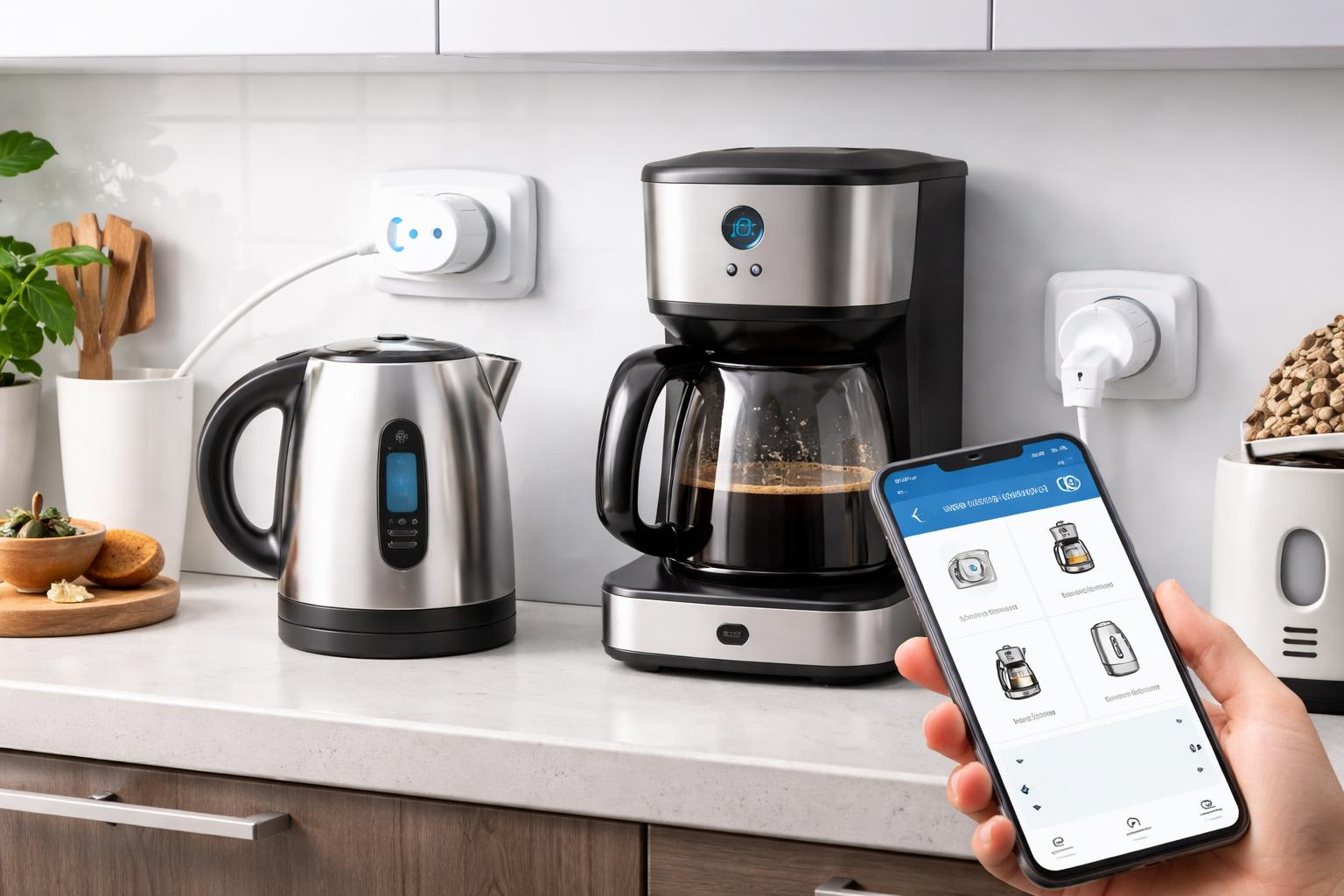
How to Use Smart Plugs to Automate Your Coffee Maker, Kettle and Kitchen Appliances
The Hidden Convenience of Automated Mornings
If you have ever stumbled into your kitchen half-asleep, only to realize you forgot to prep the coffee maker the night before, you know how frustrating a slow start can be. A simple smart plug can turn any "dumb" appliance with a physical switch into a scheduled, app-controlled part of your morning routine.
Why Your Coffee Maker Needs a Smart Plug
Most standard coffee makers, kettles, and toasters have a mechanical on/off toggle. Because these devices stay "on" when the switch is flipped, they are perfect candidates for a smart plug. When the plug cuts the power, the device shuts off; when the plug restores power, the appliance immediately resumes its state.
For your first setup, I recommend the Kasa EP25 Smart Plug. It is best for homeowners who want energy monitoring to see exactly how much power their morning brew consumes. One limitation is its size; the housing can be bulky, which might block the second outlet on a standard wall plate.
How to Set Up Your Kitchen Automation
Before you start, check your appliance. If your coffee maker uses a digital touch panel that requires you to press a "Start" button after plugging it in, a smart plug will not work. It must have a physical, flip-style switch that stays in the "on" position.
Step-by-Step Installation
- Test the hardware: Keep the device switch in the "on" position and plug it into a wall outlet to see if it starts running immediately. If it does, you are ready to automate.
- Connect to your app: Follow the manufacturer instructions to pair the plug with your home Wi-Fi.
- Create your schedule: In your app, set the plug to turn on at 6:30 AM and turn off at 7:00 AM.
A common mistake readers make is leaving their kettle full of water for days. Always ensure you refill your water reservoir every evening so your morning routine doesn't burn out a heating element.
What to Look For Before You Buy
- Amperage rating: Ensure the plug is rated for 15 amps or higher to safely handle the high power draw of kettles and heaters.
- Physical dimensions: Measure your outlet space, as many smart plugs are wide and can interfere with adjacent wall sockets.
- App stability: Choose brands that offer reliable scheduling features so your morning coffee doesn't depend on a buggy connection.
- Voice control compatibility: Look for plugs that support your existing ecosystem, such as Amazon Echo Dot or Google Home, for hands-free control.
Comparison of Recommended Plugs
| Model | Best For | Downside |
|---|---|---|
| Kasa EP25 | Energy monitoring and reliability | Bulky size blocks outlets |
| TP-Link Tapo P115 | Compact design for tight spaces | Slightly smaller app feature set |
The TP-Link Tapo P115 is an excellent alternative if you have limited space behind your kitchen appliances, though it lacks some of the deep reporting metrics found in the larger Kasa model.
Who Should Buy This
The Morning Grouch: You need your caffeine ready the moment your feet hit the kitchen floor without needing to wait for a brew cycle.
The Forgetful Homeowner: You often leave the house worrying if you turned off the electric kettle or the toaster, and you want the peace of mind to check (and shut off) devices from your phone.
Frequently Asked Questions
Can I use these with high-wattage appliances like air fryers?
It is generally not recommended. Air fryers and ovens draw significant power and often have digital controls that reset when power is cut, which can be a safety risk if left unattended.
Do I need a hub to use these smart plugs?
Most modern Wi-Fi smart plugs like the ones mentioned here do not require a separate hub. They connect directly to your home router, though a strong Wi-Fi signal is important for reliability.
What happens if my internet goes down?
Most reputable smart plugs store their schedules locally. Even if your internet connection drops, the plug should continue to follow your pre-set routine as long as it has power.
Final Verdict
For most kitchens, the Kasa EP25 is the top choice because of its consistent performance and helpful energy-monitoring data. If your kitchen space is tight, go with the TP-Link Tapo P115 for its compact, low-profile design. Purchase your first smart plug today and start by scheduling your coffee maker for tomorrow morning.