
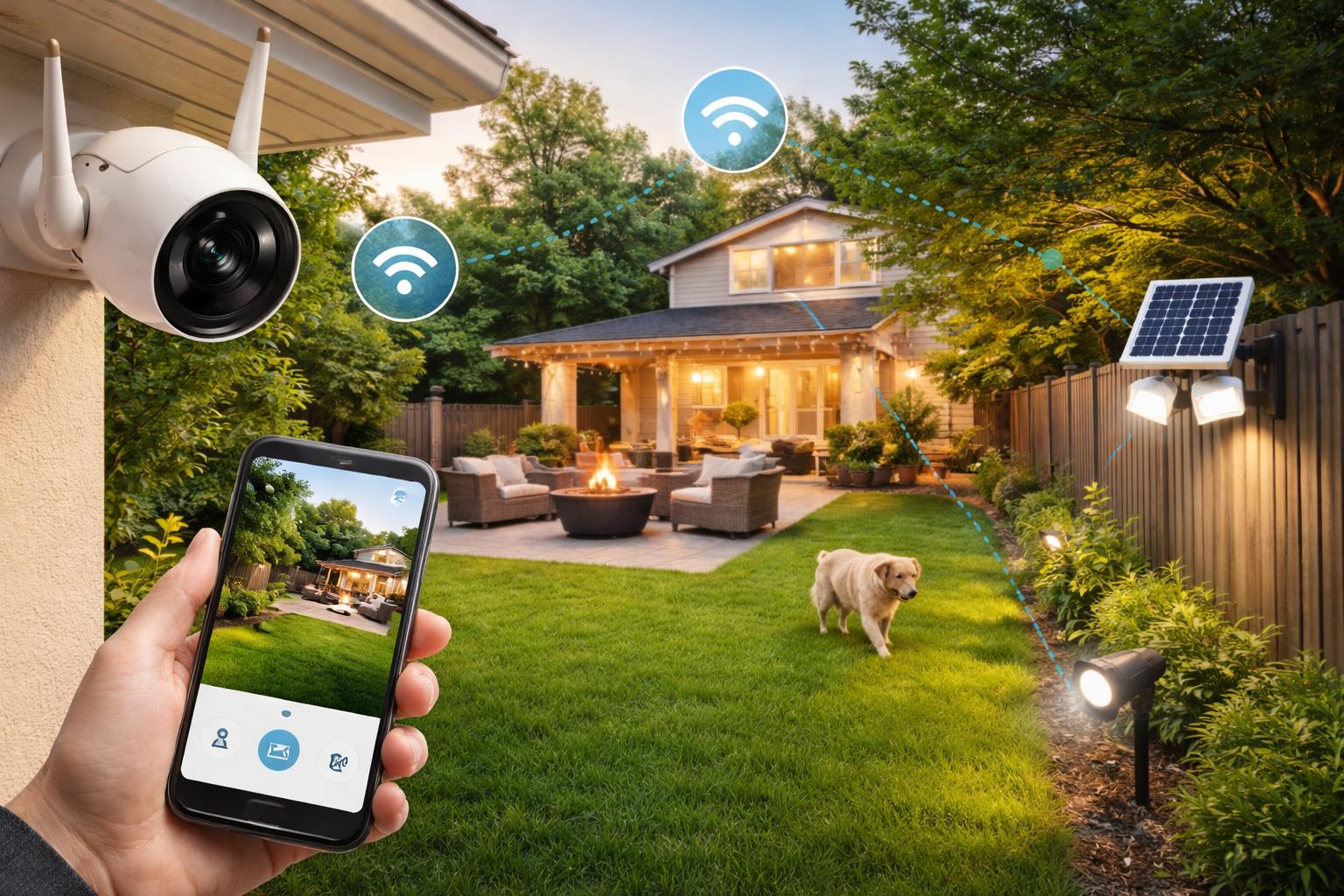
Smart Outdoor Security: How to Monitor Your Yard Without a Monthly Fee
The Hidden Cost of "Free" Security
Most homeowners are surprised to learn that they spend more on mandatory cloud subscriptions over three years than they do on the security cameras themselves. If you are tired of monthly bills just to see who is walking up your driveway, it is time to move toward local storage.
The Best Way to Monitor Your Yard Without Fees
The secret to avoiding recurring costs is choosing cameras that store footage on a local memory card or a dedicated home hub. This approach keeps your data inside your walls rather than on a remote server, which also adds a layer of privacy. You gain full control over your footage without needing permission from a company to access it.
Eufy Cam 3: The Reliable Powerhouse
The Eufy Cam 3 is best for homeowners who want a true "set it and forget it" system with integrated solar charging. The built-in solar panel means you rarely have to take the camera down for a recharge, provided it is installed in a spot with decent sunlight.
One notable limitation is its reliance on the HomeBase unit. You must have enough space near your router to house this hub, which acts as the brains of your system and handles the local storage.
Reolink Argus 4: The Wide-Angle Specialist
The Reolink Argus 4 is best for those who need to cover a large yard with a single camera due to its impressive 180-degree field of view. Its dual-lens system captures a massive area without the fish-eye distortion common in cheaper models.
A downside to keep in mind is the app experience. While it is feature-rich, it can feel cluttered compared to simpler competitors, meaning it takes a bit of time to master the notification settings.
Wyze Cam v4: The Budget-Friendly Entry
The Wyze Cam v4 is best for renters or people on a tight budget who need indoor-outdoor versatility. It is remarkably small and easy to mount almost anywhere using a simple adhesive or screw-in bracket.
The trade-off here is the weatherproofing. While it is designed for the outdoors, it is not as rugged as dedicated, battery-powered security cameras, so it performs best under an eave or covered porch rather than exposed to direct rain.
What to Look For Before You Buy
- Local Storage Options: Ensure the camera has a microSD card slot so you can store clips directly on the device.
- Privacy Considerations: Check if the camera allows you to set "activity zones" to avoid recording public sidewalks or your neighbor's property.
- Power Requirements: Decide if you prefer a solar-recharging model or a swappable battery unit to minimize maintenance.
- Network Dependability: Outdoor cameras depend on a strong signal; if your yard has weak Wi-Fi, you may need a signal repeater near the camera.
Comparison of Subscription-Free Cameras
| Camera | Best Feature | Power Method | Installation Difficulty |
|---|---|---|---|
| Eufy Cam 3 | Integrated Solar | Solar/Battery | Moderate |
| Reolink Argus 4 | 180° Field of View | Battery | Easy |
| Wyze Cam v4 | Price/Size | Wired | Very Easy |
Common Mistakes to Avoid
A common mistake is placing your camera too high up on a wall. While you might think a high vantage point is safer, it actually prevents the camera from capturing facial features clearly. Mount your cameras at eye level—about 7 to 8 feet off the ground—to ensure you get useful, identifiable footage of anyone approaching your door.
Who Should Buy These Systems
The Hands-Off Homeowner: You want a system that works, saves your clips automatically, and requires almost zero maintenance, making the Eufy Cam 3 a great fit.
The Renter: You need security that does not require permanent wiring or drilling into brick or siding, making the Wyze Cam v4 the most flexible choice.
The Large Yard Owner: You have a wide space that is difficult to monitor with traditional narrow-angle cameras and need the wide reach of the Reolink Argus 4.
Frequently Asked Questions
Do I need an internet connection for these to work?
Yes, you need a Wi-Fi connection to receive alerts and live-view the camera on your phone. However, the footage will still save to the local memory card even if your internet goes down temporarily.
How do I know if the camera is recording?
Most cameras have a small status light that blinks when motion is detected or when you are viewing the live feed. You can often toggle this off in the app settings if you prefer the camera to be discreet.
Can I see the footage if I'm not at home?
Yes, all these cameras use a mobile app to connect to your home network remotely. You can pull up the feed from anywhere in the world as long as your phone has data.
Final Verdict
For most homeowners, the Eufy Cam 3 is the clear winner. Its ability to generate its own power via the integrated solar panel eliminates the chore of manual charging, and the HomeBase provides a stable, private storage solution that does not rely on the cloud. If you are ready to stop paying monthly fees, pick up a Eufy kit and install your first camera this weekend.