
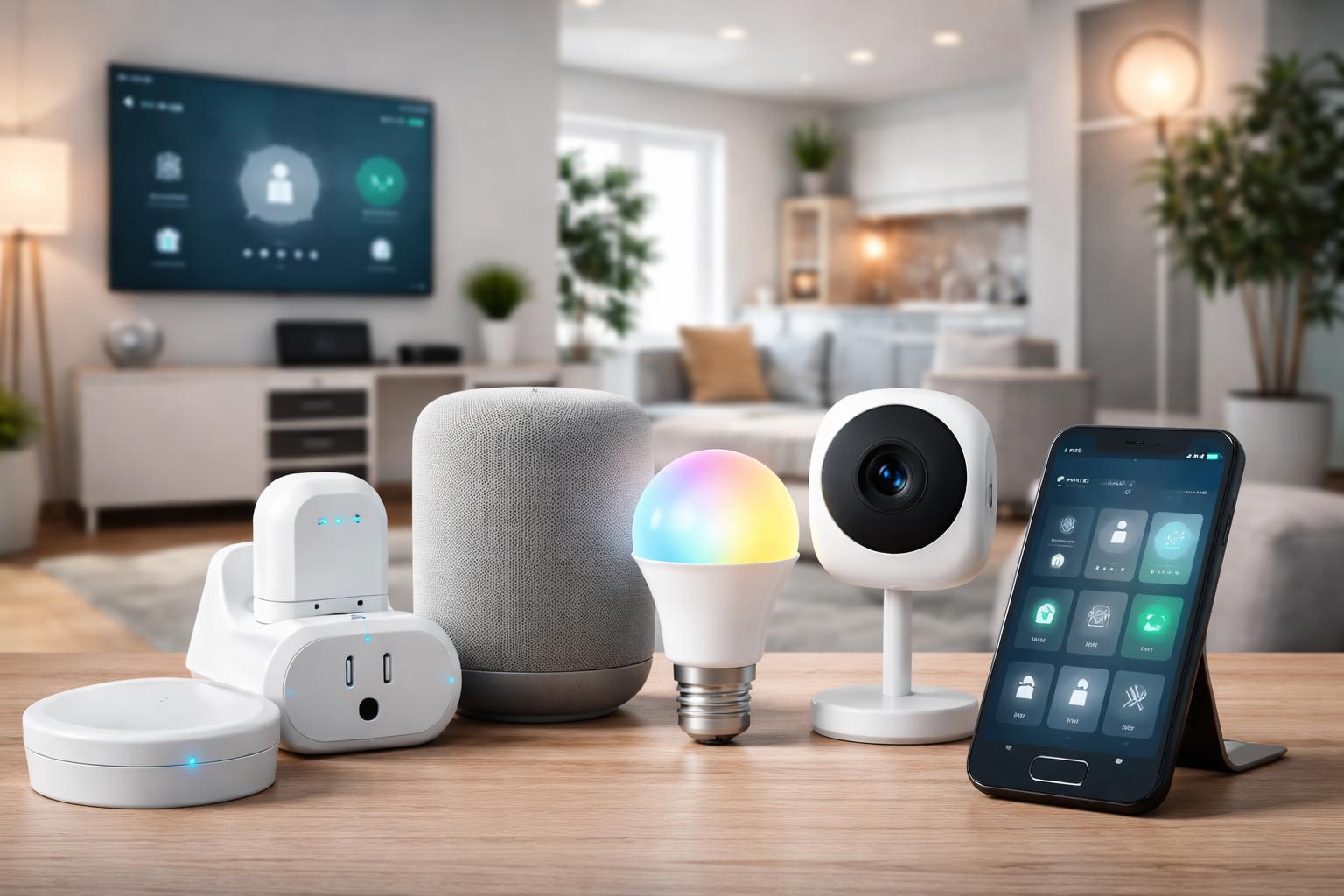
How to Build a Smart Home for Under $200 (Complete Starter Guide)
Coming home to a dark house or realizing you left a light on while already in bed can feel frustrating. You might think making your home smarter means spending a lot of money or dealing with complicated wiring. The good news is, you can start building a connected home that genuinely helps you, all without breaking your budget.
What a "Smart Home" Really Means (and Why it Doesn't Cost a Fortune)
When you hear "smart home," you might picture futuristic mansions with screens everywhere. But for most of us, a smart home is simply about making everyday tasks easier and more convenient. It’s about devices that connect to your home Wi-Fi and can be controlled with your voice, a smartphone app, or even automatic schedules.
The beauty of starting small is that you don't need to buy everything at once. A common mistake many first-time smart home owners make is trying to automate every single thing on day one. Instead, focus on a few areas where smart tech can make the biggest difference in your daily routine, like lighting, small appliances, or getting voice control.
Think of it as building blocks. You choose one or two things, try them out, and see what you like. This guide will show you how to get those first few blocks in place for less than you might expect, giving you real convenience without a steep learning curve.
Your Smart Home Brain: A Smart Speaker
A smart speaker isn't just for playing music; it's often the central brain of a simple smart home. It lets you control lights, plugs, and other devices using just your voice. It also answers questions, tells you the weather, and sets timers, making it useful even if you don't connect other smart devices right away.
For most beginners, a compact smart speaker is the easiest way to start. It connects to your home Wi-Fi and can often communicate directly with many budget-friendly smart devices without needing another separate hub. This keeps things simple and keeps costs down.
Amazon Echo Dot
The Amazon Echo Dot smart speaker is an excellent starting point for many people. It's best for anyone who wants hands-free control over their smart devices, likes asking questions, or enjoys listening to music and podcasts. You simply plug it in, connect it to your Wi-Fi through the Alexa app, and you're ready to go.
One real limitation of the Echo Dot is that while it controls many devices directly, some specialized smart home tech might require its own bridge or hub to connect properly. For instance, some Zigbee devices might connect to the larger Echo Show models that have built-in Zigbee hubs, but the basic Echo Dot usually relies on Wi-Fi or skill integrations.
Instant Control: Smart Plugs
Smart plugs are perhaps the easiest way to add "smart" capabilities to your existing appliances. They plug into a standard wall outlet, and then you plug your appliance into them. Suddenly, your old lamp, coffee maker, or fan can be turned on or off from your phone, on a schedule, or with your voice through a smart speaker.
Imagine setting your coffee maker to brew every weekday morning at 7 AM. Or turning off a forgotten curling iron from anywhere, just by checking your phone. This is the simple, practical magic of a smart plug. They don't require any wiring, so they're perfect for renters or anyone who wants a truly temporary solution.
TP-Link Tapo Smart Plug
The TP-Link Tapo Smart Plug is a reliable choice for beginners. It's best for individuals who want to automate small appliances and lamps quickly, without needing a separate hub. You just plug it in, download the Tapo app, and connect it to your Wi-Fi.
One common mistake people make with smart plugs is using them with appliances that draw a lot of power, like space heaters or air conditioners. Always check the wattage rating on your smart plug and compare it to the appliance you want to control. Exceeding the plug's limit can damage the plug or the appliance, so be sure to only use it with lower-power devices like lamps, fans, or chargers.
Lighting Up Your Home Smartly: Smart Bulbs
Smart bulbs replace your regular light bulbs, giving you control over your home's lighting from your phone or with your voice. You can dim them, change their color (if they're color-changing bulbs), or set them on schedules. This can save energy and create different moods in your rooms.
Starting with just one or two smart bulbs can make a surprising difference. You can have them turn on automatically when you get home, or slowly dim as you drift off to sleep. It’s a simple upgrade that feels incredibly modern and convenient.
IKEA TRÅDFRI Smart Bulb
The IKEA TRÅDFRI smart bulb is an excellent option for those new to smart lighting who are looking for good value. They are best for individuals wanting to control their lights wirelessly, create schedules, or experiment with mood lighting, especially if they already have an IKEA TRÅDFRI gateway or a compatible smart speaker.
A real limitation of IKEA TRÅDFRI bulbs is that while they can often connect directly to some smart speakers for basic on/off and dimming, you usually need the IKEA TRÅDFRI Gateway (sold separately) to access all their features, like firmware updates or more complex scenes. This setup varies by home, so always check if your chosen smart speaker can control them directly or if the gateway is a necessary add-on for your desired functionality.
What to Look For Before You Buy
-
Compatibility: Ensure any new device works with your existing smart speaker (like an Echo Dot) or the system you plan to build around. Check for mentions of "Works with Alexa" or "Requires no hub" on the product packaging or description.
-
Ease of Setup: For beginners, Wi-Fi direct devices are generally simpler than those requiring a separate hub. Look for products that promise quick setup via a dedicated app on your smartphone.
-
Essential Features: Decide what you truly need. Do you just want on/off control, or do you need dimming, color changes, or energy monitoring? Avoid paying extra for features you won't use.
-
Reliability: Read user reviews focusing on how well the device maintains its connection and if the app is user-friendly. A smart device that constantly disconnects isn't smart, it's a nuisance.
Comparing Your Starter Options
| Device Type | Primary Use | Key Benefit | Consideration |
|---|---|---|---|
| Amazon Echo Dot smart speaker | Voice control, general assistant | Centralizes control, offers hands-free convenience | Needs Wi-Fi, some devices may still require their own hub |
| TP-Link Tapo Smart Plug | Automating small appliances/lamps | Makes existing items smart, quick setup, portable | Not suitable for high-wattage appliances (e.g., space heaters) |
| IKEA TRÅDFRI smart bulb | Smart lighting control | Dimmable, schedulable, can change light temperature/color | May require IKEA Gateway for full features, check smart speaker compatibility |
Who Should Buy This
The First-Time Explorer
If you've never used a smart home device before and want to see what all the fuss is about without a major investment, these simple, affordable options are perfect. You can experiment with voice control, automated lighting, or smart appliance management and discover what works best for your home.
The Budget-Conscious Homeowner
For those who want the convenience of a smart home but need to stick to a strict budget, this approach proves you don't need to spend thousands. You can add genuinely useful smart features for a fraction of the cost, making practical upgrades without financial strain.
The Smart Renter
These devices are ideal if you rent your home or apartment. They require no permanent installation, no drilling, and can be easily moved with you when you relocate. You get the benefits of a smart home without worrying about landlord restrictions or losing your investment. For more ideas, check out The Best Renter Friendly Smart Home Devices You Can Install Without Damage.
Frequently Asked Questions
Do I need a hub for these devices?
Many modern smart plugs and smart bulbs can connect directly to your home Wi-Fi and be controlled by their dedicated app or a smart speaker like the Echo Dot without a separate hub. However, some ecosystems or specialized features might still benefit from one, so always check the product details.
Are smart devices secure?
Reputable brands prioritize security with encrypted connections and regular software updates. Always create strong, unique passwords for your smart home accounts and keep device firmware updated to protect your home. Use a guest Wi-Fi network for smart devices if your router supports it, to separate them from your main network.
Can I expand my smart home later?
Absolutely! The beauty of starting small is that you can always add more devices. As your needs grow, you can integrate more smart plugs, bulbs, or even move onto thermostats or security cameras, knowing your initial setup provides a solid foundation.
Will these work with my home Wi-Fi?
Most budget-friendly smart devices connect to your standard 2.4 GHz Wi-Fi network, which is common in nearly all homes. Ensure your Wi-Fi signal is strong where you plan to place your devices for reliable performance.
Final Verdict
For anyone looking to build a smart home for under $200, starting with a smart plug is the most impactful first step. It offers immediate convenience by automating existing items, is incredibly easy to set up, and provides a clear demonstration of smart home benefits. Pair a few smart plugs with an Amazon Echo Dot for voice control, and you’ll have a surprisingly capable smart home foundation.
Start with a smart plug or two to automate your favorite lamp or small appliance today.