
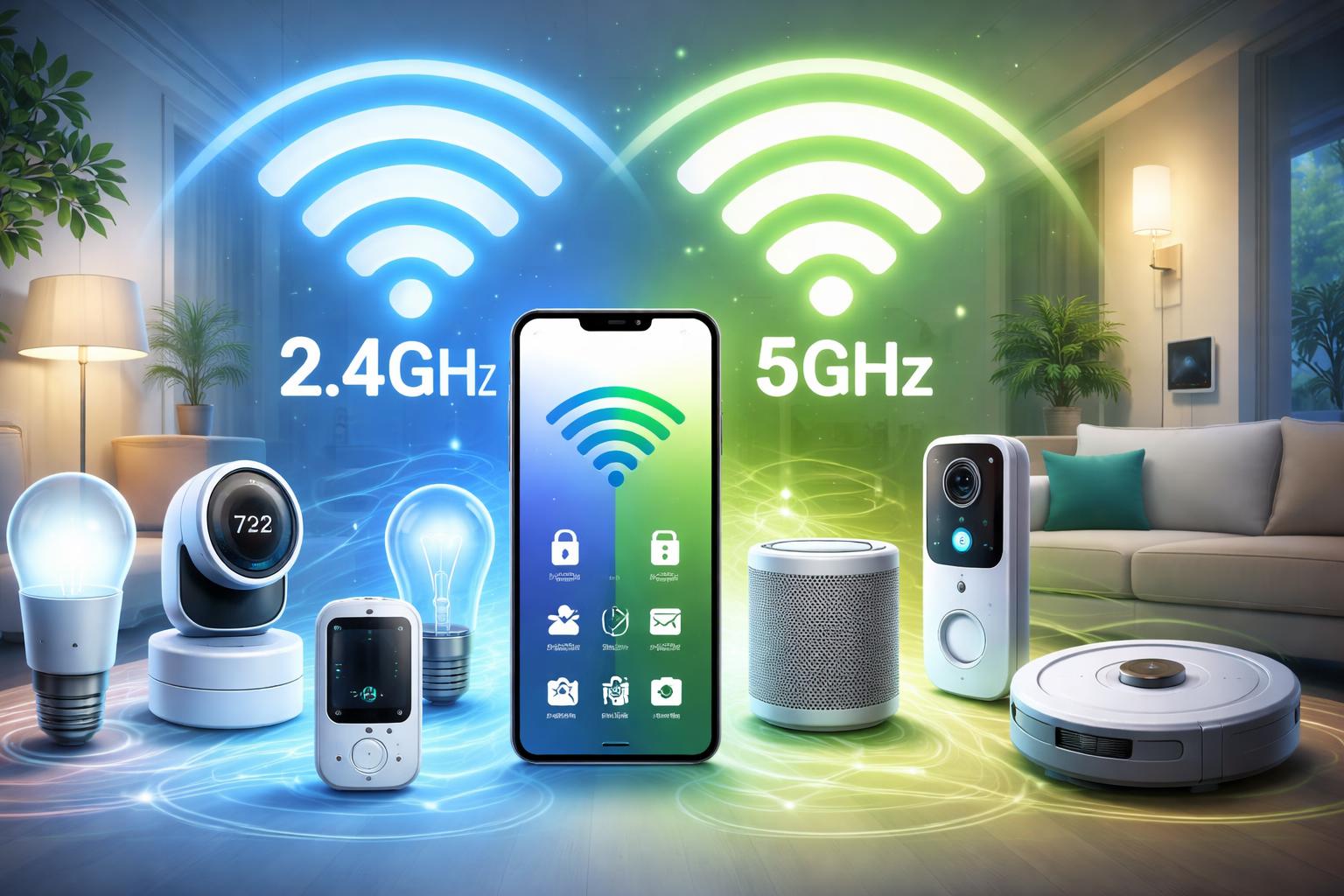
Smart Home on 2.4GHz vs 5GHz WiFi: Which Band Should Your Devices Use?
WiFi Band Selection: The Unseen Struggle in Your Smart Home
You have likely spent hours troubleshooting a stubborn smart bulb that refuses to connect, even though your phone works perfectly on the same network. The culprit is almost always the invisible divide between the 2.4GHz and 5GHz WiFi bands running inside your home.
Understanding the Difference: 2.4GHz vs. 5GHz
Think of your WiFi bands as different lanes on a highway. The 2.4GHz band is the slow, wide lane that covers a long distance and can punch through thick walls with ease. It is the gold standard for most smart home devices, including smart plugs, light bulbs, and security cameras.
The 5GHz band is the fast, narrow lane designed for high-speed data. It is perfect for streaming 4K video on your TV or downloading large files on your laptop. However, it fails quickly when faced with obstacles like drywall, brick, or distance, making it a poor choice for gadgets placed in basements, attics, or garages.
Why Smart Devices Prefer the 2.4GHz Band
Most manufacturers design smart home gear to run on 2.4GHz because it is energy-efficient and reliable over distance. Because these devices only need to send small bits of data—like a "turn on" command—they do not need the high speeds of the 5GHz band. Connecting a simple temperature sensor to a 5GHz band is like driving a race car to get the mail; it is unnecessary and often results in connection errors.
Setting Up Your Network for Success
A common mistake is assuming your router will automatically put every device in the right place. Many modern mesh systems, such as the TP-Link Deco mesh router, are excellent at managing traffic for general home use, but they can occasionally confuse older smart devices that only speak 2.4GHz. If you find your devices frequently going "offline" in your app, they are likely struggling to maintain a stable signal.
For large homes, a dedicated system like the Amazon Eero 6 is a great choice because it handles a high volume of devices without clogging the network. However, it can sometimes be difficult to force a device to pick 2.4GHz during initial setup. If you run into this, move further away from your router; as you step away, your phone will eventually drop the 5GHz signal and stay on 2.4GHz, which allows the setup process to proceed without issue.
What to Look For Before You Buy
- Check Device Specs: Always confirm if the device requires a 2.4GHz connection, as some newer models are starting to support both.
- Verify Your Router’s Flexibility: Ensure your router allows you to temporarily disable the 5GHz band if you are struggling to pair a legacy smart device.
- Consider Signal Reach: If your smart device lives outside, such as a video doorbell or outdoor camera, prioritize 2.4GHz stability over theoretical 5GHz speeds.
- Assess Your Device Count: If you have dozens of sensors, look for a router that supports a high number of simultaneous connections, such as the Netgear Orbi, which excels in coverage and capacity.
Comparison Table: Choosing the Right Network Hardware
| Product | Best For | Primary Limitation |
|---|---|---|
| TP-Link Deco | Budget-conscious homes needing wide coverage. | Fewer advanced controls for power users. |
| Amazon Eero 6 | Simple setups for non-technical users. | Locked-down settings make manual band splitting hard. |
| Netgear Orbi | Large homes with many high-bandwidth devices. | Higher cost for base performance. |
Who Should Buy This
The New Smart Homeowner: If you are buying your first set of smart bulbs and plugs, these mesh systems will save you from constant re-pairing headaches.
The "I Just Want It To Work" User: If you find networking jargon frustrating, a mesh system manages the 2.4GHz and 5GHz balancing act so you do not have to.
Frequently Asked Questions
Can I rename my 2.4GHz and 5GHz bands to keep them separate?
Yes, most router settings allow you to give each band a unique name. This is often the most effective way to force smart devices to stay on the 2.4GHz network.
Will my smart home perform better if I buy a dedicated hub?
Sometimes, yes. Protocols like Zigbee or Z-Wave, used by many smart home devices, create their own separate network, freeing up your WiFi for your computers and phones.
Do I really need 5GHz for my smart devices?
No. Even the most advanced security cameras rarely require the bandwidth of 5GHz, and they usually perform more reliably on the 2.4GHz band due to better wall penetration.
Final Verdict
For 95% of homeowners, a high-quality mesh system like the TP-Link Deco mesh router is the best way to handle the 2.4GHz and 5GHz split without manual maintenance. It provides the best balance of range for your sensors and speed for your media. Check your router app settings today to ensure your smart devices are actually connecting to the 2.4GHz band.