
Disclosure: This article contains affiliate links. As an Amazon Associate, we earn from qualifying purchases at no extra cost to you.
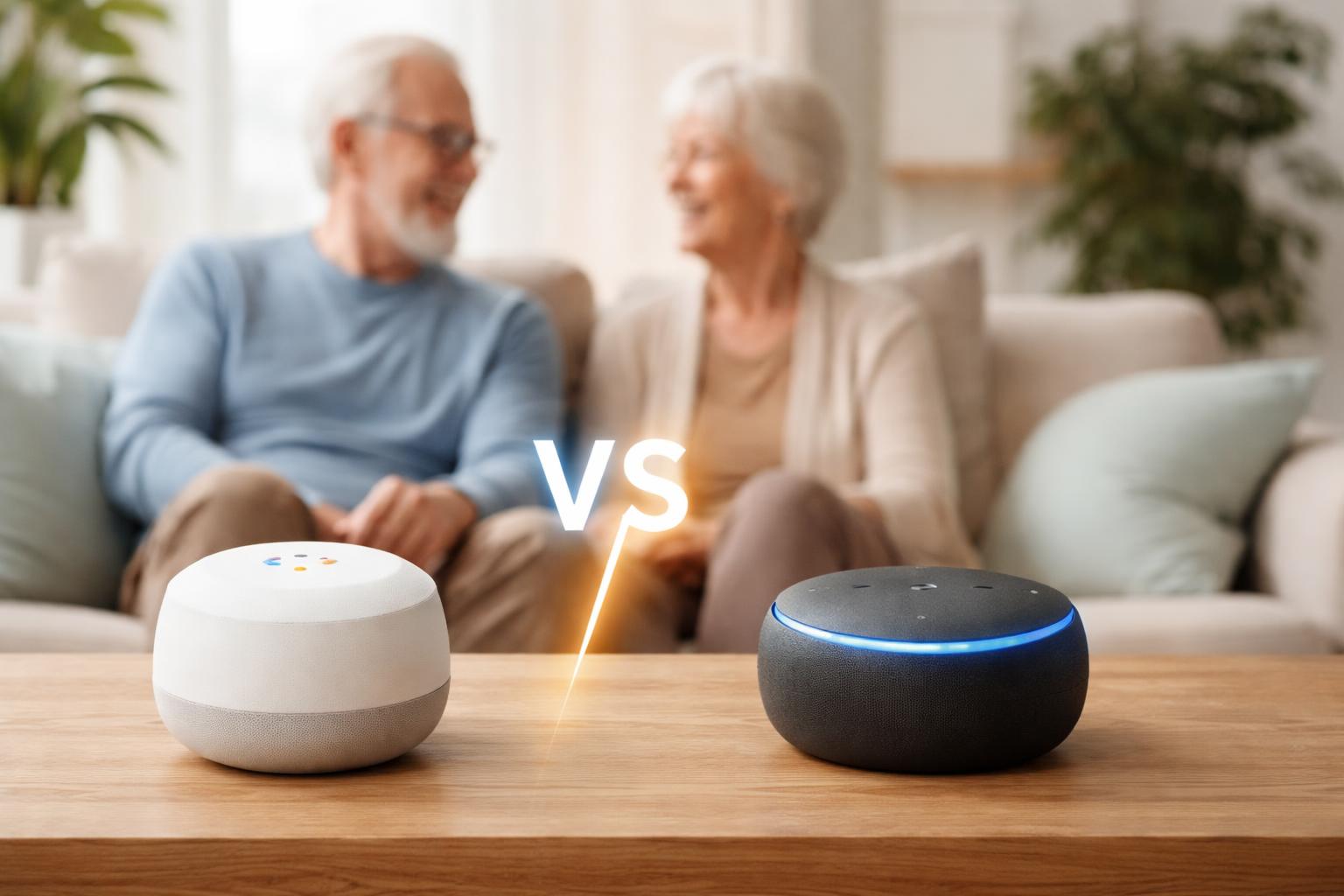
You want your home to be simpler, safer, and more comfortable. Maybe you’ve heard about voice assistants and smart devices, but the thought of choosing between Google Home and Amazon Alexa feels like a puzzle. You’re not alone; many people wonder which system will truly make their daily life easier without adding frustration.
Understanding Smart Assistants for Your Home
Smart assistants are like a helpful set of hands and ears for your home. They let you control lights, get weather updates, play music, or even make calls just by speaking. For many, these devices offer new independence and peace of mind.
Think of them as the brain of your smart home. They connect to other devices, allowing you to manage everything with your voice. This can be especially helpful if reaching switches is difficult or if you simply want a faster way to get things done.
How Voice Control Makes Life Easier
Using your voice means you don’t need to fiddle with small buttons or complicated apps. You can ask for information, adjust your thermostat, or turn off lights from across the room. It’s about making everyday tasks less of a chore.
For example, you could say “Hey Google, turn on the living room light” or “Alexa, what’s the weather today?” The device listens, understands, and responds. This simple interaction can save steps and offer quick help throughout your day.
Google Home: A Closer Look
Google Home is powered by Google Assistant, the same technology found in many Android phones. It uses Google’s knowledge base, making it excellent for answering questions and integrating with Google services.
Who Google Home is Best For
Google Home is best for those who already use Google products like Gmail, Google Calendar, or an Android smartphone. It feels very natural if you’re already familiar with Google’s way of doing things.
What Google Home Does Well
Google Assistant excels at understanding natural language. You can ask follow-up questions or speak in a more conversational way. It’s great for getting information, checking your calendar, or finding directions.
The Google Nest Hub (2nd Gen) devices, for example, come with screens. These screens can show you recipes, display photos, or even let you make video calls easily. For connecting with family, a visual display is a real advantage.
Google also shines with its “Routines.” You can set up a “Good Morning” routine to turn on lights, play the news, and adjust the thermostat all with one command. These personalized automations can simplify your day. If you’re looking to create smart home routines that actually save you time and money, check out our guide on Smart Home Routines That Actually Save You Time & Money (Beginner’s Guide).
Google Home’s Limitations
While very smart, Google Home can sometimes feel too ingrained in Google’s own ecosystem. If you prefer other services for music or email, you might find some integrations less straightforward. Another point to consider is that some users find the voice model to be almost too conversational, sometimes anticipating what you mean rather than strictly following a command.
For instance, if you have a specific smart bulb you’ve named “desk lamp,” you must call it “desk lamp” consistently. A common mistake is using generic terms like “the light over here,” which the assistant may not understand. Always try to be specific with your device names in the Google Home app for the smoothest experience.
If you are looking for a screenless smart speaker, the Google Nest Mini smart speaker is a compact and affordable option that still provides full Google Assistant features.
Amazon Alexa: A Closer Look
Amazon Alexa is the voice assistant behind Amazon’s Echo devices. It’s known for its extensive range of “Skills,” which are like apps for your voice assistant, offering many different functions.
Who Amazon Alexa is Best For
Amazon Alexa is best for those who shop frequently on Amazon or want the widest selection of compatible smart home devices. If you prefer clear, direct commands, Alexa often fits that style well.
What Amazon Alexa Does Well
Alexa boasts the largest number of compatible smart home devices. This means you’ll likely find that most smart plugs, lights, and thermostats will work with Alexa. This broad compatibility gives you more choice when building your smart home.
The Amazon Echo Show devices, like the Amazon Echo Show 10, are excellent for video calls, showing recipes, or displaying security camera feeds. Alexa is also very good at managing shopping lists and ordering items from Amazon with just your voice. Its “Drop In” feature allows for easy two-way communication between Echo devices, acting as a handy home intercom system.
Alexa also offers a vast library of “Skills,” which are like mini-apps you can enable. These can range from news briefings to games to specific smart home controls. This expansive feature set means you can truly customize your Alexa experience.
Amazon Alexa’s Limitations
While Alexa offers many features, its voice interaction can sometimes feel less natural or conversational than Google’s. You might need to use more specific commands to get the desired result. Some users also find that Alexa can occasionally suggest Amazon products or services, which might feel like advertising.
A useful tip for Alexa users: take the time to rename your smart devices in the Alexa app. Instead of a device being called “TP-Link Smart Plug 1,” rename it to “coffee maker” or “bedside lamp.” This makes voice commands much simpler and more intuitive, avoiding frustration.
For a smaller, screenless option, the Amazon Echo Dot smart speaker offers the full Alexa experience in a compact form.
Key Features Important for Seniors
When choosing a smart assistant, certain features stand out as particularly helpful for seniors. These are the ones that truly make a difference in daily comfort, safety, and connection.
Accessibility and Ease of Use
Voice control is naturally accessible, but consider screen size on smart displays. Larger, clearer displays are easier to read and interact with. The setup process should be as simple as possible, ideally something you can manage or get quick help with.
Safety and Security
Both assistants can connect to smart doorbells, cameras, and locks. They can provide alerts if a smoke detector goes off (with compatible systems) or if an unusual motion is detected. Simple voice commands for “Goodnight” can lock doors and turn off lights, adding peace of mind.
Convenience and Daily Assistance
Reminders for appointments or medication are incredibly valuable. You can also set up routines to automate daily tasks, like turning on lights at sunset or playing your favorite radio station in the morning. Making hands-free calls to family is another significant benefit.
Entertainment and Connection
Smart assistants can play your favorite music, audiobooks, or podcasts. Smart displays allow for easy video calls with loved ones, bringing faces and voices closer. They can also display digital photos, turning your device into a dynamic picture frame.
What to Look For Before You Buy
Making a confident buying decision means knowing what truly matters for your specific needs. Here’s what to keep in mind.
- Ease of Setup: How simple is it to get the device up and running? Look for clear instructions and a user-friendly app. You want to avoid needing technical help for every step.
- Voice Recognition: Does the assistant reliably understand your voice, even from a distance or with some background noise? Test it if you can, or read reviews specifically about this.
- Device Compatibility: Will it work with your current smart devices, like your smart thermostat or smart lights? Check the product descriptions for “Works with Google Home” or “Works with Alexa.”
- Privacy Settings: How easy is it to mute the microphone or manage your data? Both systems offer privacy controls, but some are more intuitive to find and use than others.
- Family & Caregiver Integration: Can trusted family members or caregivers help manage settings, add reminders, or check in through the device? This can be a huge benefit for support.
Comparison of Google Home and Amazon Alexa for Seniors
| Feature | Google Home (Google Assistant) | Amazon Alexa |
|---|---|---|
| Voice Interaction | More natural, conversational. Good for follow-up questions. | More direct, command-driven. Clear responses to specific requests. |
| Device Ecosystem | Strong with Google Nest products and many third-party devices. | Widest range of compatible smart home devices from many brands. |
| Routine Creation | “Routines” are powerful for automating multiple actions with one command. | “Routines” are easy to set up for daily automations. |
| Visual Displays | Nest Hubs offer clear displays for recipes, photos, video calls. | Echo Show devices excel with video calls, security feeds, and dynamic content. |
| Shopping & Ordering | Can help with shopping lists and finding products online. | Excellent for voice shopping and managing lists on Amazon. |
| Emergency Features | Can call emergency services directly in some regions (Nest Aware subscription needed). | Can call emergency contacts or directly dial 911 (Alexa Guard subscription or setup needed). |
| Privacy Controls | Easy to view and delete voice history. Manual mic mute button. | Manage voice recordings and mute mic. Offers “Alexa Guard” for home monitoring. |
Who Should Buy This
The Google Home User
You already use an Android phone, Gmail, or Google Calendar. You appreciate natural conversation and getting quick answers to questions. You like the idea of a smart display to see photos or make simple video calls to family. You value routines that tie into your daily schedule using Google services.
The Amazon Alexa User
You shop regularly on Amazon. You want the absolute widest range of compatible smart devices, giving you more choices for your home. You like clear, concise voice commands and the ability to add many “Skills” for specific functions. You find the intercom features between rooms particularly appealing for communication.
Frequently Asked Questions
Can I use both Google Home and Amazon Alexa in the same house?
Yes, you can use both in your home, but they won’t directly communicate with each other. It’s usually simpler to stick with one system for most of your smart home devices to avoid confusion.
Do these devices require Wi-Fi?
Absolutely. Both Google Home and Amazon Alexa devices need a stable Wi-Fi connection to work. This allows them to connect to the internet, access cloud services, and control your other smart home devices.
Are smart assistants safe for privacy?
Both companies offer privacy settings that let you review and delete voice recordings, and both have physical mute buttons for the microphone. It’s important to explore these settings and choose what feels right for you.
Can smart assistants help with medication reminders?
Yes, both Google Assistant and Alexa are excellent for setting up daily or recurring medication reminders. You can simply say, “Hey Google, remind me to take my pills at 8 AM” or “Alexa, set a reminder for my vitamins every evening.”
What if I have trouble setting it up?
Both Google and Amazon offer extensive online support guides and customer service. You can also ask a tech-savvy friend or family member for help, as the setup processes are generally quite visual and guided by the companion app.
Final Verdict
For seniors seeking straightforward daily assistance, simple information retrieval, and strong integration with an existing Google ecosystem, Google Home (especially with a Nest Hub) is likely your best choice. If you frequently shop on Amazon, prioritize the widest range of device compatibility, or appreciate direct, command-based interactions, Amazon Alexa will serve you very well.
Consider which platform aligns best with your existing technology and daily habits. Once you decide, simply choose an assistant that feels most comfortable and start enjoying the benefits of a smarter, more convenient home.