
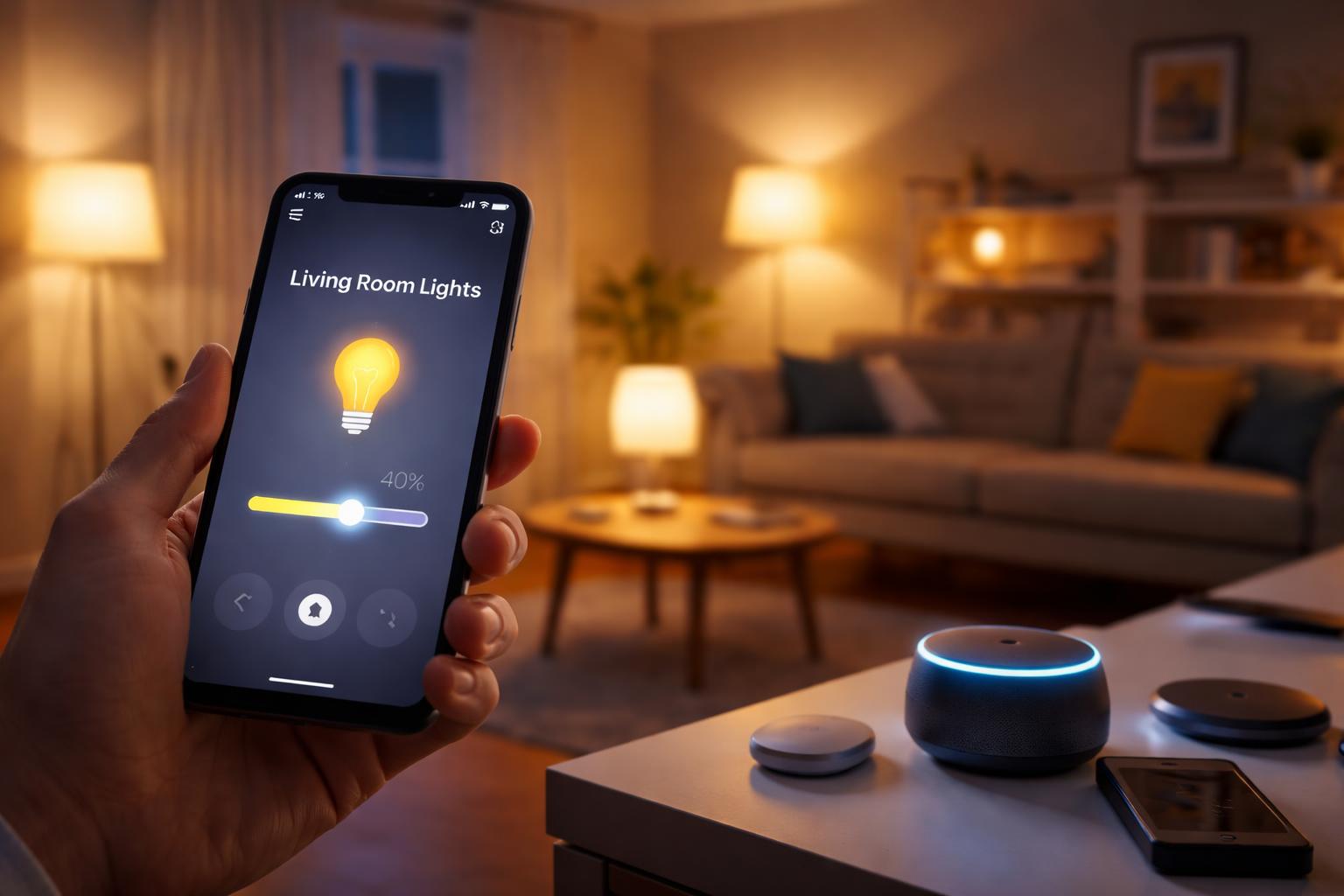
Why Are My Smart Lights Slow to Respond? How to Fix Smart Home Lag
Why Smart Home Lag Happens
You tap a button on your phone or shout a command to your smart speaker, then stand there waiting five seconds for the lights to react. This delay, known as latency, usually boils down to your home network’s inability to handle the traffic or signal interference between your devices and your router.
Most Wi-Fi devices rely on your router to talk to the cloud and back. If too many devices are competing for airtime, or if your router is tucked away in a closed cabinet, your commands get stuck in a digital traffic jam. Another common culprit is relying on a crowded 2.4GHz network that shares bandwidth with neighbors, baby monitors, and older gadgets.
Fixing Your Wi-Fi Congestion
If you have dozens of smart bulbs and plugs connected directly to your router, you are likely hitting the connection limit of standard consumer hardware. Many routers start to struggle once you cross the 20-device threshold, causing erratic behavior and sluggish response times.
The most effective remedy is upgrading to a system designed for high device density. The TP-Link Deco mesh router is excellent for homeowners who want to blanket their property with a stable signal that keeps devices connected without dropping out. The downside to mesh systems is the initial cost and the need to place units strategically throughout your floor plan to get the best results.
Check Your Router Placement
Never hide your router inside a metal cabinet or behind your television. Radio waves do not travel well through metal or thick masonry, which creates "dead zones" where devices struggle to maintain a persistent link. Move your router to an open, central location for an immediate boost in responsiveness.
Using a Dedicated Hub for Stability
Relying solely on Wi-Fi for every smart light is a recipe for lag. By shifting your lighting system to a protocol like Zigbee or Thread, you remove the burden from your Wi-Fi router. These devices create their own mesh network, where each bulb acts as a signal repeater to boost the range of the entire system.
For users who want the gold standard in reliability, the Philips Hue Bridge is the best choice for managing light performance. It moves your lighting traffic off your home internet and onto a dedicated radio frequency. The main limitation is that it requires an additional physical box and Ethernet connection, which adds a bit more complexity to your initial setup.
Centralizing Control with a Smart Hub
Sometimes the delay isn't the device; it's the bridge between your interface and the hardware. If you find your phone app is the bottleneck, a dedicated display can provide a faster, local-first control point for your automations.
The Amazon Echo Hub is best for homeowners who want a permanent, wall-mounted control panel to manage their home without fishing for their smartphone. It provides instant access to your most-used routines, though it does require a bit of DIY wall mounting to look intentional and tidy.
What to Look For Before You Buy
- Protocol Support: Look for devices that support Thread or Zigbee to keep your Wi-Fi network clear of excessive traffic.
- Local Processing: Choose devices that can execute commands locally rather than routing every request through a remote cloud server.
- Mesh Capabilities: Ensure your router or smart devices can create a mesh network to extend your signal reach into every corner of the house.
- Matter Compatibility: Opt for devices that feature the Matter logo, which helps future-proof your setup as new standards emerge.
Comparison: Improving Response Times
| Solution | Best For | Main Benefit |
|---|---|---|
| TP-Link Deco | Large homes with many devices | Removes Wi-Fi congestion and dead zones |
| Philips Hue Bridge | Heavy smart lighting users | Removes traffic from your internet network |
| Amazon Echo Hub | Dedicated home control | Instant access without using a phone |
Who Should Buy This
The Tech-Frustrated Homeowner: If your family is getting annoyed because the lights don't turn on when they walk into a room, a dedicated bridge or mesh system is your best path to peace.
The New Smart Home Builder: If you are just starting out, buy a hub or a mesh system first to avoid the common mistake of overloading your ISP-provided router from day one.
Frequently Asked Questions
Does a faster internet plan fix smart light lag?
No, increasing your internet speed does not help because most smart light commands happen inside your local network. Unless your devices are struggling to update their firmware, you need to focus on your internal router performance or local protocols instead.
Are smart lights that use Bluetooth faster?
Bluetooth lights are generally slower than Zigbee or Wi-Fi because they have a limited range and often suffer from interference. Stick to dedicated hubs if you want near-instant response times for your entire home.
Should I put all my smart devices on a guest network?
Putting your smart home devices on a separate VLAN or guest network can improve security, but it won't fix lag if your router is already underpowered. Using a separate network is a good security practice but rarely solves physical signal latency.
Final Verdict
For most homeowners struggling with lag, the culprit is a congested Wi-Fi network. You should prioritize upgrading to a mesh system like the TP-Link Deco mesh router to clear the airwaves for your devices. If your lighting system specifically remains sluggish, add a Philips Hue Bridge to isolate your lighting traffic. Check your router location today to see if a simple move to a more central, open space clears up your connection issues.