
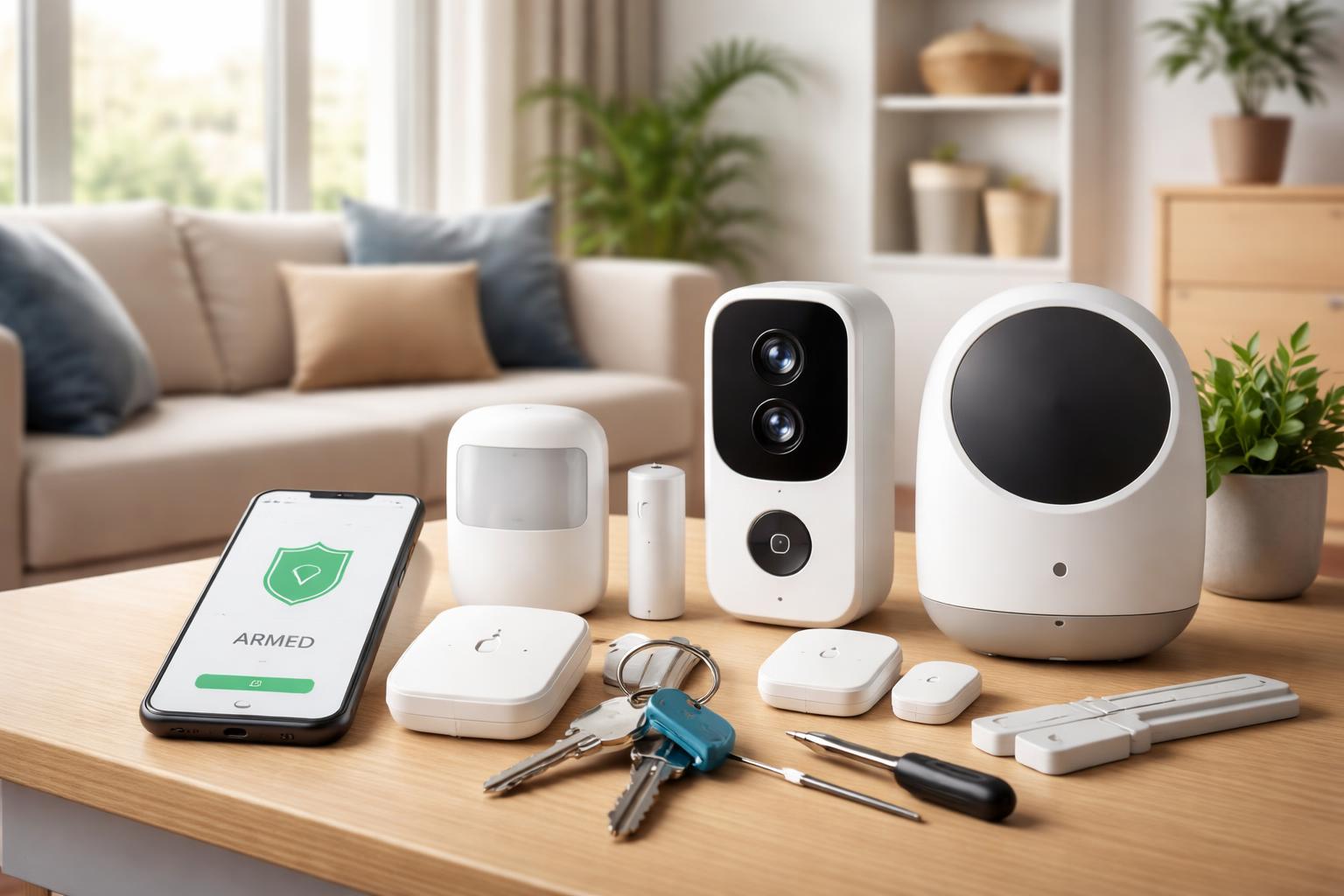
DIY Apartment Security Systems: Top No-Subscription Options for Renters
The thought of leaving your apartment vulnerable can be unsettling, but complicated security systems with hefty monthly fees often feel out of reach for renters. You want peace of mind without a contract, without drilling holes, and without breaking your budget. The good news is, you don’t need professional monitoring or endless subscriptions to secure your space.
Why a No-Subscription Apartment Security System is Right for You
For renters like you, traditional security systems come with big drawbacks: long contracts, installation hassles, and the question of what happens when you move. Opting for a no-subscription DIY system frees you from these worries. You get full control over your security, often with local storage for video, and the flexibility to take your system with you wherever life leads.This approach saves you money month after month, letting you invest upfront in quality devices that serve you for years. It’s also typically landlord-friendly, relying on adhesive mounts and simple setups rather than permanent fixtures.
Always check your lease for rules regarding drilling or permanent installations before starting. Many landlords are fine with adhesive solutions, but it’s better to be sure.
You’re not just buying a device; you’re investing in a smart, portable way to protect your home.
Eufy Security EufyCam 2 Pro: The Wire-Free Workhorse
The Eufy Security eufyCam 2 Pro is best for renters who want a completely wire-free, easy-to-install camera system with excellent local storage options and long battery life. This system shines because its cameras run on rechargeable batteries that can last for months on a single charge. This means you can place them almost anywhere, inside or outside your apartment, without needing access to a power outlet.The EufyCam 2 Pro records in clear 2K resolution, giving you sharp images of any activity. It stores all your video footage directly on the included HomeBase 2, which connects to your Wi-Fi router. This local storage is key to its no-subscription appeal; you own your data, and there are no ongoing cloud storage fees unless you choose to add them for extra backup. The HomeBase also acts as a siren, deterring intruders when motion is detected.
You receive instant alerts on your phone when the cameras detect movement, allowing you to view a live feed or review recorded clips without a subscription. Installation is incredibly simple, often involving just magnetic mounts or adhesive strips, making it ideal for renters who can’t drill holes.
A real limitation of the Eufy system is that its HomeBase needs to be connected to your router via an Ethernet cable. While this provides a stable connection for your cameras, it means the HomeBase itself must be within cable reach of your internet router, which might limit its placement in your apartment. Also, the number of cameras you can connect to one HomeBase is capped, so if you have a very large apartment or many entry points, you might need to consider an additional HomeBase.
Wyze Cam v3: Budget-Friendly Powerhouse
The Wyze Cam v3 Smart Camera is best for those on a tight budget who need reliable indoor security with continuous recording capabilities. This tiny camera packs a big punch for its size and cost, offering full HD 1080p video recording and even color night vision, which is a rare feature in this price range. It’s perfect for monitoring specific areas inside your apartment, like your living room or entryway.What makes the Wyze Cam v3 a fantastic no-subscription option is its ability to record continuously to a microSD card (sold separately). Once you insert the card, the camera can record 24/7, overwriting the oldest footage when full, ensuring you never miss a moment. This local storage means you don’t pay any monthly fees to keep your video history. You can also view live feeds and get motion/sound alerts for free through the Wyze app.
The camera is small and discreet, making it easy to place on shelves, tables, or attach to walls with adhesive mounts. It’s durable enough for limited outdoor use if protected from direct weather, giving you some flexibility. Its two-way audio feature allows you to speak to anyone on the other side, whether it’s a pet or an unexpected visitor.
The main limitation is that the Wyze Cam v3 is a wired camera. This means it needs to be plugged into a power outlet, which can restrict your placement options. You might need to use extension cords or position it strategically near existing outlets.
For Wyze cameras, a common mistake is not choosing a high-quality microSD card. A slow or cheap card can lead to dropped frames or corrupted footage, especially with continuous recording. Always opt for a “Class 10” or “U1” rated card from a reputable brand to ensure reliable performance.
Arlo Pro 4: Premium Outdoor/Indoor Flexibility (with Local Storage)
The Arlo Pro 4 Wireless Security Camera is best for renters needing high-quality, wire-free cameras that can be used both indoors and outdoors, particularly if you're willing to invest in an Arlo SmartHub for local storage. These cameras capture stunning 2K HDR video, providing exceptionally clear and detailed footage, day or night. The wide 160-degree viewing angle helps you cover more ground with fewer cameras.Arlo Pro 4 cameras are completely wire-free, running on rechargeable batteries that offer weeks of power. This means you can easily mount them outside your door, on a balcony, or inside your apartment without worrying about power cables. They are also weather-resistant, built to withstand various outdoor conditions. The integrated spotlight and siren add extra layers of deterrence, while two-way audio allows for clear communication.
For true no-subscription use with Arlo Pro 4, you’ll need to purchase an Arlo SmartHub (like the Arlo VMB4540) separately. This hub allows you to store video recordings locally on a microSD card, bypassing the need for Arlo’s cloud subscription services for video history. Without the SmartHub, the Arlo Pro 4’s full potential, especially for recorded video history, leans heavily on a subscription.
The main limitation of the Arlo Pro 4 for no-subscription users is the added cost and requirement of the separate Arlo SmartHub. While the cameras themselves are excellent, achieving local storage without a subscription means an additional purchase and setup step. The SmartHub also needs to be connected to your router, similar to Eufy’s HomeBase, which requires careful placement. Without the hub, the basic free tier only provides live view and push notifications, with very limited cloud recording.
Expanding Your System: Sensors Without Subscriptions
While cameras are often the first step in apartment security, adding sensors can create a more comprehensive system. Many door/window sensors and motion detectors can work without ongoing fees, especially when paired with a local smart home hub. These simple devices alert you instantly if a door or window is opened or if motion is detected in a specific area.Brands like Aeotec, Zooz, and Aqara offer Zigbee or Z-Wave compatible sensors that can integrate with hubs like SmartThings, Home Assistant, or even some camera base stations (like Eufy’s HomeBase which supports its own line of sensors). With these hubs, you can set up automation rules and receive notifications directly to your phone without any subscription. For instance, you could configure a rule that sends an alert if your front door opens while you’re away.
When placing sensors, strategically position them for maximum effectiveness. For door/window sensors, focus on main entry points and easily accessible windows. Motion sensors are best placed across entryways or in corners to cover a wider area, but avoid pointing them directly at windows to prevent false alarms from outdoor movement. If you have pets, consider positioning motion sensors higher or choosing pet-immune models to prevent them from triggering constant alerts.
These types of devices also tend to be very renter-friendly, attaching with adhesive strips and requiring no permanent installation. They provide an extra layer of detection that complements your cameras, giving you a more complete picture of your apartment’s security. Adding Best Matter Devices for Renters in 2026, such as smart plugs and sensors, can further enhance your apartment’s smart security without commitment.
What to Look For Before You Buy
- Portability: Can you easily uninstall and take your system with you when you move? Look for wireless components and adhesive mounting options.
- Local Storage: Does it record footage to a memory card or a base station, rather than relying only on cloud storage? This is essential for truly no-subscription video history.
- Battery vs. Wired: Do you prefer the flexibility of battery power for placement or the reliability of a wired connection that doesn't need recharging?
- Landlord Approval: Ensure your chosen system doesn't require permanent changes to the apartment, like drilling holes or complex wiring.
- App Functionality: Can you view live feeds, get alerts, and manage settings for free on your phone, without needing a premium subscription?
Comparison Table
| Feature | EufyCam 2 Pro | Wyze Cam v3 | Arlo Pro 4 (with SmartHub) |
|---|---|---|---|
| Power Source | Rechargeable Battery | Wired (USB) | Rechargeable Battery |
| Local Storage | HomeBase 2 (built-in storage) | MicroSD Card (user-provided) | SmartHub (MicroSD, user-provided) |
| Video Quality | 2K HD | 1080p Full HD | 2K HDR |
| Indoor/Outdoor | Both (IP67) | Mainly Indoor (limited outdoor) | Both (Weather-resistant) |
| Key Benefit | Long battery life, easy wire-free setup, secure local storage | Extremely affordable, continuous recording, color night vision | Premium video, wide view, integrated spotlight/siren, true wire-free |
| Key Limitation | HomeBase requires Ethernet to router | Requires power outlet, not fully weatherproof | SmartHub required for local storage (separate purchase) |
Who Should Buy This
The Budget-Conscious Renter: You want basic, reliable security without breaking the bank or committing to monthly fees. The Wyze Cam v3 offers excellent value and essential features.The Frequent Mover: You need a system that’s easy to pack up and set up again in a new apartment. The EufyCam 2 Pro and Arlo Pro 4 (with SmartHub) are wire-free and simple to reinstall.
The Privacy-Focused Individual: You prefer keeping your video footage stored locally, away from cloud servers, and want full control over your data. All featured options prioritize local storage, with Eufy and Arlo using a HomeBase/SmartHub and Wyze using a microSD card.
Frequently Asked Questions
Can I use these systems without Wi-Fi?Most smart security cameras require a Wi-Fi connection for initial setup, app control, and to send alerts. While some might record locally without an internet connection, you won’t get remote access or notifications until Wi-Fi is restored.
How much storage do I need for video recordings?
The amount of storage you need depends on how many cameras you have, recording resolution, and how often they detect motion. For continuous recording (like with Wyze), a 64GB or 128GB microSD card is a good starting point for a single camera. Systems with a base station usually come with sufficient built-in storage or allow for expandable options.
Do these systems notify me if there’s an issue?
Yes, all recommended systems send instant push notifications to your smartphone when motion is detected, or a sensor is triggered. You’ll get real-time alerts, allowing you to check the live feed or review recorded events directly from the companion app.
Are these systems difficult for a renter to install?
No, these no-subscription systems are specifically chosen for their ease of installation. Most rely on adhesive mounts, magnetic bases, or simple screws, avoiding the need for complex wiring or professional help. You can typically have them set up and running in minutes.