
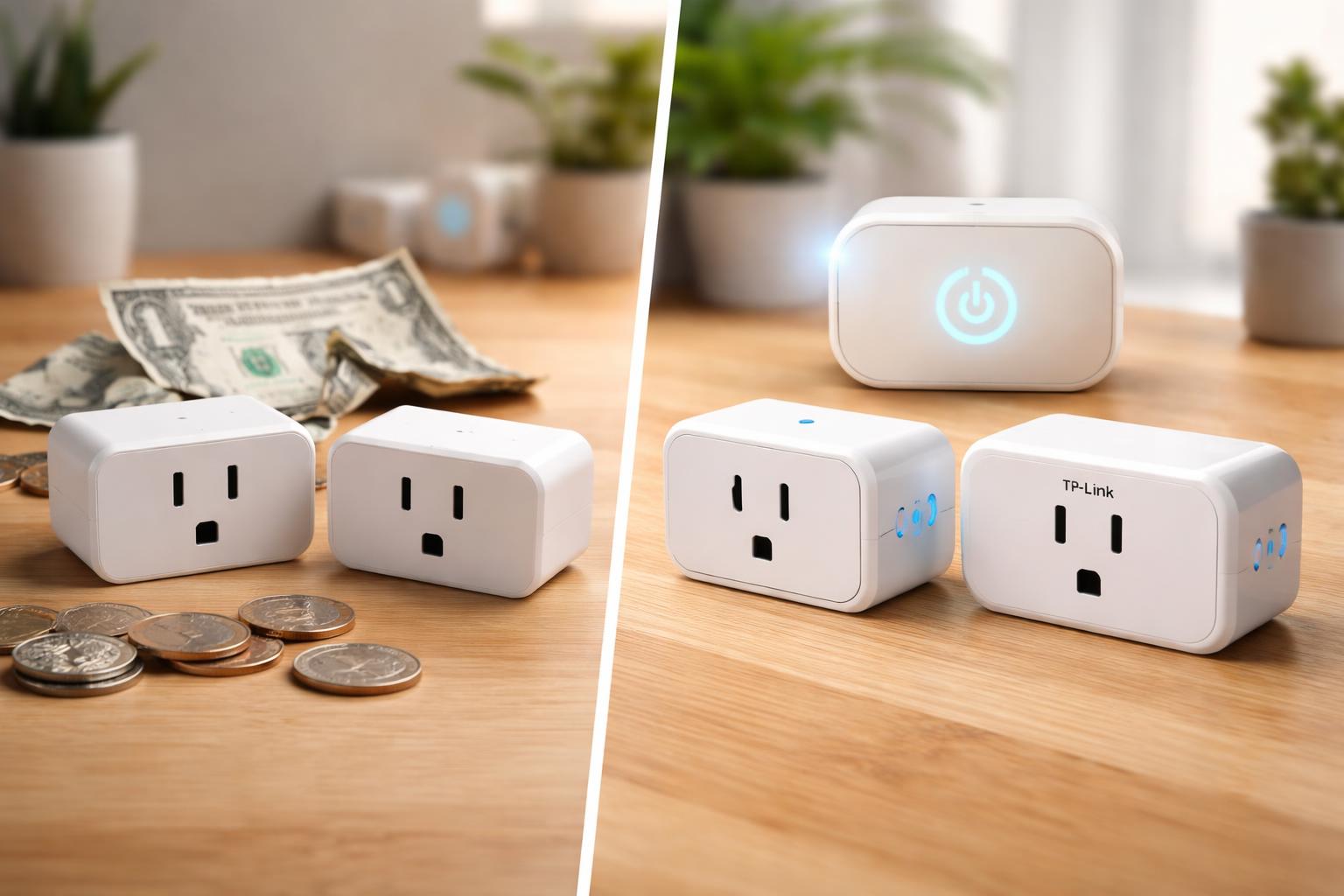
Cheap vs Expensive Smart Plugs: Is There Actually a Difference?
You’ve probably seen smart plugs in stores, ranging from surprisingly affordable to noticeably pricier. It’s easy to wonder: are you just paying for a brand name, or do those extra dollars actually get you something better? You’re not alone in thinking about it.
What Exactly Is a Smart Plug?
Before we break down the costs, let's quickly cover what a smart plug does. Imagine taking any regular appliance, like a lamp, a coffee maker, or a fan, and making it "smart." That's what a smart plug does.You plug the smart plug into your wall outlet, and then you plug your appliance into the smart plug. Suddenly, you can turn that appliance on or off with your phone, set schedules, or even use voice commands through Alexa or Google Assistant.
It’s all about convenience and control, turning your “dumb” devices into part of your connected home. This simple device can help you save energy, make your home more comfortable, and even boost security by making it look like you’re home when you’re not.
The Basics: What Cheap Smart Plugs Offer
Most budget-friendly smart plugs connect directly to your home's Wi-Fi network. This means they're usually simple to set up, requiring no extra hub or complicated wiring. You download an app, connect the plug to your Wi-Fi, and you're good to go.Their main purpose is basic on/off control and scheduling. Want your lamp to turn on at sunset? Easy. Want your fan to switch off at midnight? Done. They’re perfect for tasks that don’t need fancy features.
One popular option in this category is the Kasa Smart Plug Mini EP25. It’s a solid choice for anyone looking to add basic smart control and energy monitoring without a big investment. While it offers energy monitoring, its primary strength remains reliable on/off scheduling.
Another strong contender for those on a budget is the TP-Link Tapo P115. It delivers dependable smart control with the added bonus of energy monitoring, helping you keep tabs on power hungry appliances. However, its broader smart home integration might be more limited compared to plugs designed for specific ecosystems.
Both of these are best for homeowners who want to add simple smart control to a few devices without getting bogged down in complex setups or needing advanced features. Their main limitation often comes down to ecosystem integration; they might not “talk” as well to other smart home devices from different brands beyond basic voice commands.
The Benefits of Budget Plugs
- Low Cost: You can often buy multiple plugs for the price of one premium model.
- Easy Setup: Most just require connecting to your Wi-Fi and an app.
- Core Functionality: They handle on/off control and scheduling perfectly well.
- Accessibility: A great way to try out smart home tech without a big commitment.
The Downsides of Cheaper Plugs
- Connectivity Issues: Sometimes, cheaper Wi-Fi plugs can drop their connection more often, especially if your router is far away or you have many devices.
- Limited Features: Don't expect energy monitoring, dimming, or advanced integrations with complex smart home routines.
- Physical Size: Some budget plugs can be bulky, blocking adjacent outlets. This is a common frustration, especially with vertical outlets.
- Security Concerns: While less common now, some older or lesser-known brands might have weaker security, potentially exposing your home network. Always stick to reputable brands like Kasa or Tapo.
Stepping Up: What More Expensive Smart Plugs Bring
When you spend more on a smart plug, you're usually paying for extra features, better reliability, and deeper integration into your smart home system.These plugs often go beyond simple on/off. They might offer built-in energy monitoring to show you exactly how much power your devices are using. This can be a real eye-opener, helping you spot power-hungry appliances and save on your electricity bill. For example, you might discover your old space heater costs you more than you think, prompting you to automate its use or replace it. How Much Can a Smart Home System Really Save on Energy Bills? (With or Without Solar)
Some premium plugs also include dimming capabilities for lamps, or advanced connectivity types like Zigbee, Z-Wave, Thread, or Matter. These don’t connect directly to your Wi-Fi; instead, they talk to a central smart home hub. This creates a more stable, responsive, and often more secure network, especially if you have many smart devices.
For Apple HomeKit users, the Eve Energy Smart Plug is an excellent example of a premium option. It offers precise energy monitoring and integrates deeply with Apple’s ecosystem, supporting Thread for a responsive and future-proof connection. Its main limitation is that it’s primarily designed for HomeKit and might require an Apple Home Hub (like a HomePod mini or Apple TV) for full remote access and automation.
The Advantages of Premium Plugs
- Advanced Features: Energy monitoring, dimming, multi-outlet strips, outdoor ratings, surge protection.
- Reliability: Often have better internal components and more stable connections, especially those using hub-based protocols.
- Ecosystem Integration: Designed to work seamlessly with specific smart home platforms (HomeKit, SmartThings, etc.), allowing for complex automations.
- Future-Proofing: Plugs with Thread or Matter support are built for the next generation of smart homes, promising better compatibility down the road.
- Security: Reputable premium brands often invest more in data security and privacy features.
The Downsides of Pricier Plugs
- Higher Cost: Naturally, you pay more for these extra features and reliability.
- More Complex Setup (sometimes): Hub-based plugs require you to already have or buy a compatible hub, adding an extra step and cost.
- Ecosystem Lock-in: While good for integration, buying into a specific ecosystem (like HomeKit-only plugs) means you might be limited to those devices in the future. A common mistake readers make is not considering their existing smart home ecosystem before buying. You might end up with three different apps just to control your lights, plugs, and thermostat.
What to Look For Before You Buy
Choosing the right smart plug means thinking about your needs, your current smart home setup, and how you plan to use it.- Connectivity Type: Do you want simple Wi-Fi, or are you ready for a more stable (but hub-requiring) Zigbee, Z-Wave, Thread, or Matter setup? Wi-Fi is easiest for beginners, while hub-based systems excel in larger homes with many devices.
- Features You Actually Need: Do you just need on/off and scheduling, or is energy monitoring (to see exactly how much power your devices are using), dimming, or outdoor use a must-have? Don't pay for features you won't use.
- Ecosystem Compatibility: Will the plug work with your existing smart home system (Apple HomeKit, Google Home, Amazon Alexa, SmartThings)? Always check for compatibility to avoid needing multiple apps.
- Physical Size: Make sure the plug won't block adjacent outlets, especially if you plan to use it in a power strip or a tight space. Look for "mini" versions or those with side outlets.
- Safety Certifications: Ensure the plug has proper safety certifications (like UL listing in the US), especially if you're plugging in high-power appliances or using it outdoors. Not all cheap plugs have these, which can be a real safety risk.
Comparison Table: Cheap vs. Expensive Smart Plugs
| Feature | Cheaper Smart Plugs (e.g., Kasa/Tapo basic) | More Expensive Smart Plugs (e.g., Eve Energy) |
|---|---|---|
| Basic Functionality (On/Off) | Excellent | Excellent |
| Scheduling | Excellent | Excellent |
| Energy Monitoring | Often available (e.g., Kasa EP25, Tapo P115) | Typically included and often more detailed/accurate |
| Connectivity | Wi-Fi (direct to router) | Wi-Fi, Zigbee, Z-Wave, Thread, Matter (often requires a hub) |
| Ecosystem Compatibility | Works with Alexa/Google Home via manufacturer app | Deeper integration with HomeKit, SmartThings, Alexa, Google Home |
| Reliability | Generally good, but Wi-Fi can be less stable than hub-based systems | High, especially with hub-based protocols (Thread, Zigbee) |
| Advanced Features (Dimming, Outdoor) | Rarely | Often available (e.g., dimming for lights, outdoor ratings) |
| Security & Privacy | Good with reputable brands, but varies | Generally higher standard, especially with HomeKit-focused devices |
Who Should Buy This
The Budget-Conscious Beginner
If you're just starting your smart home journey and want to automate a lamp or two without spending much, a cheaper Wi-Fi smart plug like the Kasa Smart Plug Mini EP25 or TP-Link Tapo P115 is perfect. You'll get reliable basic control, and some even include energy monitoring to get you started.The Energy Saver
If your main goal is to monitor appliance energy use and identify hidden power drains, a smart plug with built-in energy monitoring is a must. Options like the Kasa EP25, Tapo P115, or the Eve Energy Smart Plug give you the data you need to make smarter choices about your electricity consumption.The Smart Home Enthusiast with a Hub
For those who already have a smart home hub (like an Apple HomePod mini, SmartThings hub, or Echo Show), a more expensive, hub-compatible smart plug, such as the Eve Energy, offers deeper integration, better stability, and more complex automation possibilities. You're buying into a more cohesive and responsive system.Frequently Asked Questions
Are cheap smart plugs safe to use?
Yes, generally, if you stick to reputable brands like Kasa, Tapo, or TP-Link. Always look for plugs with proper safety certifications like UL listing. Avoid unknown brands with poor reviews, especially for high-power appliances, as they might not meet safety standards and could pose a risk.Do smart plugs really save energy?
They can, but often not dramatically on their own. Their main role is to prevent "phantom load" (power drawn by devices even when off) and to help you automate usage. Energy monitoring features can highlight devices consuming a lot of power, allowing you to make informed decisions about when and how to use them. For significant savings, consider combining them with a broader home energy monitoring system.Can I use an outdoor smart plug indoors?
Yes, you can use an outdoor smart plug indoors without issues. Outdoor smart plugs are built to withstand elements like rain and extreme temperatures, making them generally more durable. However, they might be larger and bulkier than indoor-specific plugs.What's the difference between Wi-Fi and Thread plugs?
Wi-Fi plugs connect directly to your home Wi-Fi network and are simple to set up, but can sometimes suffer from congestion or range issues. Thread plugs, on the other hand, create a mesh network with other Thread devices and a Thread Border Router (often a smart home hub), offering greater reliability, speed, and extended range, especially in larger homes with many smart devices.Final Verdict
The difference between cheap and expensive smart plugs isn't just about the price tag; it's about features, reliability, and how well they fit into your existing or future smart home. If you only need basic on/off control and scheduling, a well-regarded budget Wi-Fi plug will serve you perfectly well. However, if you want energy monitoring, deeper smart home integration, better long-term reliability, or advanced features like dimming or Thread connectivity, investing in a more expensive option is worthwhile.Your best bet is to consider what you really need the plug for right now and what your smart home goals are for the future.