
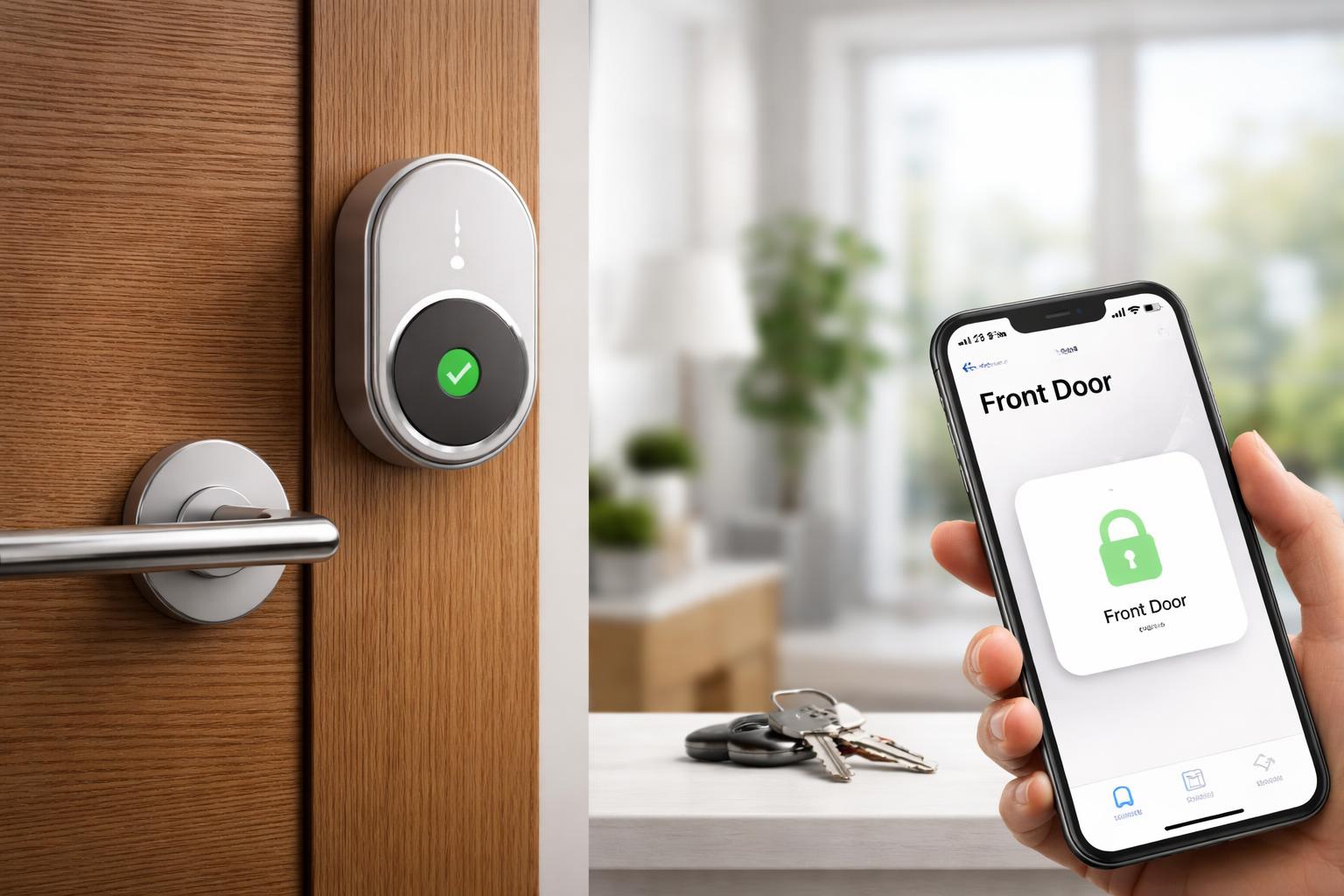
Best Smart Locks Compatible With Apple HomeKit in 2026
The Frustration of Searching for Keys
If you have ever stood on your front porch in the pouring rain, fumbling through your pockets for house keys, you know exactly why smart locks are so popular. The anxiety of potentially losing your keys or being locked out is a problem you can solve today with a simple upgrade to your door hardware.
Best Smart Locks for Apple HomeKit
Adding a lock to your Apple ecosystem requires specific compatibility, as not all locks support the required security standards for HomeKit. These picks ensure you can lock your door, check its status, and share access with family members directly through the Apple Home app.
Schlage Encode Plus
This is the best choice for homeowners who want the most reliable connection and support for Apple Home Key, allowing you to unlock your door by simply tapping your iPhone or Apple Watch. It connects directly to your network without needing a bulky separate bridge. The main drawback is that it features a more traditional, utilitarian design that may not appeal to those looking for a minimalist aesthetic.
The Schlage Encode Plus offers unparalleled integration for Apple users, provided you have a deadbolt that is already well-aligned; if your door binds even slightly, the motor may struggle, so be sure to adjust your strike plate before installation.
Level Lock Plus
If you want a smart lock that remains completely invisible from the outside, this is your best option. It replaces the internal components of your existing deadbolt, keeping your original keys and exterior hardware intact while adding Apple Home Key functionality. The limitation here is the smaller battery capacity compared to bulkier competitors, which means you will need to replace the specialized battery more frequently.
You can purchase the Level Lock Plus for a clean look, but remember that because it uses your existing door hardware, it will not fix any pre-existing issues with a sticky or difficult-to-turn deadbolt.
Aqara U100 Smart Lock
This lock is ideal for users who want multiple ways to enter, including fingerprint access, temporary codes for guests, and full Apple HomeKit support. It is highly responsive and includes a physical keypad, but the installation can be more involved if your door has specific trim or thickness requirements that don't align with the backplate.
By choosing the Aqara U100 Smart Lock, you gain a robust set of features at a lower entry point, though you should verify your door thickness before ordering to ensure the mounting hardware fits correctly.
What to Look For Before You Buy
- Apple Home Key Compatibility: Look specifically for "Home Key" support if you want to tap your iPhone or Watch to unlock your door, as not all HomeKit locks offer this feature.
- Connection Method: Decide if you prefer Wi-Fi, which connects directly to your router, or Thread, which creates a more stable, battery-efficient mesh network for your smart home.
- Existing Hardware: Check if you need to replace your entire deadbolt or if the device simply upgrades your current one, as this affects the difficulty of your DIY installation.
- Battery Life and Access: Always confirm where the batteries are housed and if the lock includes a backup keyhole or emergency charging port for when the power eventually runs out.
Comparison Table
| Model | Best For | Connection Type |
|---|---|---|
| Schlage Encode Plus | Reliability and Apple Home Key | Wi-Fi / Thread |
| Level Lock Plus | Invisible Design | Thread |
| Aqara U100 | Fingerprint & Multiple Entry | Zigbee / Matter |
Who Should Buy This
The Apple Enthusiast: If you already use an iPhone and Apple Watch for everything, these locks offer the most convenient unlock experience via Home Key.
The Busy Parent: If you frequently carry groceries or kids and need a hands-free way to enter your home, the proximity-based features of these locks are a necessity.
The Apartment Renter: If your landlord allows it, models that retain your exterior hardware, like the Level Lock, make it easy to revert to your original setup when you move out.
Frequently Asked Questions
Will I still be able to use my physical keys?
Yes, all the models mentioned in this guide include a way to use a traditional physical key as a backup. This ensures you can still get into your home even if your phone battery dies or the lock loses power.
Do I need a separate smart home hub?
Most modern HomeKit locks work directly with your Apple TV or HomePod, which acts as the hub. You typically do not need to buy a proprietary hub, though some brands may offer optional ones for extended battery life or additional features.
How long do the batteries usually last?
Battery life generally ranges from six months to a year depending on usage and your specific setup. You will receive notifications in your Apple Home app well before the battery dies, giving you plenty of time to swap them out.
Final Verdict
If you want the most stable, secure, and future-proof smart lock for your Apple home, the Schlage Encode Plus is the winner. Its combination of direct-to-network connectivity and support for Apple Home Key makes it the most reliable daily performer. Measure your door's backset and check your deadbolt alignment before purchasing to ensure a quick installation.