
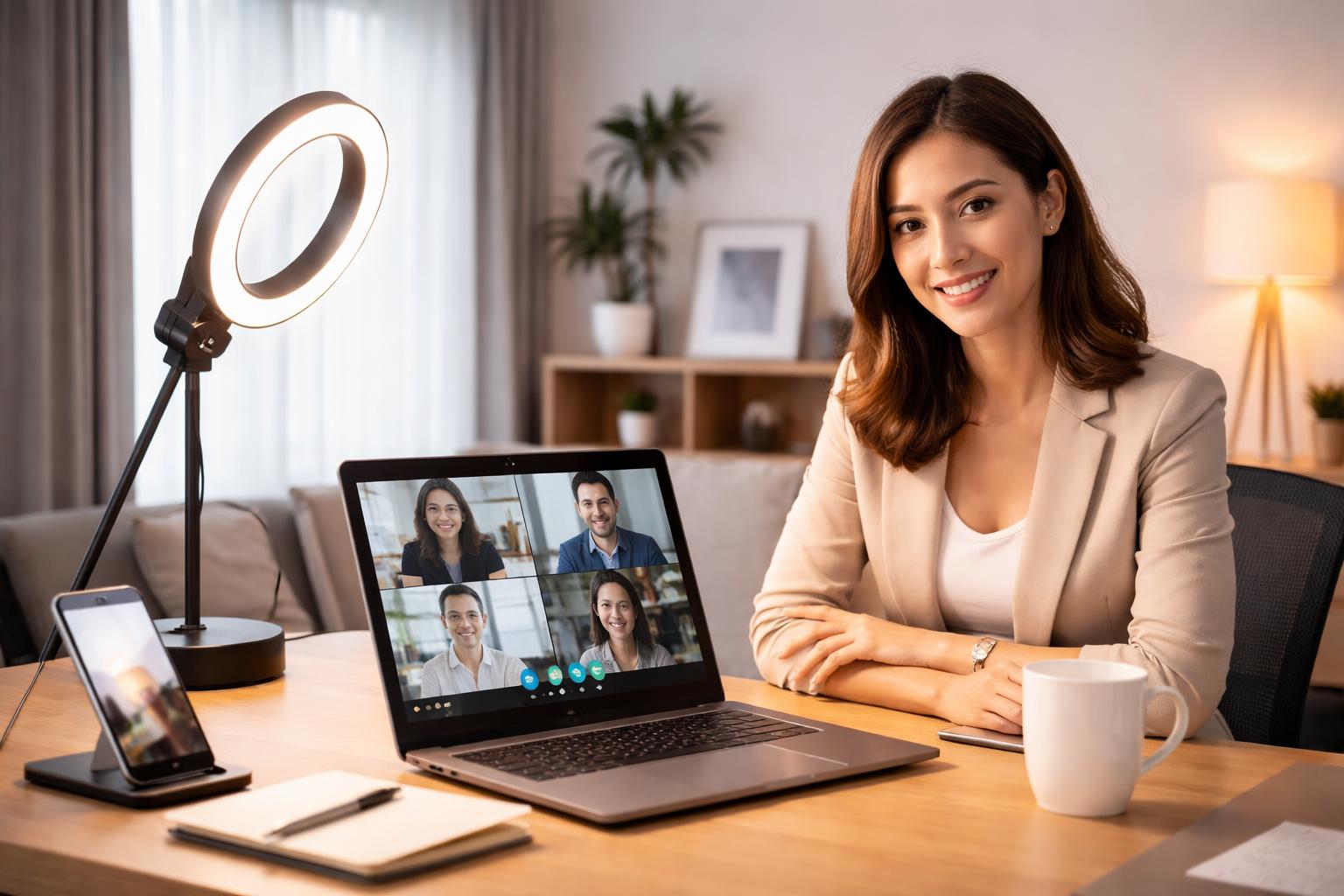
Best Video Conferencing Lighting: Smart Lights That Make You Look Professional on Camera
The Professional Look You Need
If you have ever spent a video call squinting at your screen because your face was a dark shadow against a bright window, you know how frustrating bad lighting can be. Proper lighting isn't about expensive production studios; it is about making sure your coworkers or clients see you clearly without you having to sit in the middle of a sunbeam.
Elgato Key Light
The Elgato Key Light is designed for people who need high-quality, adjustable illumination that won't take up extra desk space. It is perfect for professionals who spend hours on video calls and want to ensure they look polished every time they turn on their camera.
Key Features
This light panel mounts directly to your desk using a clamp, keeping your workspace clean. You control the brightness and color temperature directly from your computer or phone app. This allows you to soften the light if you have fair skin or brighten it up if your room is particularly dim.
The Trade-off
Because it is a professional-grade panel, it is quite bright. If you have a very small workspace, you might find that it takes up more room than a standard ring light. Also, it requires a stable Wi-Fi connection to use the app controls, which can be annoying if your router is far away.
Govee Desk Lamp
The Govee Desk Lamp is an excellent choice for anyone who wants a multipurpose device that serves as a task light during the day and a professional video conference light when you need it. It is ideal for students or remote workers who have a limited budget and limited desk real estate.
Key Features
This lamp offers a wide range of color temperatures, from warm yellow to cool daylight. You can position the head of the lamp to bounce light off a wall or ceiling, which creates a much softer and more flattering look on camera than pointing a light directly at your face. This is a pro-tip for those who want to avoid the "harsh glare" look.
The Trade-off
It does not have the sheer power of a dedicated panel light. If your room is very dark, you might find that the Govee lamp struggles to provide enough coverage. It works best as a supplemental light rather than your only source of illumination.
Philips Hue Go
The Philips Hue Go is a versatile, portable light that works for people who need flexibility and already use other smart bulbs in their home. It is best for those who travel for work or switch their office location frequently throughout the house.
Key Features
Its battery-powered design means you can place it anywhere without worrying about finding a nearby outlet. Since it connects to the Philips Hue ecosystem, you can sync it with your existing smart home setup, allowing you to trigger "Meeting Mode" with a single voice command. This is especially helpful if you also want to automate other affordable smart devices in your office.
The Trade-off
The battery life is the main limitation. If you forget to charge it before a long afternoon of back-to-back meetings, it will die on you right in the middle of a call. You must keep track of your charging schedule to avoid being left in the dark.
What to Look For Before You Buy
- Color Temperature Control: Look for lights that allow you to adjust from warm to cool tones, as this helps you match the lighting in your specific room.
- Diffused Lighting: Ensure the light has a matte cover or diffusion panel; otherwise, you will see harsh reflections in your glasses or on your screen.
- Mounting Versatility: Check whether the light clamps to your desk, attaches to your monitor, or stands on its own to ensure it fits your physical desk setup.
- Smart Ecosystem Integration: If you use Alexa or Google Home, choose a light that connects to your preferred app so you can turn it on with your voice.
Comparison Table
| Product | Best For | Power Method | Setup |
|---|---|---|---|
| Elgato Key Light | Full-time professionals | Wall Plug | Desk Clamp |
| Govee Desk Lamp | Multipurpose use | Wall Plug | Weighted Base |
| Philips Hue Go | Flexibility & Travel | Battery/Wall | Portable |
Who Should Buy This
The Remote Professional: If your job requires daily client-facing video calls, the Elgato Key Light provides the most consistent, high-end result.
The Hybrid Worker: If you use your office for both desk work and meetings, the Govee Desk Lamp gives you the best balance of utility and convenience.
Frequently Asked Questions
Should I point the light directly at my face?
No, pointing a light directly at your face usually creates harsh shadows and makes your eyes look tired. It is better to angle the light slightly off to the side or bounce it off a wall to create a softer, more natural glow.
Why do my glasses reflect my screen light?
This happens because your light source is positioned at the same angle as your glasses. Try moving the light higher up or placing it slightly to the side to eliminate that distracting glare.
Do I need a smart home hub for these lights?
The Govee and Elgato options typically connect directly to your Wi-Fi, while the Philips Hue Go requires a Hue Bridge for full functionality. Always check the box to see if your home network is compatible before you buy.
Final Verdict
For most people, the Elgato Key Light is the winner because it provides the most consistent, professional output and stays out of the way on your desk. If you are serious about your video presence, start by installing an Elgato Key Light today.