
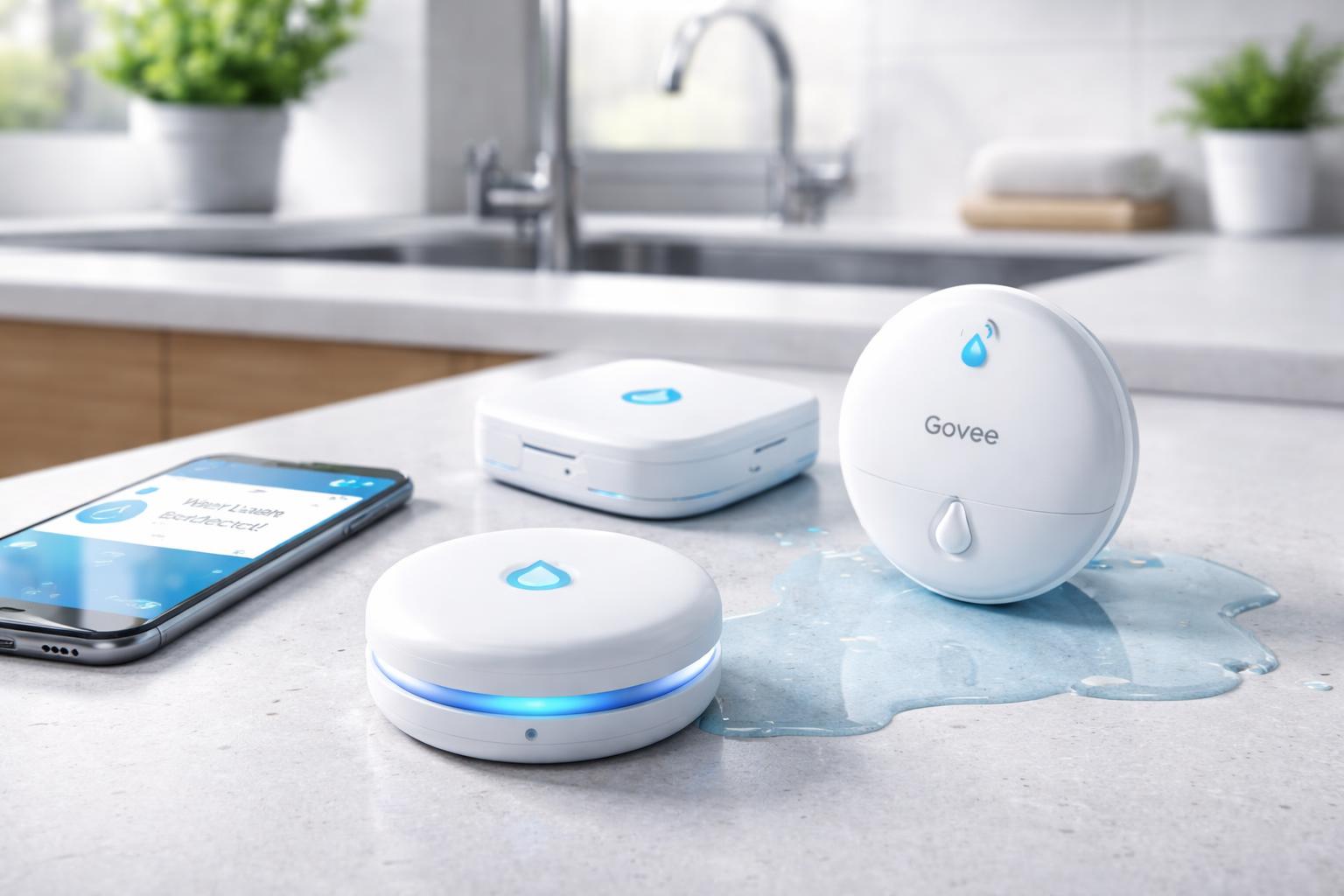
Best No-Subscription Water Leak Detectors (2026): Govee, Aqara & YoLink Compared
Quick Answer: The best no-subscription leak detectors are Govee (simplest, Wi-Fi direct), Aqara (best for Apple HomeKit users), and YoLink (best range and battery life). None require monthly fees after purchase.
Who Actually Needs a No-Subscription Leak Detector
Not everyone shopping for a leak detector is a homeowner with a plumber on speed dial. Based on who's actually searching for these products, here's who benefits most:
Renters and apartment dwellers — A leak under your kitchen sink doesn't just damage your stuff, it gets you in a dispute with your landlord. A $20-30 sensor that texts you immediately is the cheapest insurance you can buy.
Freelancers and remote workers working from home — Your home office has a computer, monitors, hard drives, and equipment worth thousands. One slow leak from the bathroom above or the pipe behind the wall destroys all of it. Subscription fees on a leak detector make zero sense when you're already watching every expense.
People with basements — Basement flooding is seasonal and silent. You often don't find out until the damage is done. A sensor with long range like YoLink is built exactly for this.
Anyone who travels frequently — If you're away for days or weeks at a time, a leak that would normally be caught in hours can run for days. Remote alerts are the whole point.
The bottom line: You don't need a subscription to get alerted when water is where it shouldn't be. All three detectors in this guide do that for free, forever.
Top Smart Water Leak Detectors Without a Monthly Subscription
When it comes to safeguarding your home against water damage without the burden of ongoing fees, several excellent smart water leak detectors stand out.Govee Wi-Fi Water Leak Detector
The Govee Wi-Fi Water Leak Detector offers a simple and highly effective solution for leak detection. What makes it particularly appealing for those seeking a subscription-free experience is its direct Wi-Fi connectivity. This means you don't need a separate hub to get started; the sensor connects directly to your home's 2.4GHz Wi-Fi network.When water is detected, the device triggers an immediate, loud 100dB alarm, ensuring anyone nearby is alerted. Simultaneously, it sends push notifications directly to your smartphone via the Govee Home app. This app is free to use and provides real-time alerts, battery status, and an alarm history, all without any subscription charges. Its simple setup involves just connecting it to your Wi-Fi and placing it in a vulnerable spot. The Govee system is known for its reliability and ease of use, making it a great choice for those who prefer a self-contained, Wi-Fi-based solution. You can find more details about these reliable sensors here: Govee water leak sensors.
Aqara Water Leak Sensor
For users already invested in the Aqara ecosystem or those looking for robust HomeKit integration, the Aqara Water Leak Sensor is an excellent subscription-free choice. This compact sensor utilizes the Zigbee protocol, which means it requires an Aqara Hub (such as the M2 or M1S) to function. While an initial investment in the hub is necessary, the hub itself and the Aqara Home app operate without any ongoing subscription fees, providing a truly cost-effective long-term solution.The Aqara sensor is incredibly discreet and can be placed virtually anywhere. It boasts a very low power consumption, typically offering several years of battery life. Upon detecting water, it sends instant alerts through the Aqara Home app and, if integrated, through Apple HomeKit, Google Home, or Amazon Alexa. Its Zigbee connection provides a stable and responsive network within your home, and its compatibility with HomeKit makes it a favorite for Apple users seeking advanced smart home automations without subscription costs.
YoLink Water Leak Sensor
The YoLink Water Leak Sensor stands out due to its utilization of the LoRaWAN (Long Range Wide Area Network) protocol, offering industry-leading range and exceptional battery life. Similar to Aqara, YoLink devices require a YoLink Hub (such as the YoLink Hub or SpeakerHub) to operate. However, once again, this hub provides all functionalities, including remote alerts and smart home integration, without any monthly subscription fees.The LoRaWAN technology allows the YoLink sensor to communicate over much greater distances than typical Wi-Fi or Zigbee devices, making it ideal for large homes, properties with outbuildings, or basements where other signals might struggle. Its ultra-low power consumption translates to an impressively long battery life, often several years, before needing replacement. When water is detected, the YoLink Water Leak Sensor sends immediate push notifications to your smartphone via the YoLink app, and can integrate with Alexa and Google Home for voice alerts or automation triggers. If you need extensive range and long-term, low-maintenance operation, YoLink offers a powerful, subscription-free solution.
Smart Water Leak Detectors Comparison Table
To help you decide between these excellent subscription-free options, here's a quick comparison of their key features:| Feature | Govee Wi-Fi Water Leak Detector | Aqara Water Leak Sensor | YoLink Water Leak Sensor |
|---|---|---|---|
| Connectivity | Wi-Fi (2.4GHz) | Zigbee | LoRaWAN |
| Hub Requirement | No (Connects directly to Wi-Fi) | Yes (Aqara Hub) | Yes (YoLink Hub) |
| Battery Life | Up to 2 years | Up to 5 years | Up to 5 years |
| Smart Home Integration | Alexa, Google Home (via Govee app) | Apple HomeKit, Alexa, Google Home | Alexa, Google Home |
| On-Device Alarm | 100dB Siren | No (Relies on hub/phone) | No (Relies on hub/phone) |
| Range | Standard Wi-Fi range | Good (Zigbee mesh network) | Excellent (LoRaWAN) |
| Subscription Required | None | None (after hub purchase) | None (after hub purchase) |
| Approx. Price | 15-20 | ~$20–25 (+ hub ~$30) | ~$20–25 (+ hub ~$20) |
Where to Place Your Smart Water Leak Detectors
Strategic placement of your smart water leak detectors is key to maximizing their effectiveness and providing comprehensive protection for your home. Think about any area where water is present or could potentially become an issue.Common and highly recommended placement areas include:
- Under Sinks: Kitchen and bathroom sinks are frequent culprits for small, hidden leaks from pipes or garbage disposals.
- Near Water Heaters: A leaking water heater can quickly cause significant damage, especially in basements or utility closets.
- Behind Toilets: Toilet leaks can be subtle but damaging, often going unnoticed until a significant problem arises.
- By Washing Machines and Dishwashers: Hoses and connections to these appliances are prone to bursts or slow leaks over time.
- In Basements and Crawl Spaces: These areas are susceptible to groundwater seepage, burst pipes, or issues with sump pumps.
- Near Refrigerators with Ice Makers: The water line to an ice maker is a common source of leaks.
- Near HVAC Condensate Pans: Overflowing condensate pans can cause water damage in attics or utility areas.
- Under Bathtubs and Showers: While harder to access, placing sensors in adjacent crawl spaces or access panels can be beneficial.
Setting Up Your Subscription-Free Water Leak Detection System
Setting up most subscription-free smart water leak detectors is a simple process, designed for DIY enthusiasts and beginners alike. Here's a general guide:- Unpack and Power Up: Remove the sensor from its packaging. Most battery-powered sensors will come with batteries already inserted or require you to pull a tab to activate them.
- Download the App: Download the manufacturer's dedicated app (e.g., Govee Home, Aqara Home, YoLink App) from your smartphone's app store.
- Connect to Network/Hub:
- For Wi-Fi sensors (like Govee): Follow the in-app instructions to connect the sensor directly to your home's 2.4GHz Wi-Fi network. This usually involves putting the sensor in pairing mode and entering your Wi-Fi credentials.
- For Hub-based sensors (like Aqara, YoLink): Ensure your hub is set up and connected to your home network first. Then, follow the in-app instructions to add the sensor to your hub's network. This often involves a simple button press on the sensor.
- Name and Customize: Give your sensor a recognizable name (e.g., "Kitchen Sink," "Water Heater") within the app for easy identification of alerts. You might also be able to adjust alarm volume or notification preferences.
- Place the Sensor: Position the sensor with its probes touching the surface where a leak might occur. Ensure it's flat and stable.
- Test the System: This is a crucial step! Place a small amount of water (e.g., a few drops) on the sensor probes to simulate a leak. Verify that the on-device alarm sounds (if applicable) and that you receive an immediate notification on your smartphone. Wipe the sensor dry after testing.
Integrating with Your Smart Home
One of the greatest advantages of smart water leak detectors is their ability to integrate with your broader smart home ecosystem, often without requiring any additional subscriptions. Once connected to a compatible hub or directly to Wi-Fi, many of these devices can communicate with platforms like Amazon Alexa, Google Home, or Apple HomeKit.This integration opens up a world of possibilities for automated responses to a detected leak:
- Voice Announcements: Have your smart speakers announce "Water leak detected in the basement!"
- Lighting Alerts: Program your smart lights to flash red or blue when a leak is found, providing a visual cue.
- Smart Water Shut-off: For ultimate protection, some smart home systems can be configured to automatically trigger a smart water shut-off valve when a leak is detected, immediately stopping the flow of water to prevent further damage. (Note: this requires a separate smart water shut-off valve, which is not included with the leak detectors themselves.)
FAQ Section
Do all smart water leak detectors require a subscription?
No, absolutely not. As highlighted in this article, many excellent smart water leak detectors, including those from Govee, Aqara, and YoLink, are designed to function entirely without a monthly subscription. They provide local alarms and remote smartphone notifications through their respective apps or smart home hubs as part of the initial purchase, ensuring peace of mind without recurring costs.How long do the batteries last in these sensors?
Battery life varies significantly depending on the sensor's connectivity technology and manufacturer. Wi-Fi direct sensors typically last between 1-2 years, while Zigbee and LoRaWAN sensors, which are more power-efficient, can often last 3-5 years or even longer. Most apps provide a battery level indicator so you can anticipate when replacements are needed.Can these sensors notify me if I'm away from home?
Yes, as long as your smart water leak detector is connected to your home's Wi-Fi network (either directly or via a hub) and your home internet service is active, it can send push notifications directly to your smartphone app no matter where you are. This allows for immediate awareness and action, even when you're not at home.What's the difference between Wi-Fi, Zigbee, and LoRaWAN for these devices?
These are different wireless communication protocols:- Wi-Fi: Connects directly to your home router, no hub needed. Good for basic alerts, but can consume more battery power.
- Zigbee: Requires a compatible hub, creating a mesh network. Offers good range and excellent battery life due to low power consumption. Great for larger smart home ecosystems.
- LoRaWAN: Requires a dedicated hub. Provides exceptionally long range and extremely long battery life, ideal for very large homes or properties where other signals might not reach.