
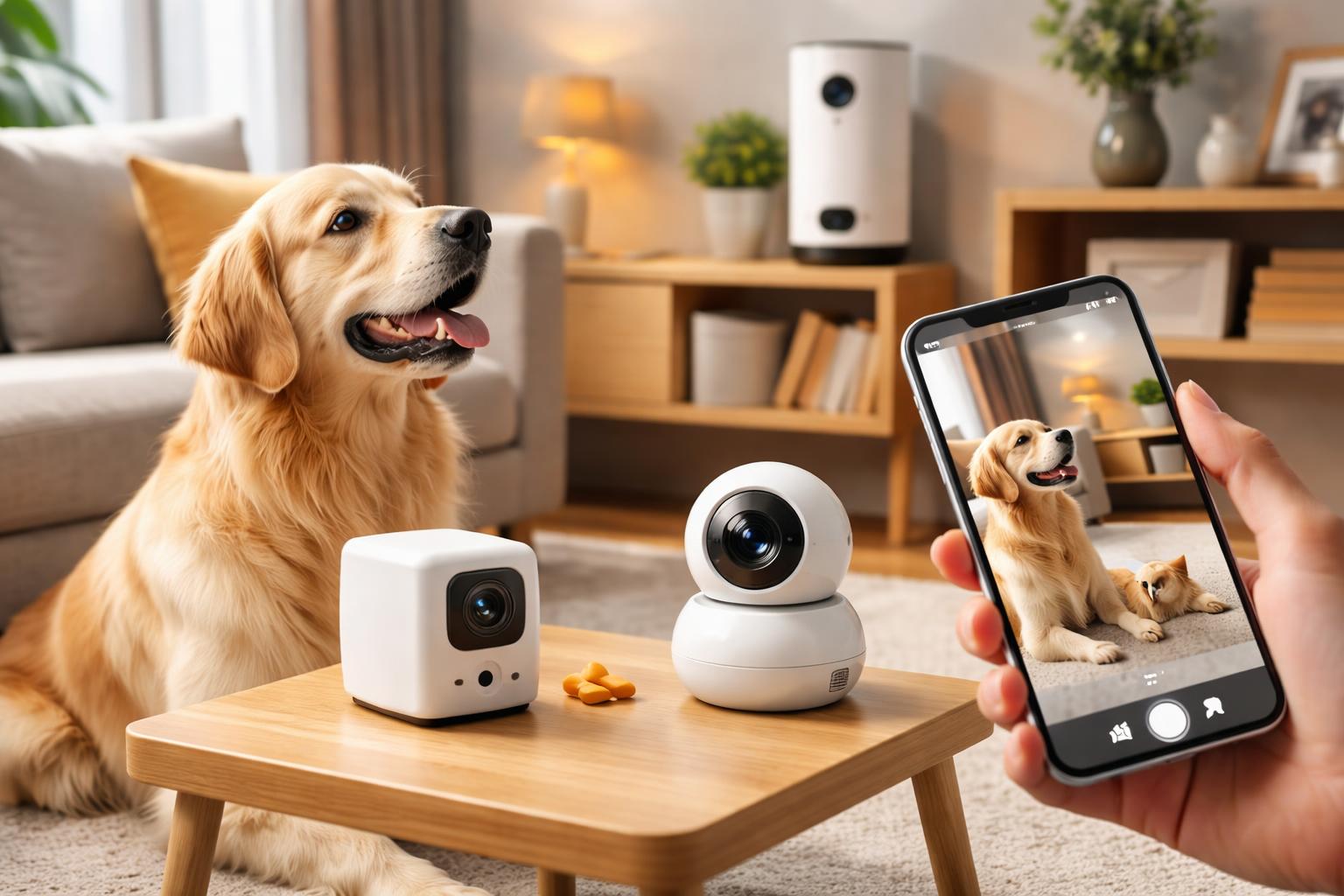
Best Pet Cameras in 2026: How to Watch Your Pet From Anywhere
Leaving your furry friend home alone can bring on a pang of worry. You might wonder if they’re sleeping soundly, getting into mischief, or just missing you.
Imagine seeing exactly what your pet is up to, no matter where you are. A good pet camera gives you that peace of mind, letting you check in with a quick tap on your phone.
Why a Pet Camera is a Smart Choice for Your Home
You love your pet, and you want to ensure they’re safe and happy even when you’re not there. A pet camera isn't just a gadget; it's a way to stay connected and address concerns quickly.These devices let you see, hear, and sometimes even talk to or dispense treats to your pet. They’re especially useful for puppies, anxious pets, or those with specific health needs.
Beyond checking in, pet cameras can help you understand your pet’s behavior. Are they chewing the furniture? Are they sleeping all day? This insight can help you address issues or simply enjoy their antics.
Many pet cameras offer alerts for barking or motion, so you’re notified immediately if something unusual happens. This immediate feedback can be incredibly valuable.
Furbo 360 Dog Camera: The Treat-Tossing Watchdog
The Furbo 360 Dog Camera is best for dog owners who want a fun, interactive way to check on their pups and keep them entertained.This camera boasts 360-degree rotation, letting you scan the entire room from your phone. No more blind spots where your sneaky dog might hide!
Its signature feature is the treat tosser. You can load it with your dog’s favorite small, round treats and dispense them remotely. This is perfect for rewarding good behavior or just brightening their day.
The Furbo 360 includes two-way audio, so you can speak to your dog and hear their barks or whines. It also offers barking alerts, notifying you if your dog is making too much noise.
One real limitation is that it’s designed primarily for dogs, and the treat-tossing mechanism isn’t always suitable for cats or other small pets with different treat needs or eating habits.
Real-World Scenario: Keeping Your Pup Accountable
Imagine you're stuck in traffic, and you get an alert that your puppy is chewing on the sofa. You quickly open your app, tell them "no" through the two-way audio, and then toss a treat to redirect their attention to their toy. This real-time interaction can save your furniture and reinforce training.Petcube Bites 2 Lite: The Smart Feeder with a View
The Petcube Bites 2 Lite is best for pet parents who want to combine monitoring with scheduled feeding or treat dispensing for both dogs and cats.This camera offers a wide-angle view and 1080p HD video, so you get a clear picture of your pet’s activities. It also has night vision for monitoring in low light.
Its core feature is the treat dispenser, which allows you to throw treats in various distances. You can even set a schedule for automatic treat dispensing, which is great for maintaining routines.
Petcube Bites 2 Lite comes with two-way audio and sound/motion alerts. It’s compatible with both Alexa and Google Assistant, making it a good fit for smart homes that already use these voice assistants.
A limitation to consider is that while it dispenses treats, it doesn’t offer the same rotational view as some other cameras, meaning its field of vision is fixed unless you physically move the device.
Installation Tip: Optimize Your Wi-Fi Signal
When setting up any pet camera, especially those with treat dispensers, make sure it’s within good range of your Wi-Fi router. A weak signal can cause delays in video, dropped treat tosses, or missed alerts. If your home has dead spots, consider a Wi-Fi extender to ensure your camera performs its best.Wyze Cam v4: The Budget-Friendly All-Rounder
The Wyze Cam v4 is best for anyone looking for an affordable, versatile camera to simply keep an eye on their pet without needing advanced treat-tossing features.This small camera offers impressive 2K HDR video resolution, delivering sharp and clear images. It also includes color night vision, which is a significant upgrade from standard black and white night vision.
The Wyze Cam v4 provides two-way audio, allowing you to speak to your pet and hear them. It sends alerts for motion and sound, keeping you informed about activity in the room.
It’s designed to be incredibly easy to set up and use, often working right out of the box with minimal fuss. Its compact size makes it simple to place almost anywhere.
The main limitation is its fixed view and lack of interactive features like treat dispensing. If you’re hoping to play with your pet remotely, this camera won’t offer that specific functionality.
Common Mistake: Forgetting About Privacy and Placement
When placing your pet camera, a common mistake is only thinking about what your pet can see, not who else might be in the background. Be mindful of windows, private areas, or sensitive documents. While these cameras are for your pet, they are still recording devices in your home. Always ensure the camera only captures what you intend for it to see, protecting your own privacy and that of anyone else in your home. You can learn more about securing your smart home in general by checking out How to Ensure Your Smart Home is Private & Secure as a Renter (Tips & Devices).What to Look For Before You Buy
- Video Quality and Field of View: Choose a camera with clear HD resolution (1080p or higher) and a wide-angle lens or pan-and-tilt capabilities to cover more of your room. You want to see your pet clearly, not just a blurry shape.
- Two-Way Audio: This feature lets you speak to your pet and hear them respond. It's essential for comforting an anxious animal or giving a quick command when they're misbehaving.
- Alerts and Notifications: Look for cameras that send alerts for motion, sound (like barking), or even specific pet activities. This way, you’re only notified when it matters, not constantly.
- Night Vision: Most pets are active at all hours. Good night vision ensures you can see what your pet is doing even in a dark room, often in black and white or even color.
- Interactive Features: Decide if you want features like treat dispensing, laser pointers, or rotating views. These add-ons can enhance interaction but also affect the price and complexity.
Comparison Table
| Feature | Furbo 360 Dog Camera | Petcube Bites 2 Lite | Wyze Cam v4 |
|---|---|---|---|
| Best For | Dog owners wanting interactive treat tossing and full room view | Pet parents needing scheduled treat dispensing and smart home integration | Budget-conscious users who want basic monitoring with great video |
| Video Resolution | 1080p HD | 1080p HD | 2K HDR |
| Field of View | 360° Rotating | 160° Wide-Angle (fixed) | 115° Wide-Angle (fixed) |
| Night Vision | Infrared | Infrared | Color Night Vision |
| Two-Way Audio | Yes | Yes | Yes |
| Treat Dispenser | Yes (tosses treats) | Yes (throws treats, scheduled) | No |
| Alerts | Barking, Motion | Sound, Motion | Sound, Motion, Pet detection (with subscription) |
| Smart Home Integration | Alexa | Alexa, Google Assistant | Alexa, Google Assistant |
Who Should Buy This
The Concerned Pet Parent
If you constantly wonder what your pet is doing while you're away and want the ability to check in and interact with them, a pet camera is for you. You'll gain peace of mind knowing you can see and hear your pet, and even offer a treat if they're being good.The Puppy or Kitten Owner
New pets require a lot of supervision. A pet camera helps you monitor their behavior, catch accidents early, and ensure they're safe. Interactive features can also aid in training and comfort during crucial developmental stages.The Busy Professional
For those long workdays, a pet camera allows you to break up your pet's day with a treat or a quick chat. It helps alleviate guilt and ensures your pet feels less alone, even when your schedule is packed.Frequently Asked Questions
Do pet cameras require a monthly subscription?
Many pet cameras offer basic features like live streaming and two-way audio without a subscription. However, features like cloud video storage, advanced motion detection, or pet-specific alerts often require a paid plan. Always check the specifics for the model you’re interested in.Can I talk to my pet through the camera?
Yes, most modern pet cameras include two-way audio. This feature allows you to speak into your phone and have your voice played through the camera's speaker, and also hear your pet’s sounds through your phone.How far can the treat dispenser throw treats?
The range of treat dispensers varies by model. Some cameras simply drop treats, while others can launch them several feet. It's usually adjustable or designed to cover a typical room's distance for your pet to find.Are pet cameras secure?
Reputable pet camera brands use encryption to protect your video feed and personal data. Always use strong, unique passwords, enable two-factor authentication if available, and keep your camera's firmware updated to maintain security.What types of treats can I use in a pet camera?
Most treat-dispensing cameras work best with small, dry, round, or cylinder-shaped treats that are roughly half an inch in size. Avoid sticky, crumbly, or oddly shaped treats that can cause jams in the dispenser mechanism.Final Verdict
For most pet owners seeking a balance of interactive fun, comprehensive monitoring, and solid functionality, the Furbo 360 Dog Camera is the clear winner. Its 360-degree view and entertaining treat-tossing feature truly set it apart for keeping an eye on your dog.Consider the Furbo 360 if you want to actively engage with your dog and ensure there are no hidden corners they can get into.