
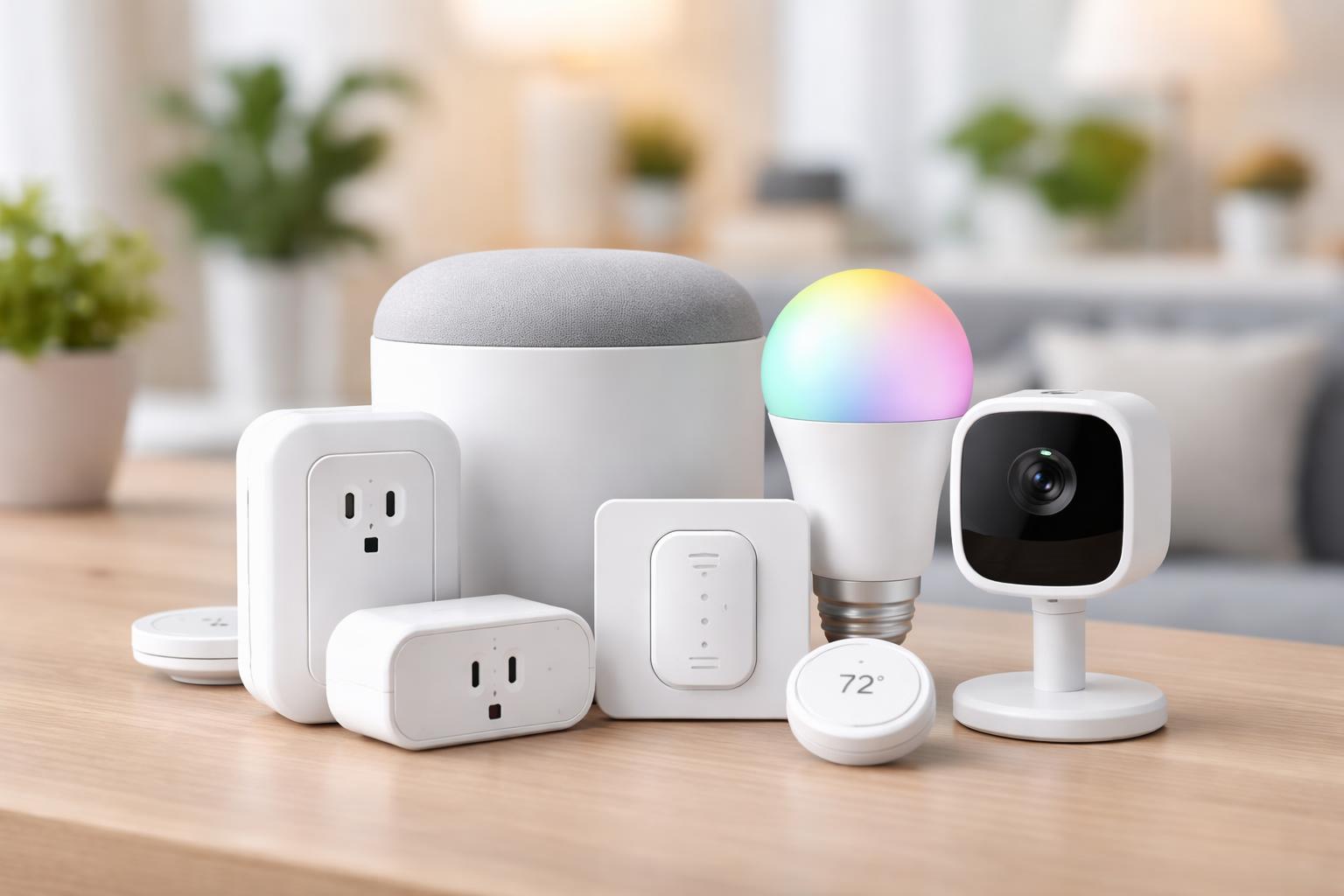
Best Matter Smart Home Devices Under $50 (Tested for Beginners)
You want to make your home smarter without overspending or getting bogged down in confusing tech. You’ve heard about Matter, but finding affordable devices that actually work together can feel like searching for a needle in a haystack. The good news is, you don’t need to break the bank or become a tech wizard to bring the future into your home.
What is Matter and Why it Makes Sense for Your Home
Imagine buying a TV and worrying if it will work with your cable box, or a new microwave and wondering if it will connect to your stove. That's how smart homes used to feel. Every brand had its own system, making it frustrating to mix and match devices. You often ended up with several apps just to control a few lights and plugs.Matter changes all of that. It’s a new standard that lets smart devices from different brands talk to each other reliably. Think of it as a universal language for your smart home. If a device has the Matter logo, it’s designed to work with any Matter controller, whether that’s an Apple HomePod, an Amazon Echo, or your Google Nest Hub. This means you can choose devices based on what you like, not just what brand your existing hub supports.
For you, the homeowner who wants practical, honest advice, Matter means less guesswork and more confidence in your purchases. It simplifies setup, improves reliability, and helps future-proof your smart home. No more worrying about devices becoming obsolete overnight or struggling with complicated integrations. It’s about making your smart home work for you, not the other way around.
Nanoleaf Essentials Matter Smart Bulb (A19)
The Nanoleaf Essentials Matter Smart Bulb is best for anyone looking to add vibrant, customizable lighting to their home without a big investment.Changing the mood of a room is as simple as a tap on your phone or a voice command. These bulbs offer millions of colors and various shades of white, allowing you to personalize your lighting for any occasion, from bright task lighting to a warm, cozy glow for movie night. What makes them truly stand out is their support for Thread, a wireless technology that makes your smart home network more stable and responsive as you add more devices. This means fewer frustrating delays when you tell your lights to turn on.
A common mistake new users make with Thread-based devices like the Nanoleaf Essentials bulb is expecting them to work at their full potential without a Thread border router. While you can often connect them via Bluetooth, linking them through a device like an Apple HomePod Mini, Amazon Echo (4th Gen), or Google Nest Hub (2nd Gen) truly unlocks their speed and reliability. Placing these bulbs strategically within your home, especially near your Thread border router, ensures they respond instantly. For instance, if you have a HomePod Mini in your living room, putting a Nanoleaf bulb there will provide the fastest connection. If you want to expand to another room, consider adding another Thread border router or ensuring the bulbs are close enough to form a mesh network.
However, a real limitation of the Nanoleaf Essentials bulb is that while it supports Matter, its full Thread capabilities, like quick responsiveness and robust network expansion, often rely on having a dedicated Thread border router. Without one, you might find yourself relying on a slower Bluetooth connection for initial setup and control, which can be less reliable than a full Thread network.
Eve Energy Smart Plug with Matter
The Eve Energy Smart Plug is perfect for anyone wanting to make their existing "dumb" appliances smart, adding convenience and automation to their daily routine.This compact plug transforms any regular lamp, coffee maker, fan, or even a string of holiday lights into a smart device. Once plugged in, you can control it from your phone, set schedules, or even integrate it into smart home routines. Imagine your bedside lamp turning on gently with your morning alarm, or your fan automatically turning off an hour after you usually go to bed. Like the Nanoleaf bulb, Eve Energy uses Thread, which makes it incredibly responsive and helps build a stronger, more reliable smart home network over time. This means fewer dropped connections and faster reactions to your commands.
A real-world usage scenario that highlights the usefulness of the Eve Energy plug is automating your heating and cooling. During warmer months, you might have a window AC unit or a powerful fan. You can plug it into the Eve Energy and set a schedule to turn it on 30 minutes before you typically arrive home from work, ensuring your space is comfortable as soon as you walk in. Similarly, in colder weather, you can connect a small space heater (check its wattage to ensure it’s within the plug’s limits) and have it pre-heat a room before you need it, saving energy by not running it all day. This precise control also helps you keep an eye on how much energy these devices use, informing you if you need to adjust their schedule for greater savings.
However, one limitation to consider is that while the Eve Energy smart plug offers basic on/off control and scheduling, it doesn’t always provide advanced features like detailed energy monitoring unless you are using it with a specific Matter controller and app, such as Apple Home or the Eve app itself. If you’re looking for deep insights into your electricity usage across all your Matter devices, you might need additional hardware or a more integrated system.
IKEA TRÅDFRI Matter-Ready Smart Bulb (E26)
The IKEA TRÅDFRI Matter-Ready Smart Bulb is an excellent choice for those looking for an affordable entry into smart lighting, especially if they already own or plan to get an IKEA smart home hub.IKEA has long been a go-to for affordable home furnishings, and their smart home line follows suit. These TRÅDFRI bulbs offer reliable smart lighting functionality, allowing you to turn lights on and off, dim them, and often adjust their color temperature from warm to cool white. They are a simple and effective way to replace your old bulbs and begin automating your home’s lighting. Their Matter-readiness means they can eventually integrate with your broader smart home ecosystem once properly set up.
When you install an IKEA TRÅDFRI bulb, the setup can vary slightly depending on your existing home setup. While some newer TRÅDFRI bulbs are beginning to ship with Matter support directly, many still require the IKEA DIRIGERA hub to function as a Matter bridge. This means the bulb itself connects to the IKEA hub using Zigbee, and then the DIRIGERA hub exposes the bulb to your Matter controller (like Apple Home or Google Home). It’s an extra step, but it allows these affordable bulbs to join your Matter ecosystem. This setup is particularly renter-friendly because it doesn’t involve any complex wiring or permanent fixtures. You just screw in the bulb and configure it through the app, making it easy to take with you when you move.
A common mistake renters make is not understanding the hub requirement. Many assume “Matter-ready” means they work directly with their phone or existing smart speaker without any other hardware. For IKEA TRÅDFRI bulbs, you will almost certainly need the IKEA DIRIGERA hub to get Matter functionality. This adds an initial cost if you don’t already have the hub, which is important to remember when budgeting.
However, the main limitation of the IKEA TRÅDFRI Matter-Ready Smart Bulb is its reliance on the IKEA DIRIGERA hub for Matter functionality. While the bulb itself is affordable, you’ll need to purchase the hub separately if you don’t already own it, which pushes the overall cost above the $50 threshold for a complete Matter setup. This makes it less ideal for someone seeking a truly standalone, sub-$50 Matter lighting solution.
What to Look For Before You Buy
- Connectivity Type: Check if the device uses Wi-Fi, Thread, or Bluetooth. Thread devices often require a compatible Thread border router (like certain smart speakers) for the best performance, while Wi-Fi devices connect directly to your home network.
- Matter Controller Compatibility: Ensure the device works with your preferred Matter controller (e.g., Apple Home, Amazon Alexa, Google Home, Samsung SmartThings). While Matter aims for universal compatibility, initial setups can sometimes be smoother with certain ecosystems.
- Hub Requirement: Some Matter-certified devices might still require a brand-specific hub for certain features or for their Matter functionality to be fully enabled. Always read the product description carefully to avoid unexpected purchases.
- Ease of Installation: For beginners, look for devices that are truly "plug and play" or "screw in and connect." This minimizes frustration and gets your smart home up and running faster.
- Future Expansion: Consider devices that fit into a larger plan. If you plan to add many devices, Thread-enabled options are excellent for building a robust and responsive mesh network.
Matter Smart Devices Under $50: A Quick Comparison
Choosing the right Matter device for your home involves looking at how you want to use it and what kind of setup you already have. Here's a side-by-side look at our top picks to help you decide.| Feature | Nanoleaf Essentials Matter Smart Bulb (A19) | Eve Energy Smart Plug with Matter | IKEA TRÅDFRI Matter-Ready Smart Bulb |
|---|---|---|---|
| Best For | Dynamic, colorful lighting and mood setting. | Automating "dumb" appliances and lamps. | Affordable entry into smart lighting, especially with IKEA hub. |
| Primary Use | Ambient and accent lighting control. | On/off control for any plug-in device. | Basic smart lighting control (on/off, dimming). |
| Connection Type | Thread (also Bluetooth for direct control). | Thread (also Bluetooth for direct control). | Zigbee (requires IKEA DIRIGERA hub for Matter). |
| Key Advantage | Vibrant colors, Thread reliability, great responsiveness. | Versatile automation for non-smart devices, Thread reliability. | Very budget-friendly bulb, good for basic needs. |
| Key Consideration | Best with a Thread border router for full performance. | No built-in energy monitoring in all Matter apps. | Requires IKEA DIRIGERA hub for Matter integration. |