
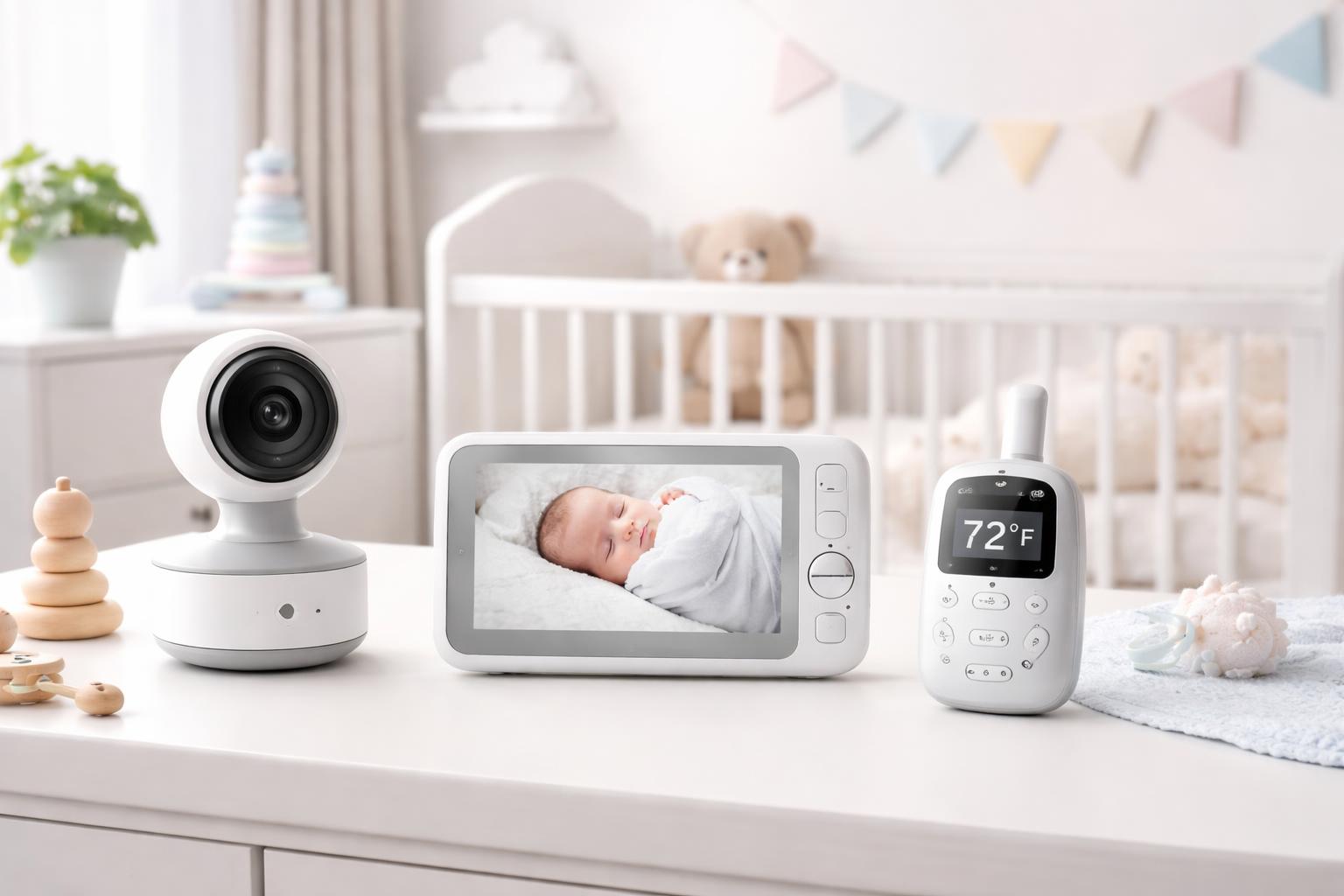
Best Baby Monitors Without Subscription Fees in 2026
The Monthly Fee Trap
Did you know that many popular smart baby monitors now hide their best features, like cloud storage or advanced motion detection, behind mandatory monthly subscriptions? You buy the expensive hardware, but then you are forced to pay every single month just to see your own video feed or save a recording of your baby's first steps.
For most parents, this feels like a surprise tax on peace of mind. If you want a reliable monitoring system that works perfectly right out of the box without draining your bank account later, you need to focus on dedicated local-storage options. These systems keep your data on a physical card or internal memory, ensuring your privacy stays inside your four walls.
Eufy Baby E21
The Eufy Baby E21 is our top pick for parents who want high-definition video and pan-tilt-zoom control without any recurring costs. It uses a dedicated monitor unit, which means it does not rely on your home Wi-Fi, keeping the connection stable even if your internet goes down.
This monitor is perfect for parents who value a secure, private connection that doesn't share video data with cloud servers. One limitation is the lack of a mobile app for remote viewing; you must be within the range of the handheld monitor, which can be tricky if you are working in the backyard while the baby naps.
Infant Optics DXR-8 Pro
If you prioritize audio clarity and signal range, the Infant Optics DXR-8 Pro is the gold standard for non-Wi-Fi monitors. It features active noise reduction, which helps block out background fan hums or white noise machines so you only hear your baby when they actually need you.
This device is ideal for older homes with thick walls where standard Wi-Fi signals might struggle to reach. However, the screen resolution on the handheld unit is noticeably lower than newer smartphone-based cameras, which might disappoint parents looking for crystal-clear video quality on a large screen.
Harbor Baby Monitor
The Harbor Baby Monitor takes a modern approach by offering a high-end experience that keeps all your footage local. It is a fantastic option for families who want a sleek design that fits modern nursery decor while maintaining strict control over who sees the video stream.
It is best for parents who want a more polished, contemporary interface. The main downside is that the setup process is slightly more complex than basic plug-and-play models, as it requires more attention to your home network settings to ensure the local privacy features are locked down properly.
What to Look For Before You Buy
- Local Storage Capability: Check if the camera supports microSD cards so you can store clips without paying for cloud subscriptions.
- Connection Type: Decide if you prefer a dedicated handheld monitor for better reliability or a Wi-Fi camera that allows viewing from your phone.
- Security Standards: Always look for encrypted signals, especially on non-Wi-Fi monitors, to prevent outsiders from accessing your feed.
- Range Limitations: Measure the distance between your nursery and your most frequented rooms to ensure the signal strength is sufficient for your specific floor plan.
Comparison of Subscription-Free Monitors
| Model | Best For | Connection | Storage |
|---|---|---|---|
| Eufy Baby E21 | Reliability | Dedicated Link | Local (microSD) |
| Infant Optics DXR-8 Pro | Large Homes | Dedicated Link | Local (microSD) |
| Harbor Baby Monitor | Aesthetics | Hybrid/Local | Local |
Who Should Buy This
The Privacy-Conscious Parent: You don't want your private family moments uploaded to a third-party server where they could potentially be compromised.
The Tech-Avoidant Parent: You want a device that works instantly without complicated software updates, app logins, or constant internet troubleshooting.
The Renter: You need a system that doesn't require permanent wall mounts or complex network wiring, making it easy to set up and move when your lease ends.
Frequently Asked Questions
Can I view these monitors from my phone while at work?
Most dedicated, subscription-free monitors use a proprietary signal that does not connect to the internet, so they cannot be viewed remotely from your phone. If remote access is a dealbreaker, you must choose a smart camera that offers local storage options through an app.
Are non-Wi-Fi monitors really more secure?
Yes, because these devices do not transmit data over your home internet, they are virtually impossible for external hackers to intercept via your router. You are only at risk if someone is physically close enough to your home to intercept the local signal.
What happens if the power goes out?
Most of these monitors include battery-powered cameras and parent units, so they will continue to function for a few hours during an outage. Always keep your chargers handy, as these units do not have the same "always-on" reliability as a wall-powered system.
Final Verdict
If you want the most reliable, secure connection without any monthly fees, go with the Eufy Baby E21. It strikes the perfect balance between ease of use, local storage, and high-quality video performance for a typical nursery setup. Visit the product page now to check if it fits your home's layout.