
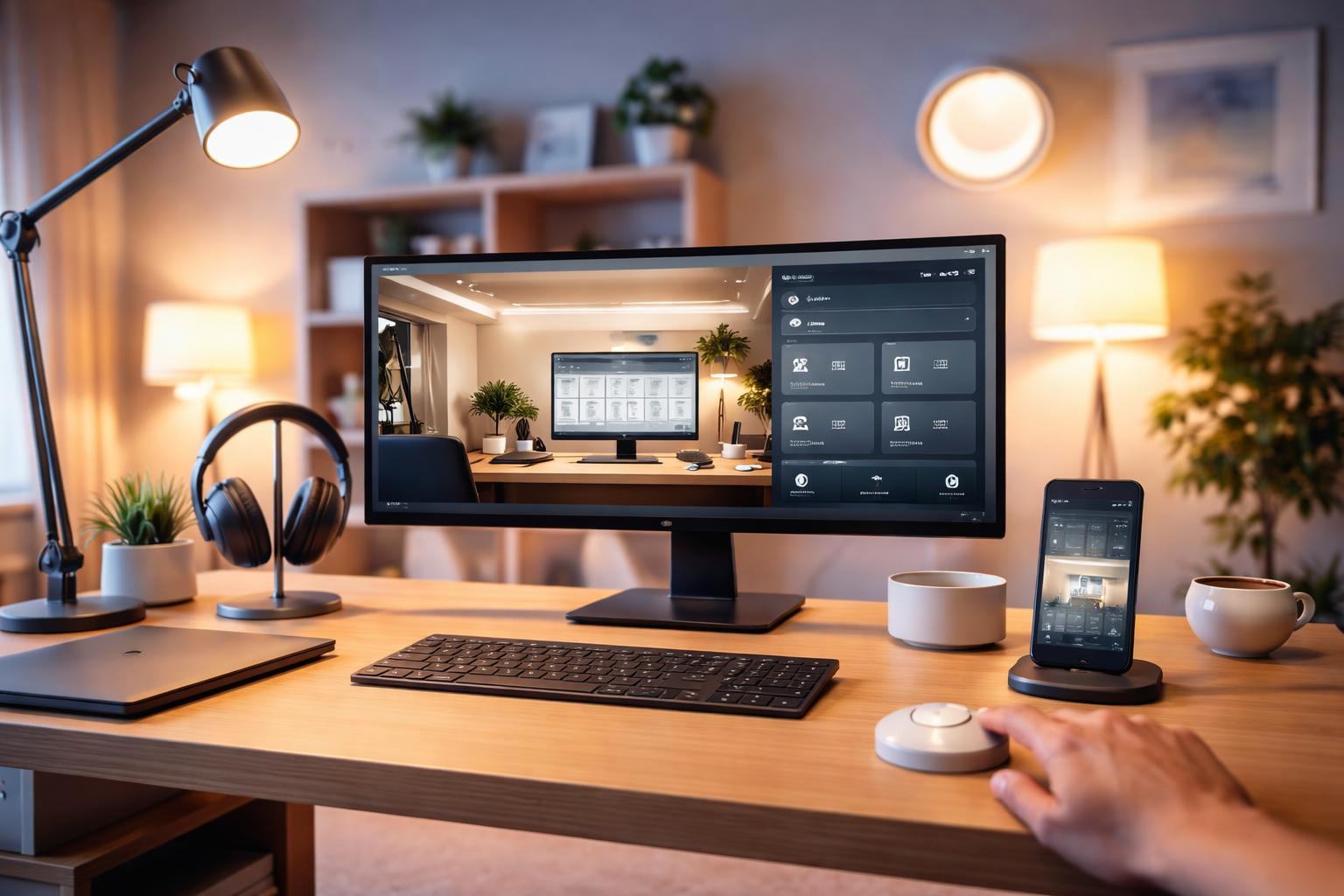
How to Automate Your Home Office: Lights, Camera and Focus Mode With One Tap
Setting the Scene for Your Workflow
If you've ever spent ten minutes fighting with a flickering desk lamp or shouting over background noise during a video call, you know how quickly a poor environment kills your productivity. You don't need a degree in engineering to turn your desk into a professional command center that responds to a single command.
Smart Lighting for Better Focus
The right color temperature keeps you alert during the morning and helps you wind down by afternoon. Philips Hue White Ambiance bulbs are the top choice for this because they offer a wide range of whites, from warm candlelight to crisp daylight, allowing you to mimic the sun's natural cycle throughout your workday.
Pro Tip: When setting up your lights, place your desk lamp to the side of your monitor rather than directly behind it. This prevents the harsh glare that causes eye fatigue during long sessions.
One Limitation: These bulbs require a separate hub for the most reliable connection, which adds an extra piece of hardware to your router area. If you prefer a simpler setup without a hub, you might find managing multiple rooms slightly more cumbersome than Wi-Fi-based alternatives.
Power Your Gear With Smart Plugs
Your office is likely cluttered with "vampire" electronics that draw power even when turned off. A Kasa Smart Plug allows you to cut power to your printer, chargers, or desk heater with a single tap on your phone or a voice command.
A common mistake is plugging your main computer or monitor into a smart plug that cuts power abruptly. Instead, use these plugs for peripheral devices like desk fans or LED light strips to ensure your workstation is truly "off" when you leave the room.
The Central Hub: Your Voice Assistant
To pull your lights and plugs into one "Focus Mode" routine, you need a central controller. The Amazon Echo Dot acts as the brain for your office, letting you trigger complex automations with simple voice prompts.
You can say, "Alexa, start Focus Mode," and have your lights shift to cool white while your smart plug activates your task lamp. The primary downside of this device is the speaker quality; it is perfectly fine for voice prompts and focus music, but it will not replace a dedicated high-fidelity sound system for critical audio work.
What to Look For Before You Buy
- Ecosystem Compatibility: Ensure all your chosen devices work with your preferred platform, such as Alexa, Google Home, or Apple Home, to avoid a fragmented setup.
- Wi-Fi Bandwidth: If your office is far from your router, smart devices might struggle to stay connected, so consider a mesh Wi-Fi system if you experience frequent drops.
- Physical Form Factor: Check the size of smart plugs; some bulky models may block adjacent outlets on your power strip.
- Privacy Settings: Look for devices that allow you to physically mute microphones or offer clear, local control options to ensure your workspace remains private.
Comparison Table
| Device | Primary Function | Best For |
|---|---|---|
| Philips Hue White Ambiance | Adjustable lighting | Matching color temp to time of day |
| Kasa Smart Plug | Power management | Automating lamps and office gadgets |
| Amazon Echo Dot | Voice control | Centralizing routines and commands |
Who Should Buy This
The Remote Worker: If you spend 40+ hours a week at your desk, these tools will save you time and prevent the mental drain of managing your physical environment.
The Procrastinator: If you find it hard to transition into "work mode," a one-tap routine that adjusts your lighting and shuts off distractions creates a helpful mental trigger.
Frequently Asked Questions
Can I use these devices in an apartment?
Yes, all these items are non-permanent and plug-in, meaning you can take them with you when you move without leaving any trace or damage.
What happens if my Wi-Fi goes down?
Most smart devices will simply stay in their current state; you will lose the ability to control them via app or voice until the connection is restored, though many will still function via physical wall switches.
Is it hard to set up these automations?
Most modern apps include a "Routines" or "Automations" tab where you simply select "If this happens, do that," making it very friendly for those who aren't tech-savvy.
Final Verdict
For most homeowners looking to balance price and reliability, the Kasa Smart Plug is the essential starting point for an automated office. It provides the most immediate, tangible benefit by helping you manage your peripheral devices and energy usage without a complicated setup. Start by installing one on your primary task lamp to see how much more organized your workflow feels with one-tap control.