
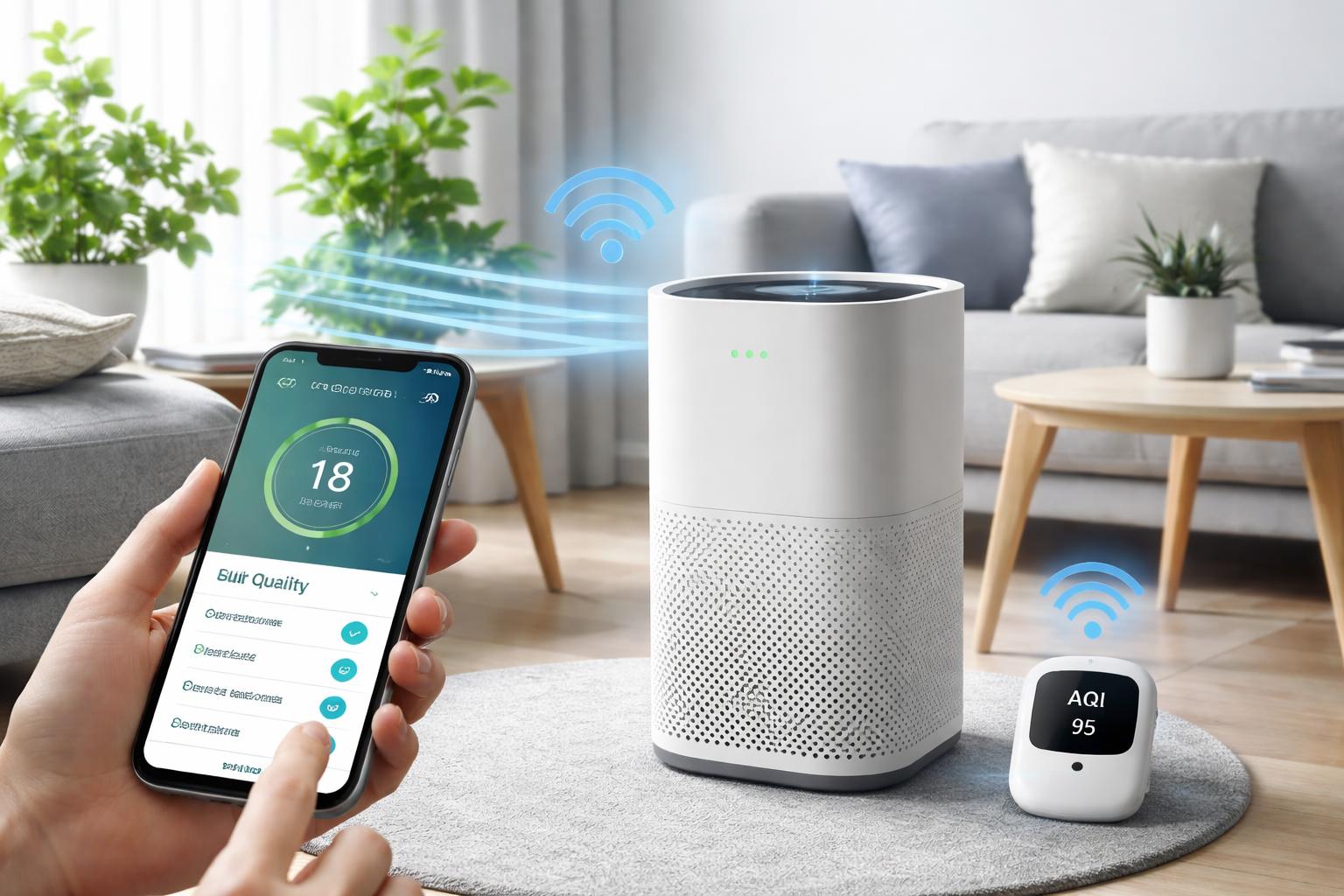
How to Automate Your Air Purifier Based on Air Quality Readings
Automating Your Air Purifier Based on Real-Time Air Quality
If you have ever woken up with a scratchy throat only to realize your air purifier was running on low all night despite poor air quality, you know how frustrating manual control can be. You do not need to constantly check your air quality monitor or adjust settings; you can make your home react to the environment automatically.
Choosing the Right Equipment
To automate effectively, you need hardware that reports air quality data to an app. Most modern "smart" air purifiers handle this internally, but you can also make a "dumb" air purifier smart with the right setup.
The All-in-One Approach: Smart Air Purifiers
The Levoit Core 400S is the ideal choice for most homeowners because it has a built-in laser particle sensor that detects pollutants and adjusts fan speeds without needing external sensors. Its main limitation is that its app ecosystem is somewhat closed, meaning it works best if you stick to its native app or basic Alexa routines rather than complex custom home automation platforms.
The "Make it Smart" Approach: Smart Plugs
If you already own a reliable, high-quality air purifier that lacks smart features, you can plug it into a Kasa Smart Plug. This allows you to turn the device on or off based on triggers from an external air quality sensor or a schedule. The downside here is that you cannot change the fan speed remotely; you are strictly limited to power control.
How to Set Up Your Automation
For the best experience, you will need a central hub to connect your sensors and purifiers, such as an Amazon Echo Dot. This acts as the bridge that tells your purifier to turn on when your smart air monitor detects a spike in dust or VOCs.
Common Mistake: Many people place their air quality sensor directly next to the air purifier. This is a mistake because the sensor will detect the "clean" air exiting the machine rather than the air in the room, causing the purifier to turn off prematurely while the rest of the house remains polluted. Always keep the sensor at least five to ten feet away from the unit.
Step-by-Step Configuration
- Open your smart home app (Alexa, Google Home, or Home Assistant).
- Create a new "Routine" or "Automation."
- Set the "When" trigger to your Air Quality Sensor (e.g., "If PM2.5 levels exceed 35").
- Set the "Action" to turn on your smart plug or change the purifier's fan speed to "Auto" or "High."
- Add a "Wait" command or an "Off" trigger once levels drop back to the "Good" range to save on filter life and electricity.
What to Look For Before You Buy
- Sensor Accuracy: Ensure the device uses a laser-based PM2.5 sensor rather than a simple VOC sensor, as laser sensors are far more reliable for dust and smoke.
- Local Control: Look for devices that allow local API access or Matter compatibility so your automations still function even if your internet goes down.
- Filter Cost: Always check the availability and price of replacement filters before buying the unit, as you will be replacing them every 6-12 months.
- Flow Rate (CADR): Match the purifier’s capacity to the square footage of your room; an automated purifier cannot clean a room that is too large for its fan.
Comparison Table
| Feature | Smart Air Purifier | Smart Plug + Dumb Purifier |
|---|---|---|
| Fan Speed Control | Yes (Automated) | No (Power only) |
| Sensor Integration | Built-in | Requires external sensor |
| Ease of Setup | Simple | Moderate |
| Reliability | High | Dependent on sensor sync |
Frequently Asked Questions
Do I really need a dedicated air quality monitor if my purifier has one?
Usually, no. If your purifier has a reliable built-in sensor, it can handle the automation logic internally, which is more responsive than routing commands through a third-party hub.
Will my smart home automations still work without Wi-Fi?
Most cloud-based automations through Alexa or Google Home will fail if the internet is down. If you require absolute reliability, look for devices that support local control via protocols like Zigbee or Z-Wave.
How often should I clean the sensors on my smart purifier?
You should clean the lens of your air quality sensor with a soft, dry cotton swab every two to three months. Dust buildup on the sensor lens is the number one cause of "phantom" poor air quality readings.
Final Verdict
For most users, the Levoit Core 400S is the best choice because it combines the sensor and the fan in one package, eliminating the need for complex, buggy third-party integrations. It is the most reliable way to ensure your air stays clean without any manual intervention. Purchase the unit, place it in a high-traffic area away from corners or direct output, and set it to its "Auto" mode to let its internal intelligence handle the rest.