
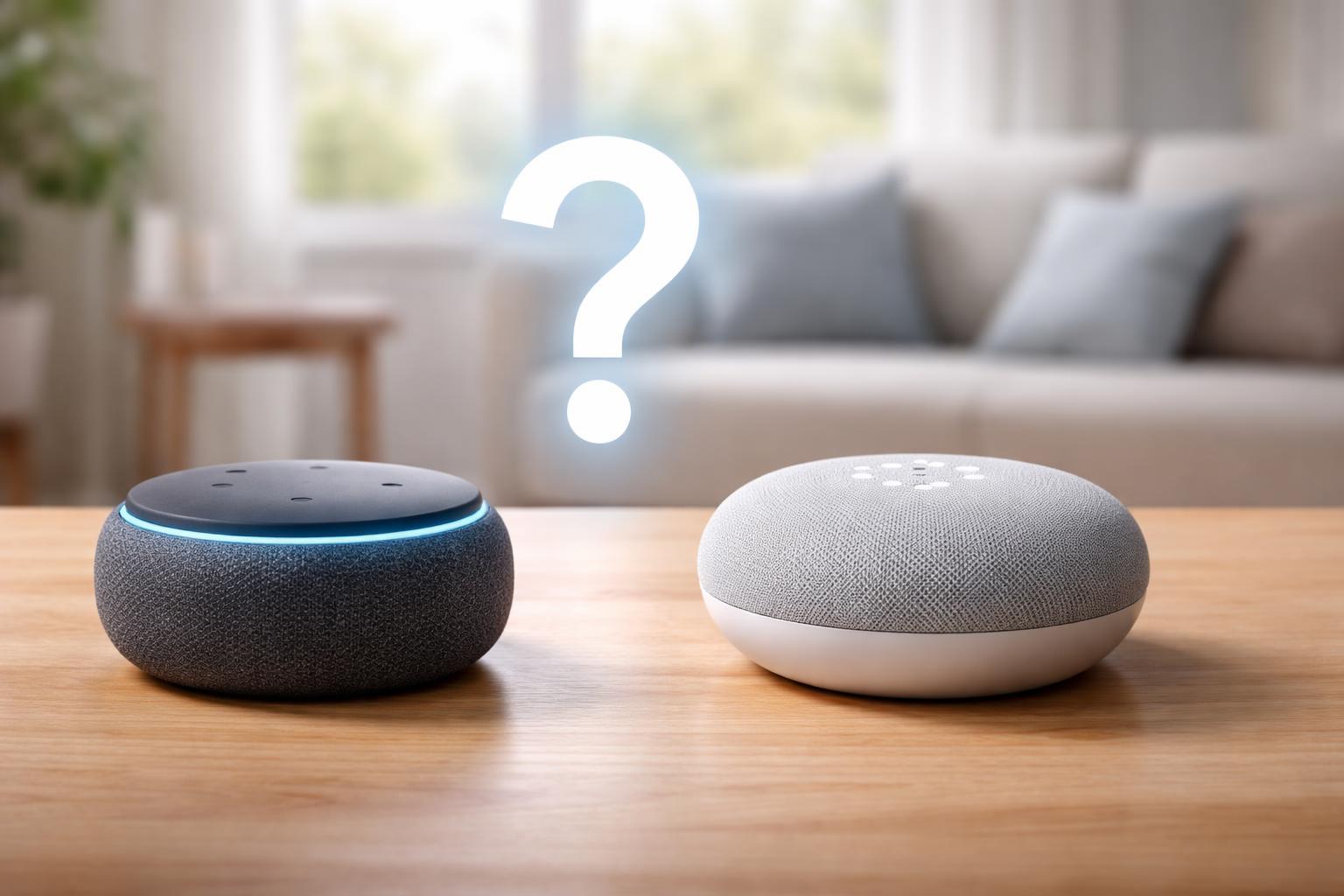
Amazon Echo Dot vs Google Nest Mini: Which Is Better for Beginners?
You want to make your home a little smarter, but the options feel endless. Picking your first smart gadget can be overwhelming, especially when you see so many devices that look similar. Where do you even begin without wasting your money or getting bogged down in complicated setups?
Why Smart Speakers Are Your Best First Step
Starting your smart home journey with a smart speaker is an excellent choice. These small, affordable devices are much more than just music players; they are the voice-controlled brains of a budding smart home.
With a smart speaker, you can control lights, thermostats, and even your TV with just your voice. It’s an easy, low-commitment way to dip your toes into smart home tech and see what you like.
Think of it as your command center. You speak, and your home responds. Plus, they can answer questions, play music, and even tell you the weather, all without you lifting a finger. You can also expand their abilities easily, like adding a simple TP-Link Tapo smart plug to make any lamp smart.
The Amazon Echo Dot: Your Alexa-Powered Assistant
The Amazon Echo Dot is best for you if you already use Amazon services, like shopping on Amazon.com or have an Amazon Prime membership. This speaker brings Alexa, Amazon's voice assistant, into your home.
You can ask Alexa to play music from popular services, get news updates, check the weather, and set timers. But its real strength for a smart home beginner is how easily it controls compatible smart devices. Many smart light bulbs, thermostats, and door locks are "Works with Alexa" certified.
A specific installation tip only someone with hands-on experience would know: When you first set up your smart home devices with the Amazon Echo Dot smart speaker, creating groups (like 'Kitchen Lights' or 'Living Room') right away can save you a lot of hassle. Instead of saying 'Alexa, turn on the lamp and the overhead light,' you can just say 'Alexa, turn on the living room lights.' This makes voice commands much more natural and efficient for your daily routine.
For example, you can tell Alexa to turn on your smart lights when you walk into a room. Or, imagine you’re cooking, and your hands are messy. You can simply say, "Alexa, set a timer for 10 minutes," without touching anything.
One limitation of the Echo Dot is that its vast number of features and "skills" can feel a little overwhelming at first. If you just want simple voice commands, the sheer amount of options might make it seem more complex than it is. You might find yourself scrolling through lists of features you never use.
The Google Nest Mini: Your Google Assistant Companion
The Google Nest Mini is best for you if you live in the Google ecosystem. This means if you have an Android phone, use Gmail, Google Calendar, or rely on Google Search regularly, the Nest Mini will feel right at home.
This compact speaker houses Google Assistant, known for its excellent ability to answer questions. It taps into Google's vast search engine, often providing more natural and detailed answers to complex queries than other assistants.
You can ask it anything from "What's the capital of France?" to "How do I make a sourdough starter?" It can also play music, set alarms, and, crucially for beginners, control your smart home devices.
The Google Nest Mini shines when it integrates with your existing Google accounts. You can ask it about your commute, what’s on your calendar today, or even make calls to your contacts, all through voice commands.
A common mistake beginners make with the Google Nest Mini smart speaker is not linking their primary Google account during setup. This means your speaker might not have access to your personal calendar, reminders, or favorite music playlists, making it feel less 'smart' and personalized. Always double-check that you're signed in with the Google account you use most often for the best experience.
One limitation of the Nest Mini is that while Google Assistant is brilliant at answering questions and integrating with Google services, its direct compatibility with some lesser-known smart home brands can be slightly less broad than Alexa's. This is changing, but it’s something to consider if you have specific niche devices in mind.
What to Look For Before You Buy
- Your Current Tech Habits: Do you use an iPhone or Android? Do you prefer Amazon for shopping or Google for search and email? Your existing habits often point to the better choice.
- What You Want to Control: Think about your first smart device goals. Do you want to play music, check the news, or simply turn lights on and off with your voice? Both do these well, but one might do it better for your specific preference.
- Future Smart Home Plans: If you imagine a home full of smart devices down the line, consider which ecosystem has the broadest compatibility with brands you might want later. Both are strong, but one might pull ahead for your specific vision.
- Family Use: Will others in your home be using the speaker? Consider which voice assistant they might find easier to understand or which ecosystem they are already familiar with.
- Privacy Comfort: Both Amazon and Google collect data to improve their services. Review their privacy policies to understand how your voice commands and data are used, and choose the one you feel most comfortable with.
Amazon Echo Dot vs Google Nest Mini: A Quick Comparison
| Feature | Amazon Echo Dot | Google Nest Mini |
|---|---|---|
| Voice Assistant | Alexa | Google Assistant |
| Primary Ecosystem | Amazon, Ring, Eero, many third-party brands | Google, Nest, Chromecast, many third-party brands |
| Smart Home Compatibility | Very broad, extensive "Works with Alexa" devices | Broad, excellent integration with Google-branded devices |
| Music Services | Amazon Music, Spotify, Apple Music, Pandora, etc. | YouTube Music, Spotify, Apple Music, Pandora, etc. |
| Answering Questions | Good for factual queries, news, weather | Excellent, taps into Google's search engine for detailed answers |
| Calendar/Reminders | Integrates with Google Calendar, Outlook Calendar | Deep integration with Google Calendar and other Google services |
| Real-World Strength | Vast "skills" library, wide smart device compatibility | Superior question-answering, strong Google ecosystem integration |
| Real-World Weakness | Skills can feel overwhelming, can push Amazon products | Slightly less broad third-party smart device compatibility than Alexa |
Who Should Buy This
The Amazon Shopper
If you already have an Amazon Prime account, often buy things from Amazon, or use other Amazon devices like a Fire TV Stick, the Echo Dot will fit right into your digital life. Alexa will be your trusted companion for shopping lists, package tracking, and controlling your entertainment. The setup will feel natural, and you'll find a massive range of compatible smart home devices that integrate effortlessly. This makes it an ideal choice if you appreciate the convenience and extensive reach of the Amazon ecosystem.
The Google User
If your digital world revolves around Google—an Android phone, Gmail, Google Photos, or Google Calendar—then the Google Nest Mini is your ideal smart home starting point. It will feel like a natural extension of your existing tools, providing quick access to your calendar, reminders, and contacts through voice. Its powerful Google search capabilities mean you'll get accurate, detailed answers to almost any question. This is perfect if you value seamless integration with your personal information and Google's superior search intelligence.
The Simple Starter
If you're truly new to smart homes and want the absolute easiest entry point, either device works. However, the Google Nest Mini might edge out slightly for pure simplicity in question-answering and calendar integration, requiring less "learning" of specific commands or skills. It's often viewed as a "smarter" conversationalist. For managing common smart home problems, both offer good troubleshooting, but Google's conversational style can sometimes feel more intuitive.
Frequently Asked Questions
Can I use both an Echo Dot and a Nest Mini in my home?
Yes, you absolutely can, but they operate independently. They won't "talk" to each other or share smart home commands, so you'll decide which assistant controls which devices or rooms. It might be simpler for beginners to stick with one ecosystem to avoid confusion.
Do these devices require a special hub to control other smart gadgets?
No, neither the Amazon Echo Dot nor the Google Nest Mini require a separate smart home hub for most common devices like smart lights or plugs. They connect directly to your home's Wi-Fi network and then communicate with other smart devices, making setup very straightforward for beginners.
What happens if my Wi-Fi goes down?
If your Wi-Fi network goes down, both devices will lose their internet connection and won't be able to access cloud-based features like answering questions, playing music, or controlling smart devices. Some basic local functions might still work, but their core smart home abilities rely on a stable Wi-Fi connection.
Can these speakers play music from Spotify or Apple Music?
Yes, both the Amazon Echo Dot and Google Nest Mini support popular music streaming services like Spotify and Apple Music. You simply link your account in their respective companion apps (Alexa app or Google Home app) and then tell the assistant what you want to play.
Is one better for privacy than the other?
Both Amazon and Google have extensive privacy policies regarding how they collect and use your voice data. While both allow you to review and delete recordings, neither is definitively "more private." Your comfort level with their data practices and your personal use habits will largely determine which feels better for you.
Final Verdict
For a true beginner who wants the most intuitive question-answering and seamless integration with a comprehensive personal assistant, the Google Nest Mini is your best bet, especially if you're already a Google user. If you envision expanding your smart home significantly with a vast array of devices and appreciate the immense ecosystem and shopping benefits of Amazon, then the Amazon Echo Dot will serve you better in the long run.
Choose the smart speaker that aligns with your current digital habits and start enjoying the convenience of voice control in your home today.