
Disclosure: This article contains affiliate links. As an Amazon Associate, we earn from qualifying purchases at no extra cost to you.
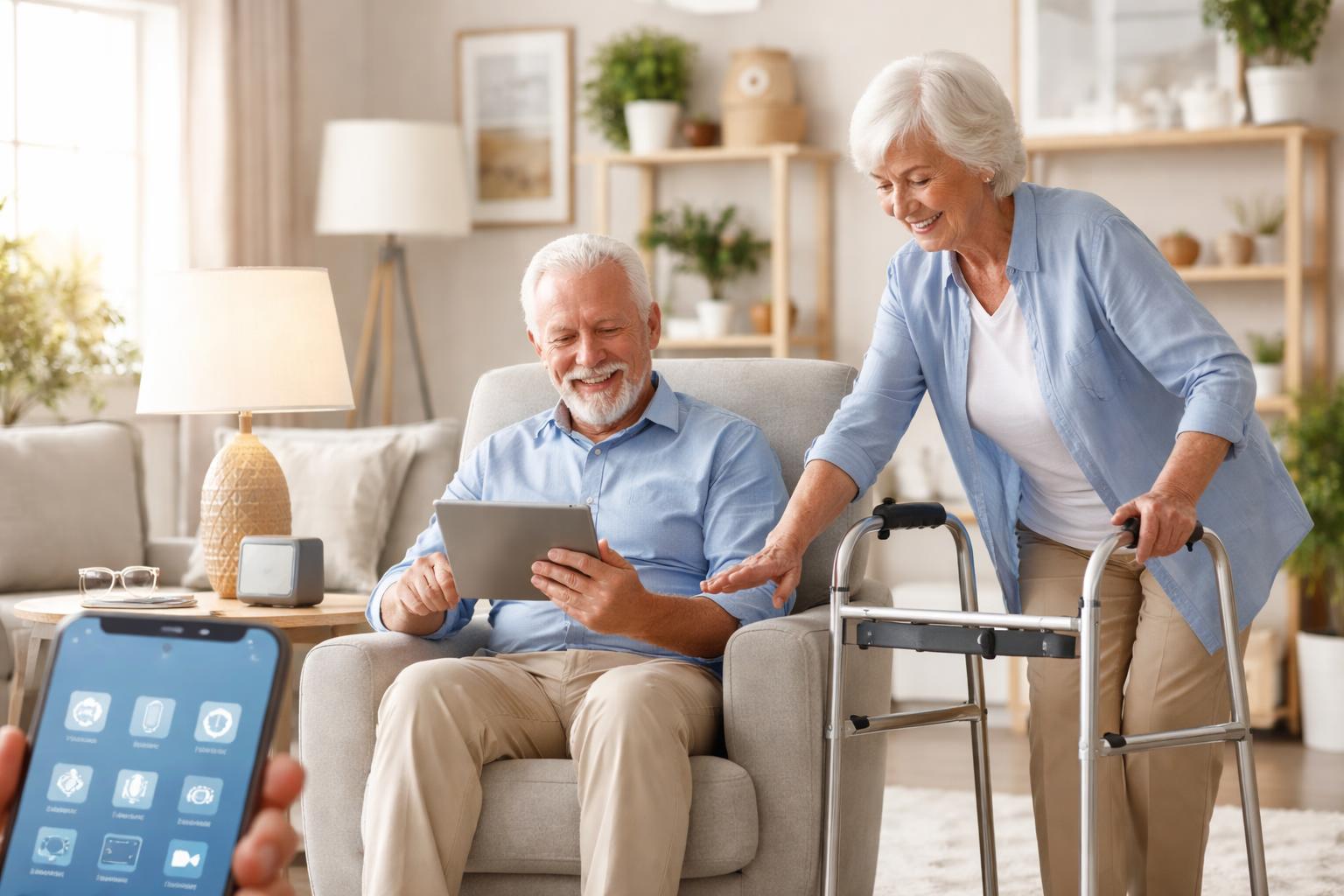
Reaching for a light switch, adjusting a thermostat, or fumbling with keys can become daily struggles when mobility is a challenge. Tasks that once felt simple can turn into painful obstacles. You deserve a home that works with you, not against you.
Imagine a home where your voice controls the lights, the temperature adjusts itself, and doors lock automatically. This isn’t just about convenience; it’s about regaining comfort and independence right where you live.
Simplifying Daily Life with Smart Home Technology
Managing your home shouldn’t add to daily stress, especially when mobility limits your movement. Smart home devices offer practical solutions that make everyday actions easier and safer. They put control at your fingertips, or even just a voice command away, so you can focus on enjoying your home.
These devices can reduce the need to bend, reach, or walk across a room. This means fewer trips, less strain, and a reduced risk of falls. You can stay comfortable and secure, knowing your home is responding to your needs.
Voice Assistants: Your Home’s Command Center
Voice assistants are often the first step into a smart home for good reason. They allow you to control many devices using only your voice. This is incredibly helpful if reaching for a remote or navigating an app is difficult.
They are best for anyone who wants a central, hands-free way to control their home and communicate with loved ones. A common mistake many people make is placing the voice assistant in a noisy or out-of-the-way location. For best performance, place it in a central spot where it can hear you clearly and you can hear its responses.
Amazon Echo Dot
The Amazon Echo Dot is best for those looking for an affordable, compact voice assistant that offers a wide range of smart home compatibility. Its small size means it fits almost anywhere, and Alexa’s voice commands are generally well-understood.
One limitation is that its sound quality isn’t top-tier if you plan to use it as a primary music speaker. While adequate for voice responses and background music, it won’t replace a dedicated sound system.
Google Nest Mini
The Google Nest Mini is best for individuals who already use Google services like Calendar or Gmail, or prefer the Google Assistant’s voice. It offers similar voice control capabilities to the Echo Dot and integrates well with other Google products.
A downside is that like the Echo Dot, its audio quality is suitable for voice and casual listening but not for audiophiles. If you need robust sound, you’ll want to connect it to a better speaker or choose a larger Google Nest device.
Smart Lighting: Brighten Your Day, Safely
Imagine never stumbling in the dark or struggling to reach a switch again. Smart lighting lets you control your lights with your voice, a tap on your phone, or even automatically based on your daily schedule. This means brighter paths, convenient ambiance, and improved safety.
For someone with limited mobility, this can be a huge relief. You can turn on lights before entering a room, dim them from your bedside, or have them turn off when you leave. This simple change reduces the risk of falls and makes navigating your home much easier.
Philips Hue Smart Lighting System
The Philips Hue Smart Lighting System is best for those who want a comprehensive, high-quality smart lighting solution with excellent color options and reliability. It offers a wide range of bulbs, light strips, and fixtures, all controlled through a central hub or app.
The main limitation is the initial cost; it’s generally more expensive than other smart lighting options, especially when building out a whole-home system. You also need a separate Hue Bridge for the full range of features and best performance.
Smart Shades: Light and Privacy at Your Command
Opening and closing curtains can be a struggle, especially for large windows or if you’re seated. Smart shades take away this daily chore, giving you effortless control over natural light and privacy. You can adjust them from anywhere in the room, or even program them to operate on a schedule.
This means you can enjoy the morning sun without getting out of bed, or close the blinds for privacy with a simple voice command. It helps regulate indoor temperature too, blocking harsh sun in the summer and retaining heat in the winter, which can also help save on energy bills.
Lutron Serena Smart Shades
Lutron Serena Smart Shades are best for homeowners who prioritize quiet operation, reliability, and custom-fit solutions. They are known for their precision and seamless integration into smart home systems, offering a premium experience.
A significant limitation is that they are a high-end investment. This makes them less budget-friendly compared to other smart shade options or traditional blinds. Installation can also be more involved, often requiring professional measurement and fitting.
Smart Thermostats: Comfortable Control, Effortlessly
Adjusting the thermostat can mean getting up, walking to a wall, and fiddling with small buttons. Smart thermostats eliminate this inconvenience. You can change the temperature from your phone, with your voice, or even have it learn your preferences and adjust automatically.
This ensures your home is always at a comfortable temperature without you having to lift a finger. It also helps manage energy usage efficiently. For example, you can program it to warm up before you wake up and cool down when you go to bed, saving you trips to the wall.
Google Nest Learning Thermostat
The Google Nest Learning Thermostat is best for those who want a thermostat that learns their habits and automatically adjusts the temperature for comfort and energy savings. Its intuitive design and automatic scheduling are major benefits.
One limitation is that it may require a C-wire for some older HVAC systems to ensure consistent power, which could necessitate professional installation if your system doesn’t have one. You might also find its learning algorithm takes a bit of time to truly understand your preferences.
Ecobee SmartThermostat Enhanced
The Ecobee SmartThermostat Enhanced is best for homeowners who want precise temperature control across multiple rooms, thanks to its included room sensors. It also offers excellent integration with voice assistants and energy-saving features.
Its primary drawback is that the initial setup, especially connecting and configuring multiple sensors, can be slightly more complex than the Nest’s simpler interface. However, once set up, it offers superior control over your home’s climate. For more on maximizing savings, read our guide on How to Choose an ENERGY STAR Smart Thermostat.
Smart Locks: Keyless Entry for Greater Security
Fumbling with keys can be frustrating, especially if your hands aren’t as steady as they once were. Smart locks offer a keyless solution, letting you enter your home with a keypad code, a smartphone app, or even your fingerprint. Some even lock automatically after a set time.
This is a huge benefit for seniors with mobility issues, as it reduces the fine motor skills needed for traditional keys. It also offers peace of mind, allowing family or caregivers easy access without the need for physical key exchanges. Many smart locks can be installed by homeowners, but if you have a non-standard door thickness or drilling is required, a locksmith or handyman can ensure proper fitting and function.
August Smart Lock Pro
The August Smart Lock Pro is best for those who want to keep their existing exterior lock hardware while adding smart capabilities. It installs on the inside of your door, allowing you to use your traditional key from the outside if needed.
A limitation is that you’ll need the August Connect Wi-Fi bridge (often sold separately or as part of a bundle) to enable remote access and voice assistant control. Without it, the lock functions primarily via Bluetooth when you’re nearby.
What to Look For Before You Buy
- Ease of Use: Choose devices with simple controls, clear apps, or intuitive voice commands. If technology sometimes feels overwhelming, prioritize simplicity over advanced features you might not use.
- Reliability: Look for established brands known for durable products and consistent performance. You don’t want to constantly troubleshoot devices that are meant to simplify your life.
- Compatibility: Ensure new devices work with any existing smart home system you have, or choose products that work well independently. If you start with a voice assistant, make sure other devices are compatible with it.
- Installation: Consider whether you can install the device yourself or if professional installation is needed. Some devices are plug-and-play, while others, like thermostats or smart locks, might require a bit more effort.
- Support: Check for good customer support and helpful online resources. Knowing you can get assistance when you need it adds confidence to your purchase.
Comparison Table: Smart Thermostats
| Feature | Google Nest Learning Thermostat | Ecobee SmartThermostat Enhanced |
|---|---|---|
| Core Benefit for Seniors | Learns your schedule, adjusts automatically without input. | Includes room sensors for balanced temperature in occupied areas. |
| Control Method | Voice (Google Assistant, Alexa), App, On-device dial. | Voice (Alexa built-in, Google Assistant compatible), App, Touchscreen. |
| Automatic Adjustments | “Learning” feature adapts to your habits over time. | Schedules, occupancy sensors, and “eco+” modes for energy savings. |
| Installation Notes | May require a C-wire for consistent power in some homes. | Generally requires a C-wire; includes a Power Extender Kit if needed. |
| Limitation | Takes time to learn preferences; might not be ideal for irregular schedules. | Setup can be slightly more involved due to sensor management. |
Who Should Buy This
The Comfort Seeker
You value a home that feels perfectly comfortable without constant adjustment. You want to set your ideal temperature, lighting, and ambiance and have them maintained automatically, freeing you from fiddling with controls.
The Safety-Conscious Individual
Your main concern is minimizing risks around the home, especially falls or forgotten tasks. You’ll benefit from devices that light pathways, secure entries, and respond to your voice, making daily living safer and more secure.
The Independent Living Advocate
You cherish your independence and want to continue living in your home as long as possible. Smart devices give you back control over your environment, reducing reliance on others for simple tasks and boosting your self-sufficiency.
Frequently Asked Questions
Do I need an internet connection for smart home devices?
Most smart home devices require a reliable home Wi-Fi internet connection to function fully, especially for remote control, voice commands, and automatic updates. Some basic functions might work locally, but a connection is generally essential for smart features.
Are these devices difficult to set up?
Many smart devices are designed for relatively easy setup, often guided by smartphone apps. However, complexity varies; simple devices like smart plugs are easier than installing a smart thermostat or a comprehensive lighting system. Don’t be afraid to ask for help from a family member or professional if you’re unsure.
Can smart home devices help with emergencies?
While not primary emergency response systems, some smart devices can enhance safety. For instance, smart lights can be programmed to flash if a smoke alarm goes off, or smart locks can be remotely opened for emergency personnel. They offer additional layers of convenience and peace of mind.
What if I don’t have a smartphone?
Many smart devices can still be controlled using a voice assistant like the Amazon Echo or Google Nest Mini, or through physical remote controls. While a smartphone often provides the most comprehensive control, it’s not always a strict requirement for basic functionality.
Final Verdict
For seniors facing mobility challenges, the most impactful first step in smart home automation is undoubtedly a voice assistant, like the Amazon Echo Dot or Google Nest Mini. These devices act as a central hub, allowing hands-free control over numerous other smart products, significantly reducing the need to move or reach for switches. Start by integrating a voice assistant with smart lighting and then consider a smart thermostat for maximum comfort and convenience.