
Disclosure: This article contains affiliate links. As an Amazon Associate, we earn from qualifying purchases at no extra cost to you.
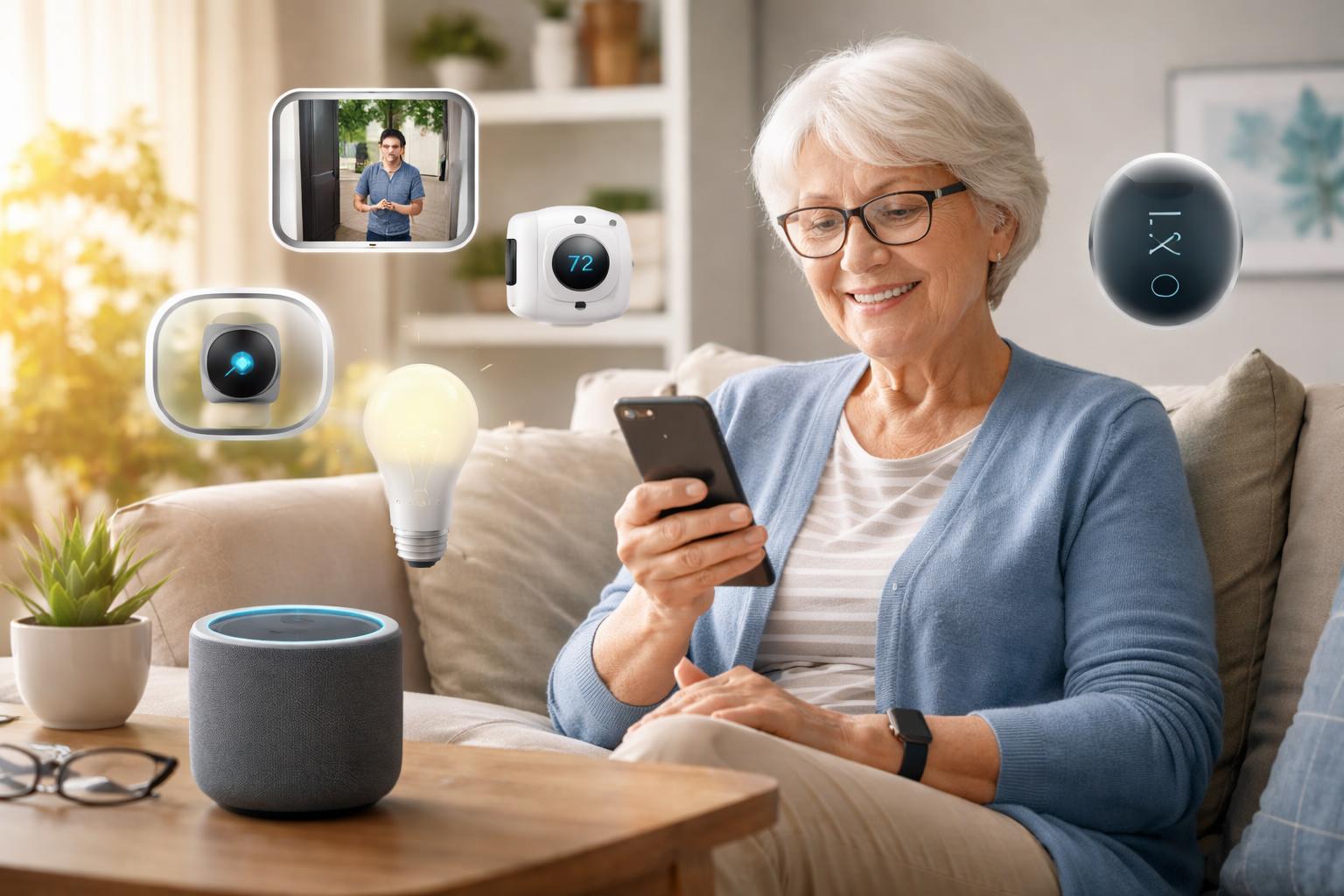
You worry about your aging parents or loved ones living alone. You want them to stay safe and comfortable in their own home, enjoying their independence for as long as possible. Smart home devices offer practical solutions to help achieve just that, bringing peace of mind to everyone involved.
Why Smart Home Devices Are Essential for Aging in Place
Staying in your own home as you get older is a common wish. Smart home technology can make this wish a reality, providing extra layers of safety, comfort, and connection. These devices aren’t just for tech enthusiasts. They offer simple, effective ways to manage daily tasks and respond to needs.
Imagine knowing your loved one is safe and sound, even when you’re not there. Picture them turning lights on and off with their voice, or easily seeing who’s at the door. Smart home devices can help prevent falls, remind them about appointments, and make communication with family effortless. They help maintain independence and reduce worry.
Smart Displays: Your Home’s Central Command Center
Smart displays are like a helpful assistant and communication hub all in one. They combine a speaker with a touchscreen, making interactions easy and visual. You can see news, weather, video call family, or even follow a recipe.
Google Nest Hub Max
This device is best for seniors who want a simple way to stay connected through video calls and control other smart devices by voice. The large screen makes it easy to see callers and read information. You can set up favorite contacts for one-touch video calls, making it incredibly simple for a loved one to connect with family.
A real limitation is the privacy concern for some. The camera is always present, which can feel intrusive. However, it does have a physical switch to turn off the camera and microphone for complete privacy. A common mistake is not exploring the privacy settings immediately after setup. Always make sure the camera and microphone are switched off or adjusted to your comfort level if you’re not actively using them.
The Google Nest Hub Max also has a feature called Face Match, which recognizes different family members and shows them personalized information. This can be handy for a senior who shares their home with others, or for a family member checking in.
Amazon Echo Show 10
This smart display is best for seniors who prefer Amazon’s Alexa voice assistant and enjoy a screen that can automatically turn to face them during video calls. Its rotating screen ensures you’re always in frame, even if you move around the room.
One downside is that the rotating screen can sometimes feel a bit distracting. It might also be noisy in a very quiet room, though usually it’s quite subtle. Setting up its rotation limits during installation can help avoid it following you into private areas.
The Amazon Echo Show 10 excels at keeping you centered during video calls, which is great for family chats. It also offers a wider range of Alexa skills, from playing audiobooks to setting reminders for medication. For both smart displays, you can pre-load important contacts, so your loved one just has to say, “Call John” or “Call Sarah” to connect instantly.
Smart Doorbells & Security Cameras: Peace of Mind at the Door
Knowing who is at the door without having to get up, or checking in on your home when you’re away, offers immense comfort. Smart doorbells and cameras provide visual security and communication.
Ring Video Doorbell Pro 2
This device is best for seniors who want to see and speak to visitors from anywhere, without needing to open the door. It’s especially useful for those with mobility challenges or anyone wanting to avoid unexpected solicitors.
A limitation is that it requires existing doorbell wiring for power, which means it’s not a battery-operated option. If your home doesn’t have existing doorbell wiring, installation can be more complex and might require an electrician. When installing, remember to clearly define motion zones in the app. This prevents constant alerts from passing cars or neighbors, focusing only on your immediate doorstep.
The Ring Video Doorbell Pro 2 offers high-quality video and radar-powered motion detection. This means it can better detect exactly where an object is and when it crosses a certain threshold, leading to more accurate alerts. This feature helps distinguish between someone just walking by and someone actually approaching your door.
Arlo Pro Security Camera System
This system is best for seniors who need flexible, wire-free outdoor or indoor camera placement and superior video quality. It’s great for monitoring different areas of the property without needing power outlets nearby.
The main limitation is that the cameras are battery-powered, meaning you’ll need to recharge them periodically. Battery life varies by usage and settings. Checking battery levels regularly through the app and having a spare battery or charging station can help avoid gaps in coverage.
The Arlo Pro Security Camera System stands out for its easy, wire-free installation. This makes it a great choice for renters or homes where drilling isn’t an option. Its flexibility allows you to place cameras wherever needed to cover blind spots or monitor specific areas like a garden or driveway. This system often requires a central hub to function, so make sure to factor that into your setup planning. Sometimes, depending on the size of the home, you might even need to consider if you Do You Need a Matter Hub in 2026? Essential Devices for Seamless Smart Home Control for all your smart devices to work together.
Smart Lighting: Simple Safety and Convenience
Smart lights go beyond just turning on and off. They can be dimmed, change colors, and even be scheduled. This adds security, comfort, and helps prevent falls by always having a light when and where it’s needed.
Philips Hue Smart Lights
Philips Hue smart lights are best for seniors who want reliable, customizable lighting for safety, ambiance, and energy savings. They are excellent for creating routines, like lights slowly brightening in the morning or dimming at night. You can even set them to turn on automatically when you enter a room with a motion sensor.
A limitation is that for a full-home setup, you’ll need a Philips Hue Bridge (hub), which is an extra cost and device. However, individual bulbs can often connect directly via Bluetooth for a single-room setup. A useful tip for setup: consider placing a Hue motion sensor in high-traffic areas like hallways or bathrooms. This ensures lights come on automatically when needed, reducing the risk of falls in the dark, without having to remember voice commands or physical switches.
Smart Plugs: Making Any Appliance Smart
Smart plugs are simple devices that plug into a regular wall outlet. You then plug your existing lamp, coffee maker, or fan into the smart plug. This instantly makes that appliance “smart.”
TP-Link Kasa Smart Plugs
TP-Link Kasa smart plugs are best for seniors who want to add smart control to existing non-smart appliances without replacing them. They’re incredibly easy to set up and use, perfect for lamps, fans, or even small kitchen appliances. You can turn them on or off with your voice or through a simple app.
The main limitation is that they only offer on/off control, not advanced features like dimming for lamps or temperature control for heaters. Also, be careful not to plug in high-wattage appliances that exceed the plug’s power rating, which can cause damage or be a fire hazard. Always check the appliance’s wattage and the smart plug’s specifications. These plugs are perfect for setting simple schedules, like having a bedside lamp turn on automatically at sunset or a fan turn off overnight.
Home Security Systems: Comprehensive Protection
For truly comprehensive protection, a full smart home security system offers peace of mind through professional monitoring and interconnected sensors.
SimpliSafe Home Security System
The SimpliSafe Home Security System is best for seniors who want a complete, easy-to-install security system with optional professional monitoring. It offers sensors for doors, windows, motion, and even environmental threats like water leaks or fires. Its wireless design makes it suitable for many homes.
A limitation is that the basic system relies on a cellular connection for monitoring, which requires a monthly subscription fee. While reliable, this adds to the ongoing cost. When installing, carefully consider placement of sensors. Entry sensors should be on main doors and windows. Motion sensors are best in high-traffic areas, but away from heat sources or vents that could trigger false alarms. Testing the system regularly after setup is crucial to ensure all sensors are communicating correctly.
What to Look For Before You Buy
Before you buy any smart home device for a senior, consider these key points:
- Ease of Use: Look for devices with simple controls, clear voice commands, and user-friendly apps. The goal is to make life easier, not more complicated.
- Privacy and Security: Understand how your data is protected and whether cameras and microphones can be easily turned off. Prioritize devices with strong encryption and clear privacy policies.
- Reliable Connectivity: Ensure the device works well with your home’s Wi-Fi. Consider how far your router is from the device and if you might need a Wi-Fi extender for larger homes.
- Compatibility: Check if new devices will work with any existing smart home setup. Look for Matter-compatible devices for future-proof integration.
- Professional Monitoring Options: For security systems, decide if 24/7 professional monitoring is important for immediate emergency response.
Comparison: Google Nest Hub Max vs. Amazon Echo Show 10
Choosing between these two smart displays often comes down to personal preference for voice assistants and specific features.
| Feature | Google Nest Hub Max | Amazon Echo Show 10 |
|---|---|---|
| Voice Assistant | Google Assistant | Amazon Alexa |
| Screen Movement | Static (does not rotate) | Rotates to face you during interactions |
| Video Calling | Excellent, clear display | Excellent, keeps you in frame with rotation |
| Camera Privacy | Physical switch for camera and mic | Physical switch for camera and mic |
| Primary Use Case | Central hub for Google ecosystem, video calls, general info | Central hub for Alexa ecosystem, video calls, smart home control |
| Best For | Users who prefer Google services and a static display. | Users who prefer Alexa and dynamic screen following. |
Who Should Buy This
The Independent Senior Who Loves to Connect: If you or your loved one enjoys video calls with family and wants simple voice control for daily tasks, a smart display like the Google Nest Hub Max or Amazon Echo Show 10 is a perfect starting point. It offers communication and quick access to information.
The Safety-Conscious Homeowner: For those prioritizing security and peace of mind, a combination of smart doorbells, security cameras like the Arlo Pro System, and a comprehensive SimpliSafe Home Security System provides robust protection against intruders and environmental hazards.
The Senior Seeking Simple Comforts: If you’re looking for an easy way to make everyday living more comfortable and safer, smart lighting from Philips Hue and TP-Link Kasa smart plugs can automate lights, fans, and other appliances, preventing falls and saving effort.
Frequently Asked Questions
How easy are these devices to set up for seniors?
Many smart home devices are designed for relatively easy setup, often guided by an app. However, initial setup can be daunting for someone not tech-savvy. It’s often best for a family member or trusted friend to help with the first installation and customization.
Do smart home devices require Wi-Fi?
Yes, almost all smart home devices need a stable home Wi-Fi connection to function correctly. Ensure your Wi-Fi router is working well and provides good coverage throughout the home where devices will be placed.
What about privacy concerns with cameras and microphones?
Privacy is a valid concern. Most smart displays and cameras offer physical shutters or switches to turn off the camera and microphone. Always review the device’s privacy settings and place devices thoughtfully to maintain comfort.
Can these systems call for help in an emergency?
Some devices, particularly smart displays, can be configured to make calls to emergency contacts. Dedicated security systems like SimpliSafe often offer professional monitoring services that can dispatch emergency services directly when an alarm is triggered.
What if I’m not tech-savvy?
Don’t worry! Many smart home devices are designed to be intuitive once set up. Start with one or two simple devices, like smart plugs or a smart display, to get comfortable. Have a family member or friend help with initial setup and show you the basics.
Final Verdict
For seniors living alone, the most impactful and practical starting point for a smart home is a smart display, specifically the Google Nest Hub Max. Its large screen, excellent video calling, and Google Assistant integration offer the best blend of communication, information access, and simple smart home control. This foundation provides immediate benefits for safety, connection, and daily convenience, making it the clear winner for initial adoption.
Take the first step towards enhanced safety and independence by exploring the Google Nest Hub Max for your loved one’s home.